Copying a Demo/Loaner Account Configuration
-
Navigate to Configuration > Rental > Demo Loaner Accounts.
-
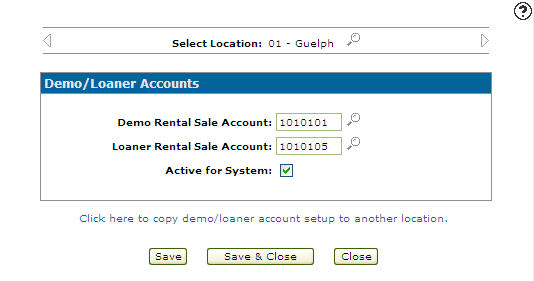
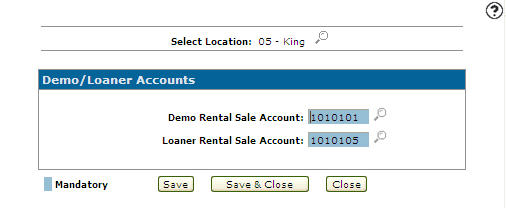
On the Demo/Loaner Accounts screen, select a Location by clicking on the Search
 icon next to the Select Location field.
 -
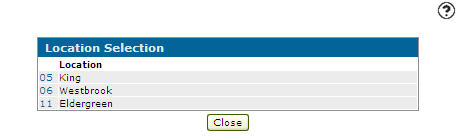
On the Location Selection screen, click on a Location.
Note:
Click on the Previous or Next
  icon to scroll to the next location or back to a previous location. Only locations that have been previously set up will appear when using the Previous or Next icons.
 -
Select the Click here to copy demo/loaner account set up to another location link.
-
On the Location Selection screen, only locations that do not already have accounts set up appear. Select a copy Location.
-
Click the Save button to copy the previously selected accounts to the new location.
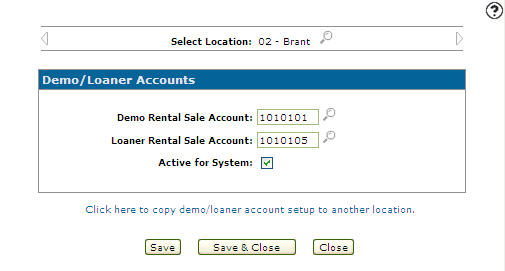
 The Demo/Loaner Accounts screen appears.