
Viewing Financial Ratios
-
Navigate to Management Central > Financial > Financial Ratios.
-
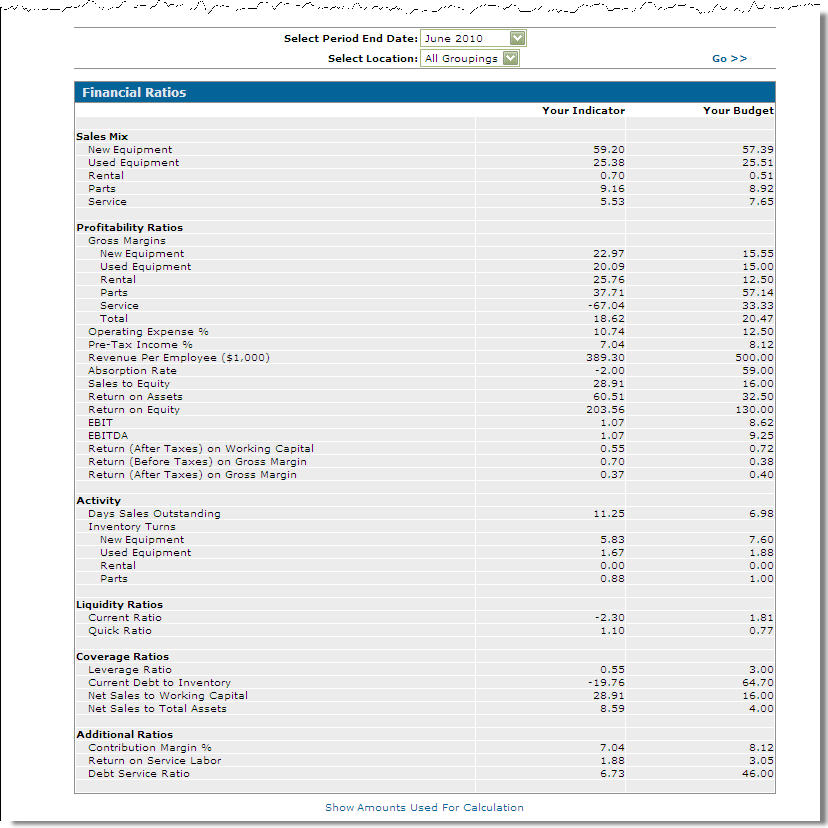
The Financial Ratios screen appears.
-
On the Financial Ratios screen, select a period end date from the Select Period End Date field drop down list.
-
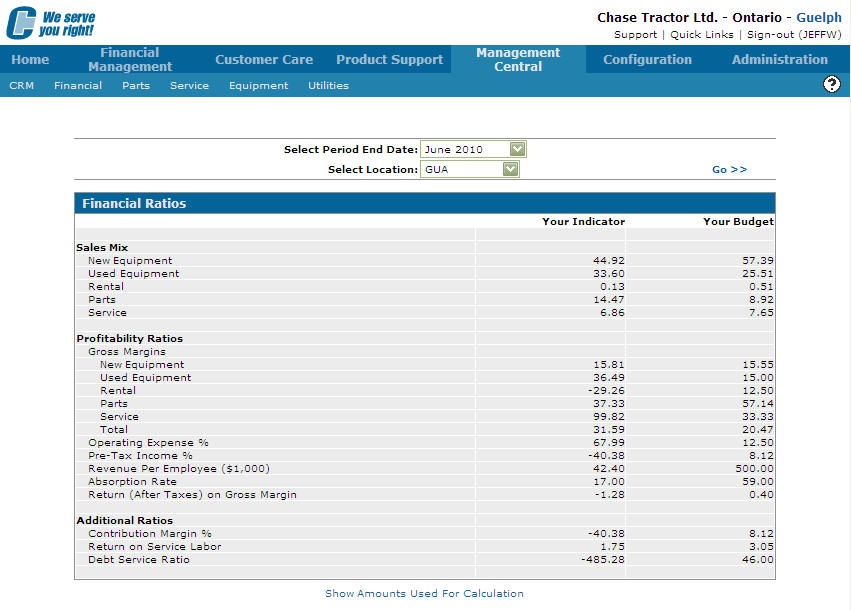
Select a location grouping from the Select Location field drop down list.
-
Click the Go >> link. The Financial Ratio screen refreshes displaying financial ratios based on the criteria selected.
-
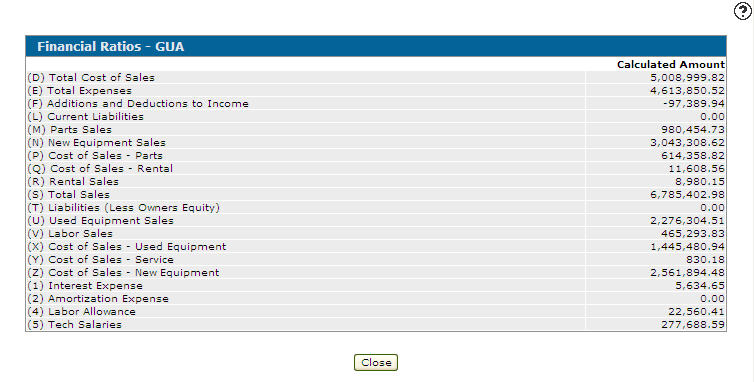
Click the Show amounts used for calculations link. The Financial Ratios screen appears allowing you to view the values used to calculate the financial budgets.
-
For more information on Financial Ratios, see Financial Ratios Overview.
 Management Central Quick Links screen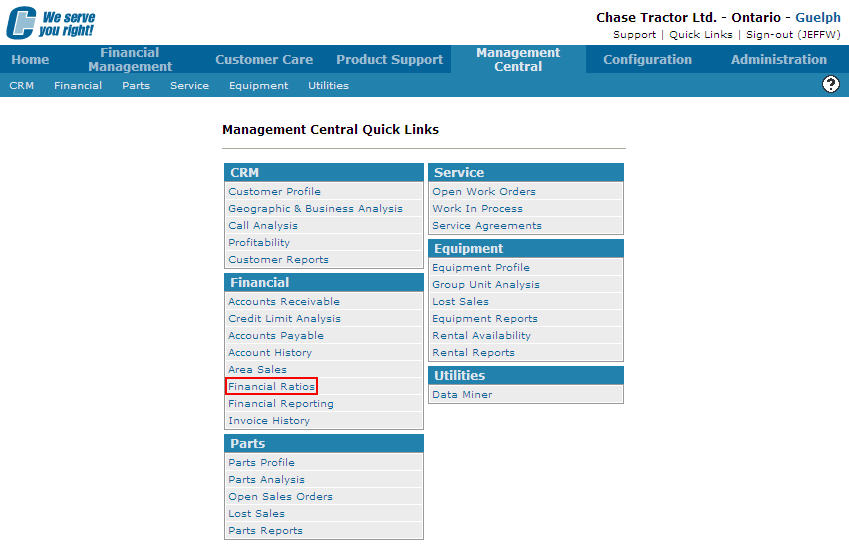
Revision: 2026.01