Checking Rental Availability in IntelliDealer
-
From any IntelliDealer screen, click the Product Support tab.
The Product Support Quick Links screen will appear.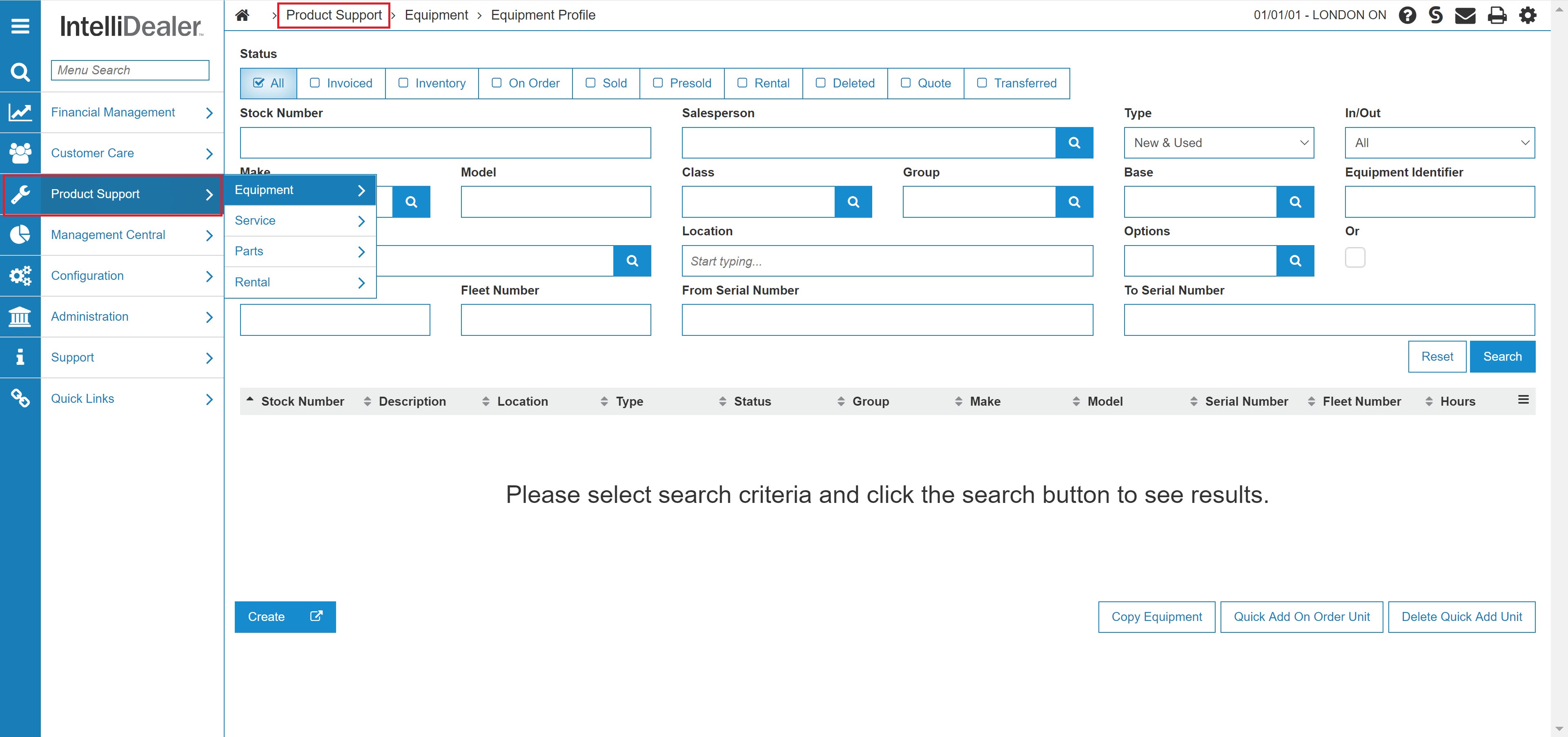
Product Support Quick Links screen.
-
From the Rental list, click the Rental Availability Link.
The Rental Availability screen will appear.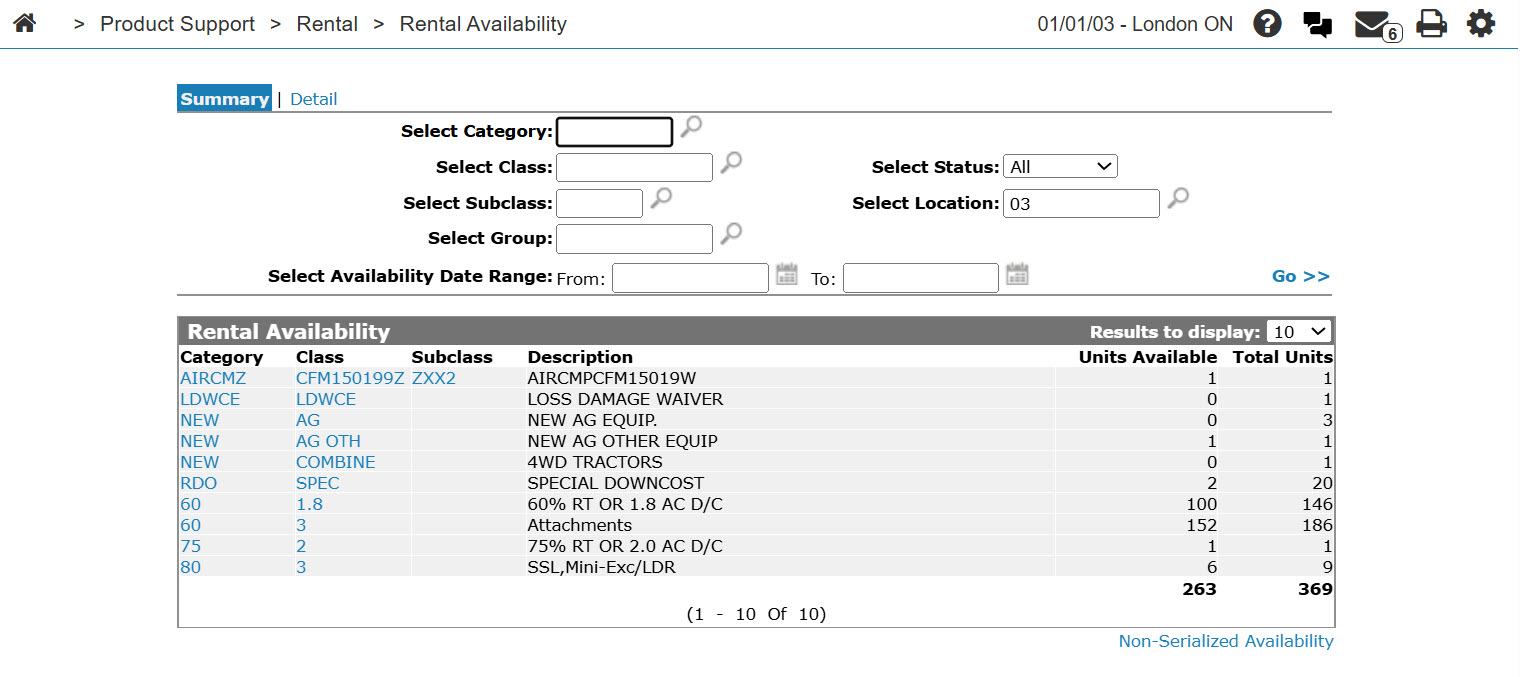
Rental Availability screen
-
On the Rental Availability screen, enter or select the search parameters and click the Go>> link to locate the desired rental equipment.
The Rental Availability chart will update showing the calendar graph indicating the availability of the matching rental equipment. -
Review the equipment availability and, if desired, select the equipment’s Stock Number to view the rental availability and details of that piece of rental equipment.