
Copying a Report Group
-
From any IntelliDealer screen, click the Configuration tab.
The Configuration Quick Links screen appears.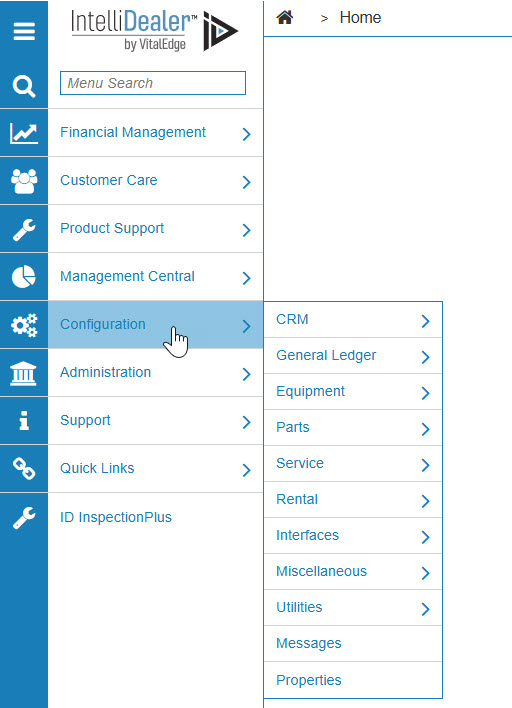
Configuration Quick Links screen
-
From the Parts list, click the General link and select Report Groupings from the drop-down list.
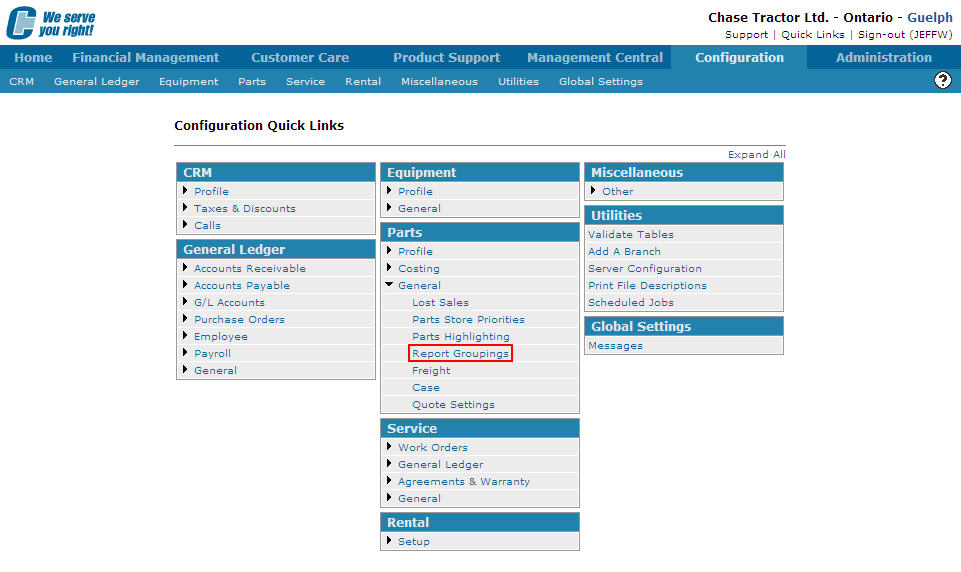
Configuration Quick Links screen
-
The Report Groupings screen appears.
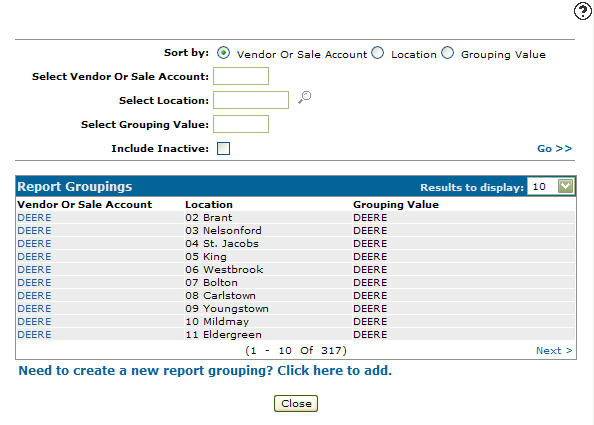
Report Groupings screen
-
On the Report Groupings screen, fill out the appropriate fields and click the Go >> link.
The Report Groupings screen refreshes listing the generated search results.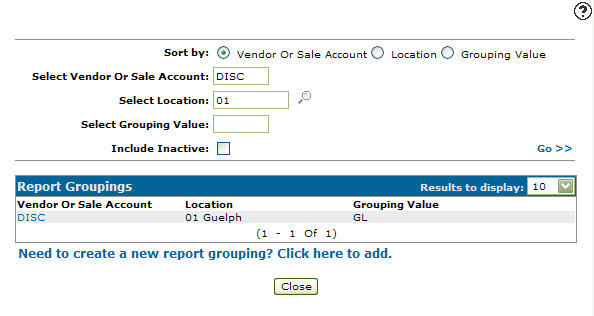
Report Groupings screen
-
Click a Vendor or Sale Account.
The Report Groupings screen appears.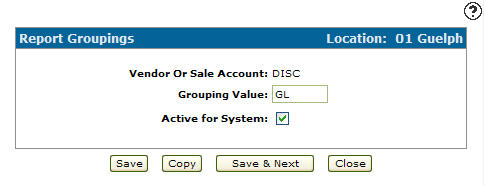
Report Groupings screen
-
On the Report Groupings screen, click the Copy button.
The Report Groupings screen refreshes allowing you to add additional information to the new report group before creating the new copy.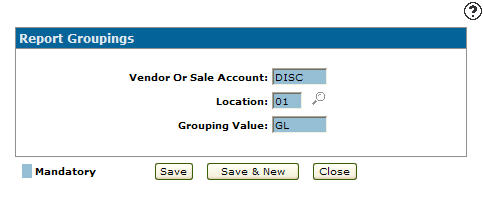
Report Groupings screen
-
Once you have filled out all the desired fields, click the Save button to create the new report group.