
Configuration: Cost Summary Breakdown
Use Cost Summary Breakdown screen to add, delete, and edit the CGICST table (except the Amount field).
To open Cost Summary Breakdown screen, navigate to Configuration > Equipment > Profile > Cost Summary Breakdown.
The fields on the Cost Summary Breakdown screen are:
| Field | Description |
|---|---|
| Description |
A brief description of the summary breakdown. |
| Account Number | The account number associated with the summary breakdown. |
The Create button opens the New window where a new Cost Summary Breakdown can be created.
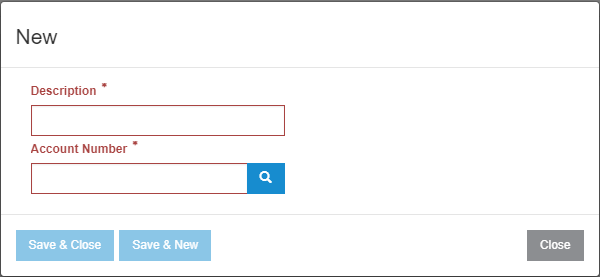
The Save & Close button saves all modifications and closes the window.
The Save & New button saves all modifications and opens a new window for another Cost Summary Breakdown to be created.