
Adding a Lot Code
A lot code added to the system can be used throughout the customer profile module.
-
From any IntelliDealer screen, click on the Configuration tab.
The Configuration Quick Links screen will appear.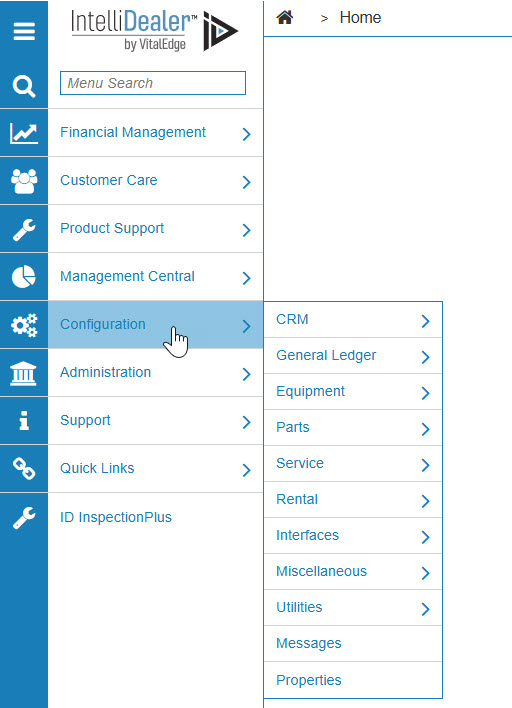
Configuration Quick Links screen
-
From the CRM list, click the Profile link and select Classifications from the drop down list.
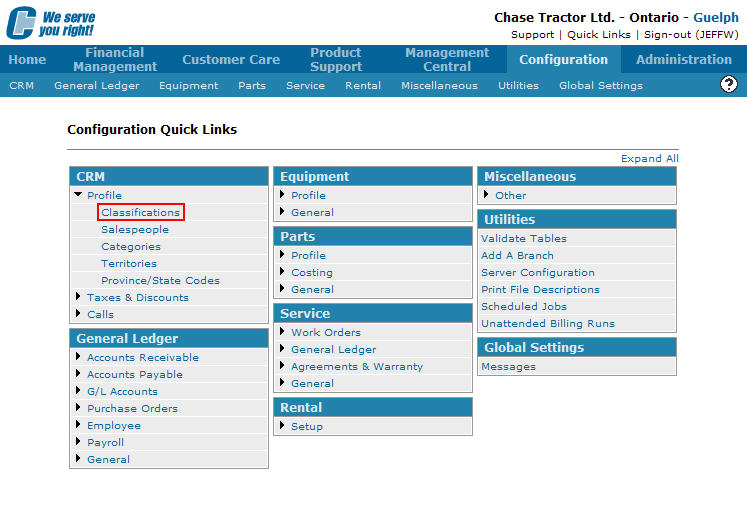
Configuration Quick Links screen
-
The Classifications screen will appear.
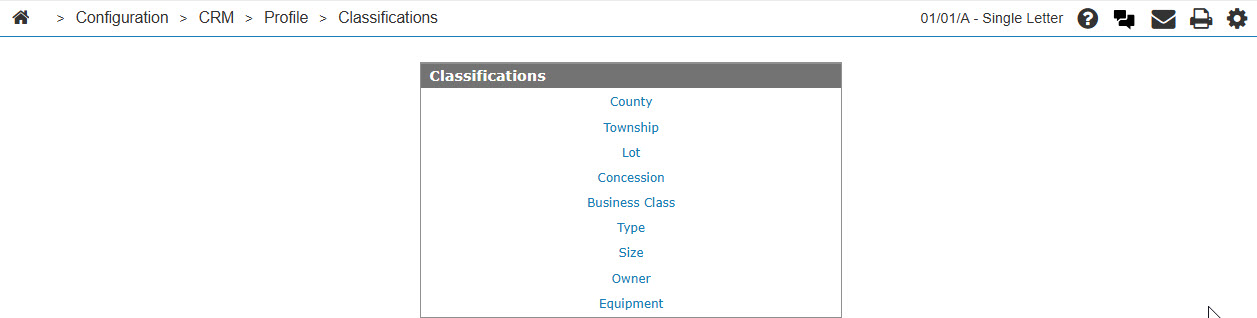
Classifications screen
-
On the Classifications screen, click on the Lot link.
The Lot Codes screen will appear.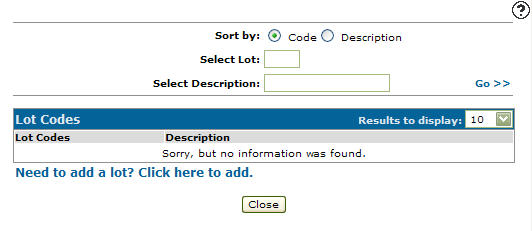
Lot Codes screen
-
On the Lot Codes screen, click on the Need to add a lot? Click here to add link.
The Lot Codes screen will appear.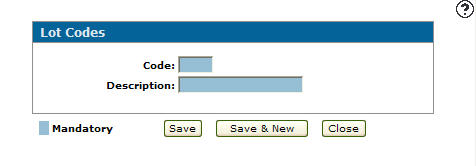
Lot codes screen
-
On the Lot Codes screen, enter a Lot Code used to represent the code within the system.
-
Enter a Description of the lot code.
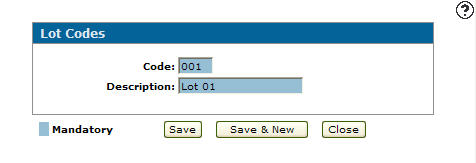
Lot Codes screen
-
Click the Save button to save the new lot code and return to the Lot Codes screen.
- or -
Click the Save & New button to save the new lot code.
The Lot Codes screen will refresh allowing you to add another lot code without closing the screen.