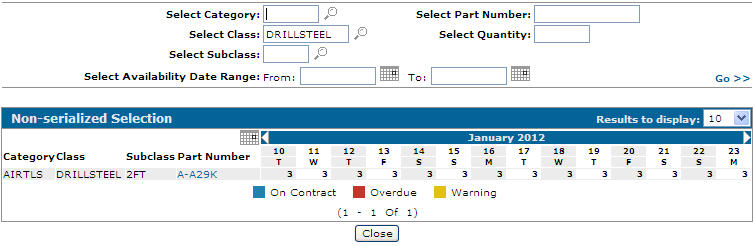
Checking the Availability of Non-Serialized Units
-
From any IntelliDealer screen, click the Product Support tab.
The Product Support Quick Links screen will appear.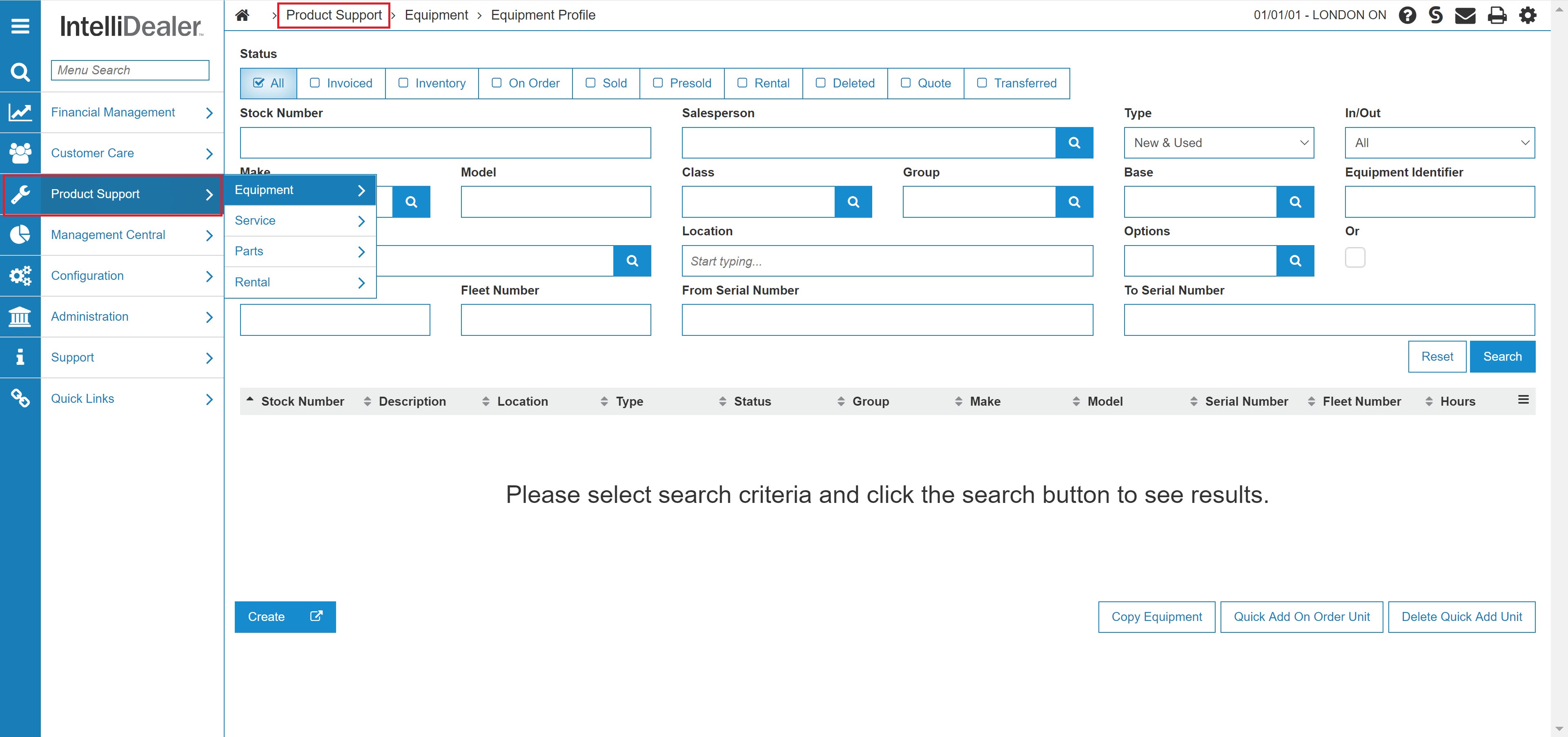
Product Support Quick Links screen.
-
From the Rental list, click the Rental Availability Link.
The Rental Availability screen will appear.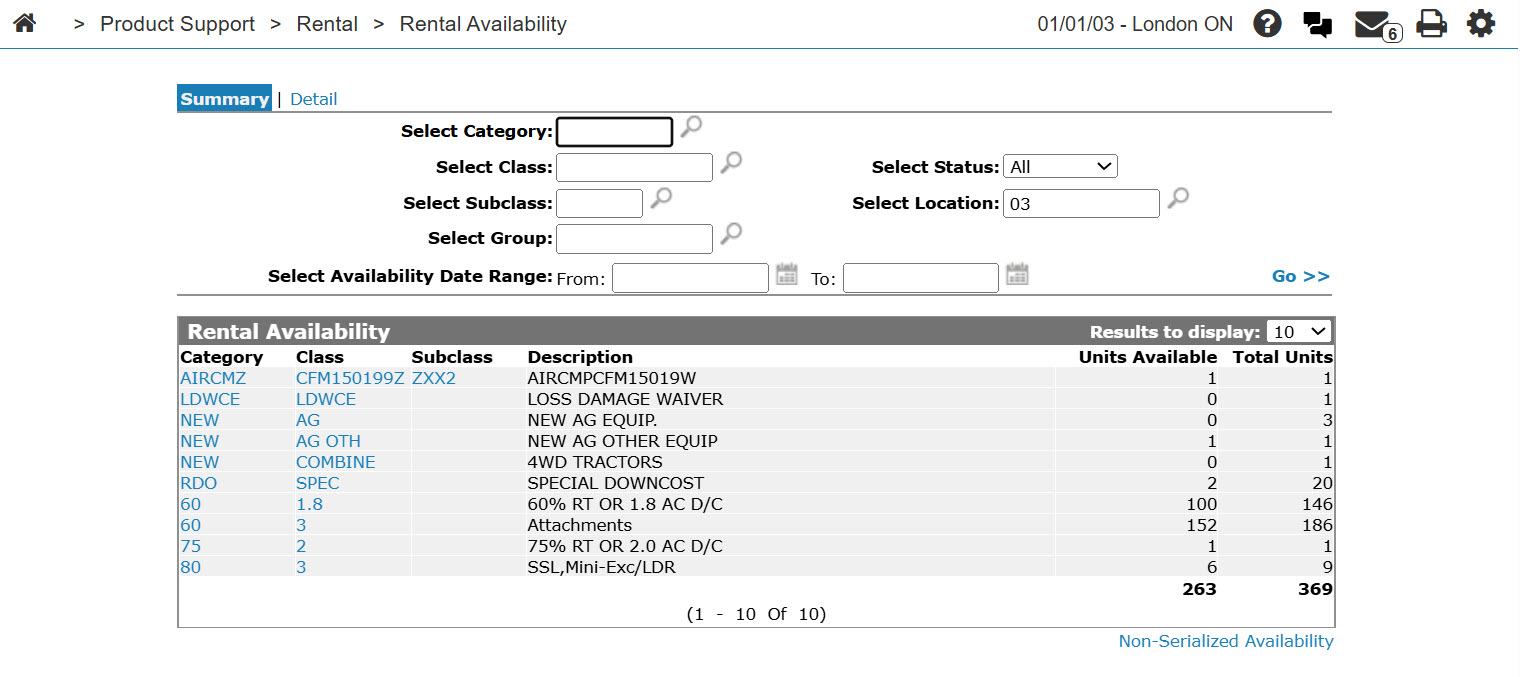
Rental Availability screen
-
On the Rental Availability screen, click on the Non-serialized availability link.
The Non-serialized Selection screen will appear.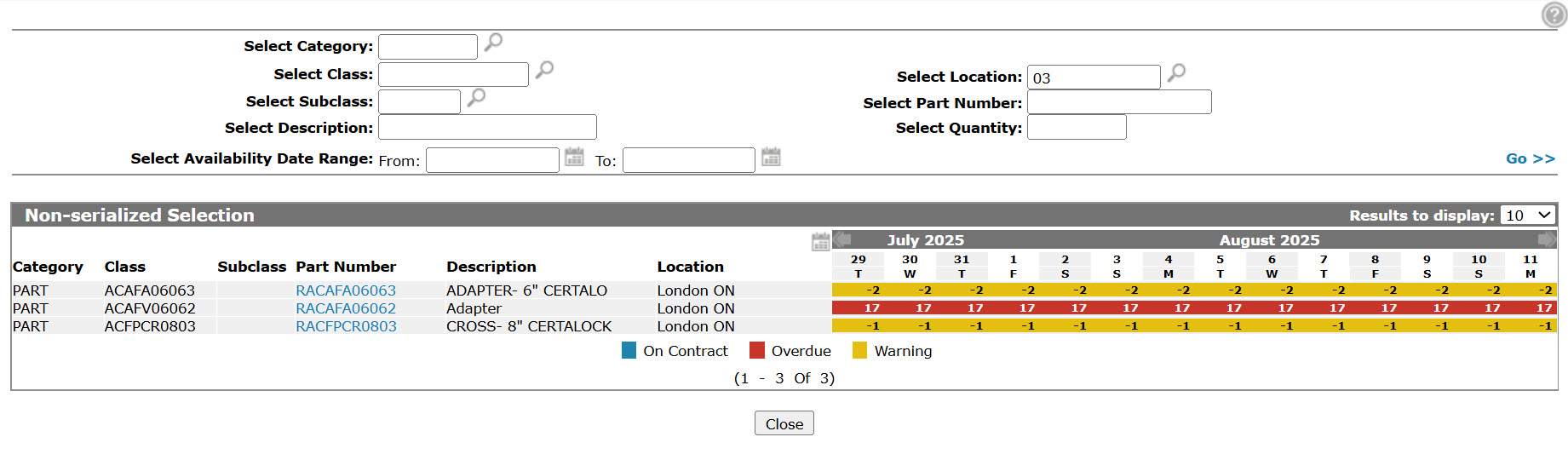
Non-Serialized Selection screen
-
On the Non-serialized Selection screen, your search criteria to locate the desired non-serialized part.
-
Click the Go >> link.
The Non-serialized Selection screen will refresh listing the generated search results, listing the non-serialized unit's availability.