
Deactivating a Salesperson Code
-
From anywhere IntelliDealer screen, navigate to click the Configuration tab.
The Configuration Quick Links screen appears.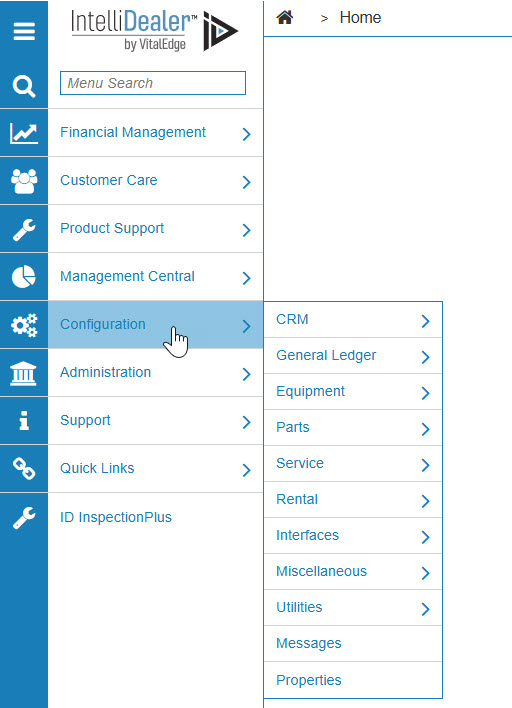
-
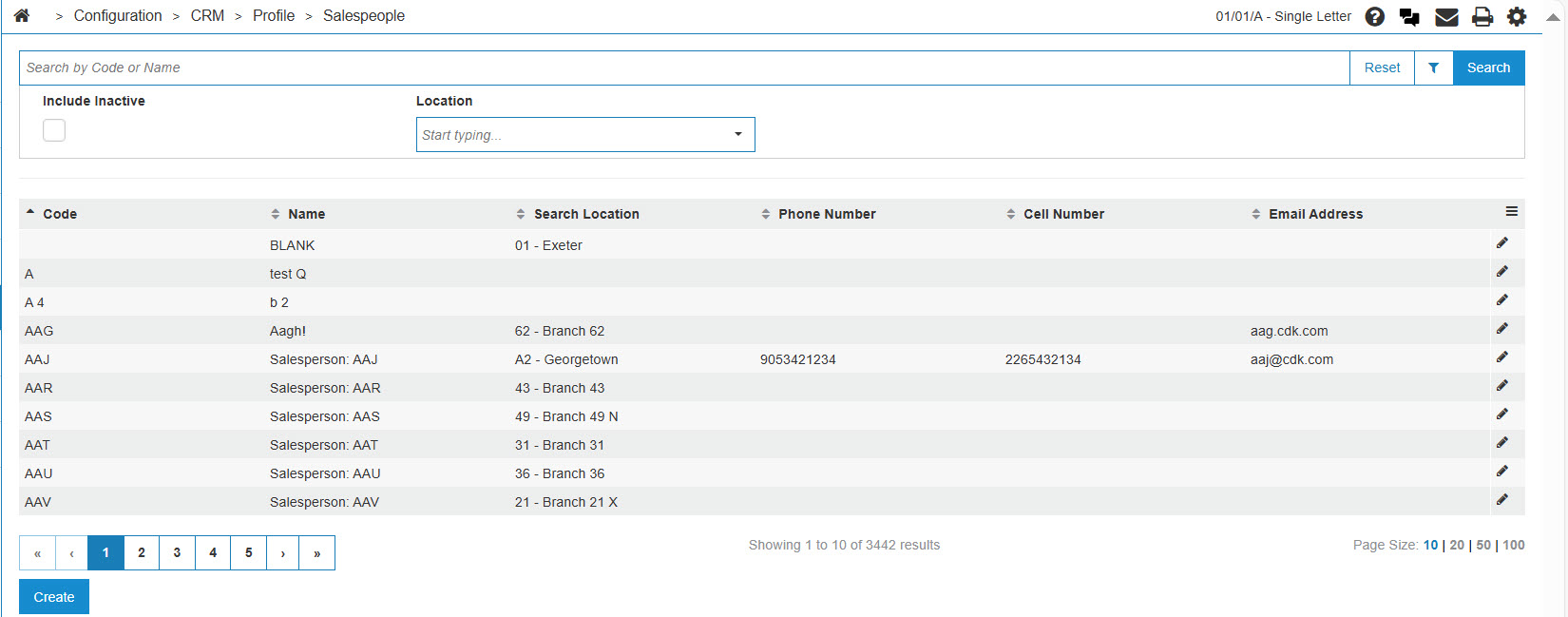
From the CRM list, click the Profile link and select Salespeople from the drop-down list.
-
The Salespeople screen appears.
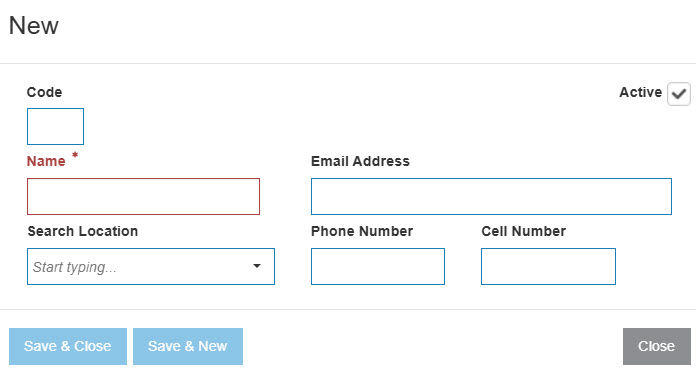
-
On the Salespeople screen, fill out the appropriate fields and click the Go >> link.
The Salespeople screen refreshes displaying the generated search results.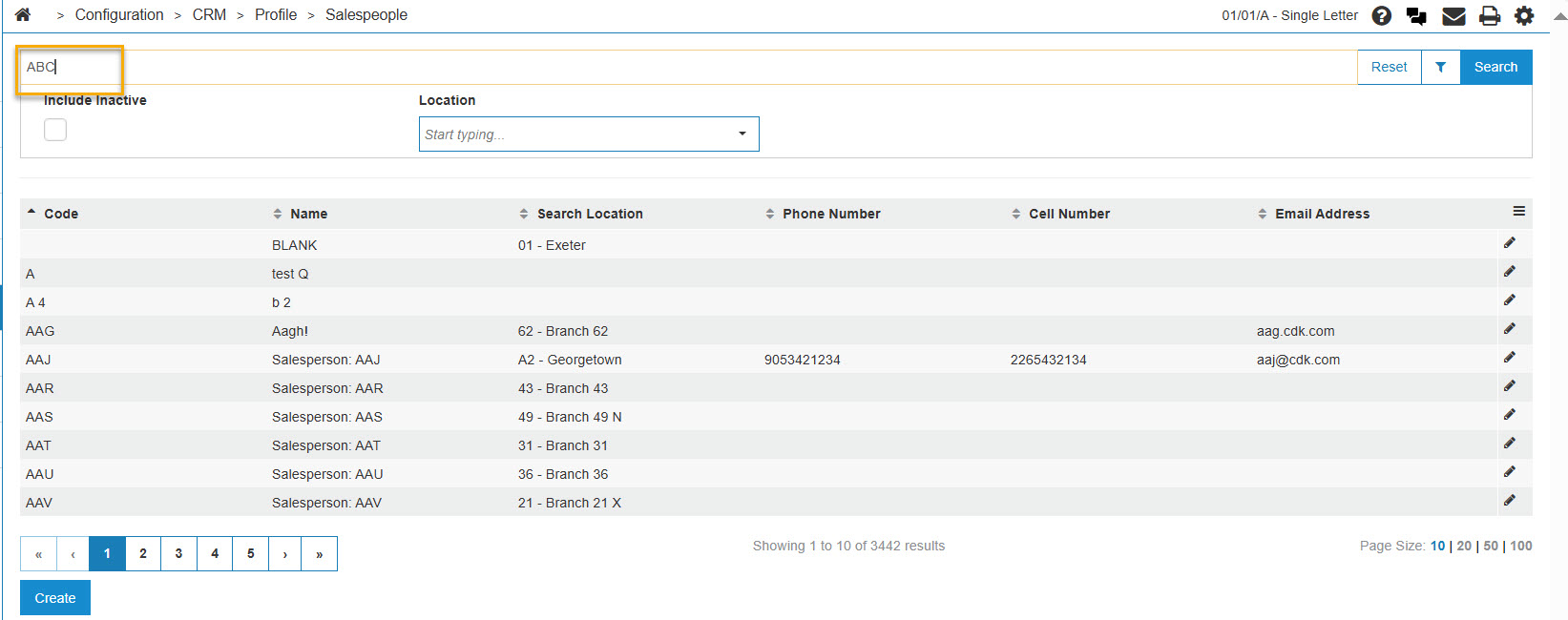
-
Click a Code.
The Salespeople screen appears.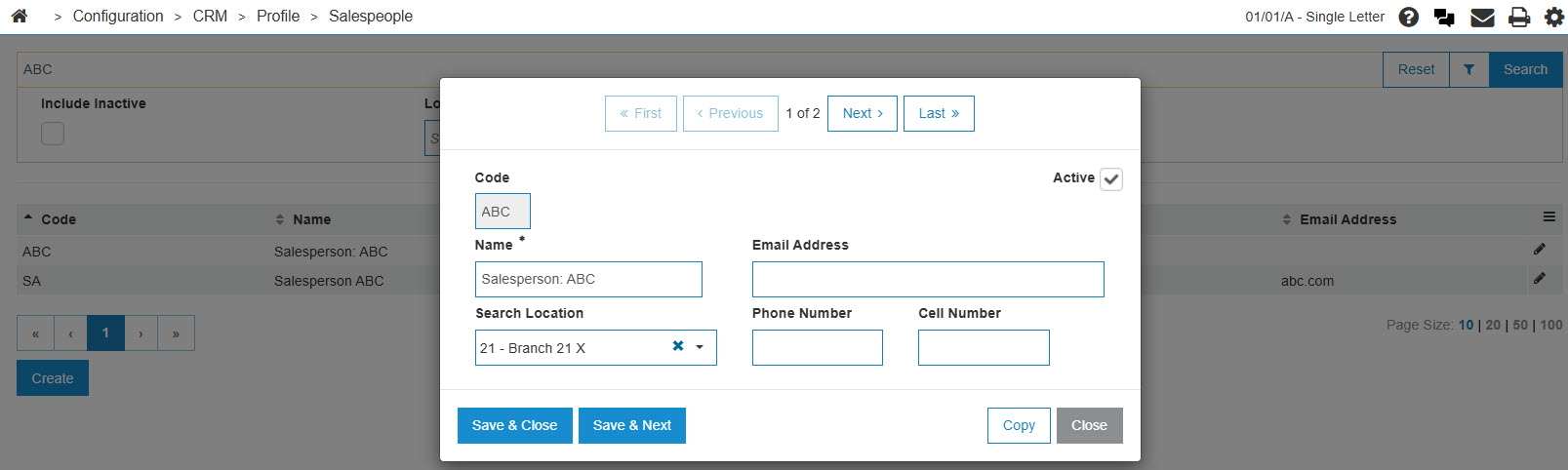
-
On the Salesperson screen, select the Active for System checkbox, removing the checkmark.
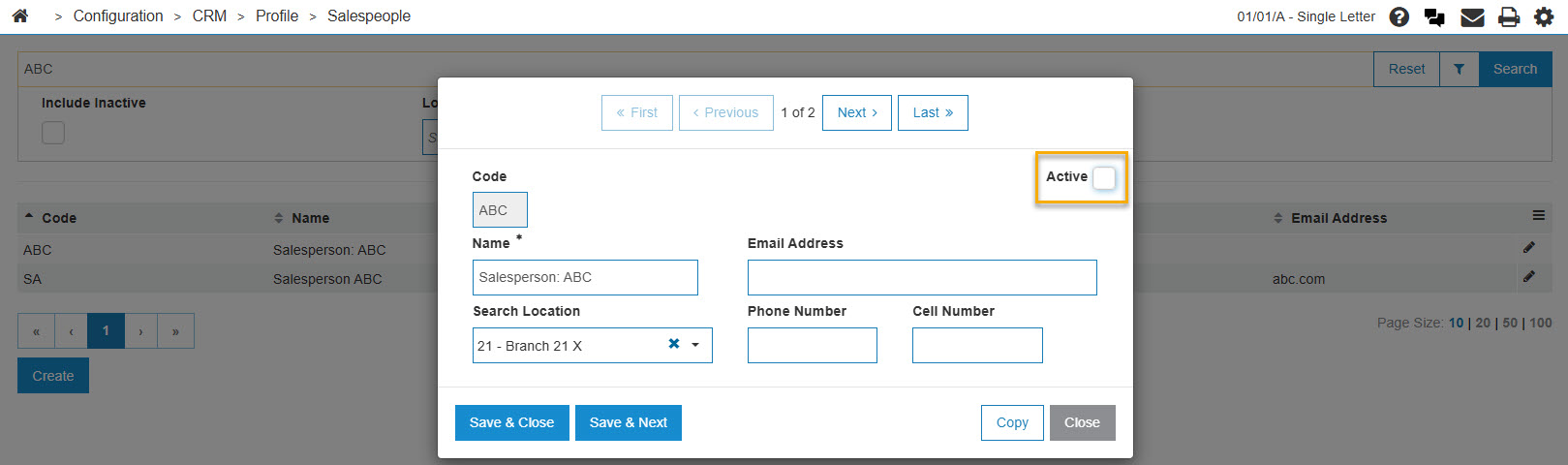
-
Click the Save button to deactivate the salesperson code within the system.