
Configuration: Salespeople Listing
Use the Salespeople screen to edit and add salesperson codes. Configured Salespeople codes are used as a valid codes throughout the system, including on Salesperson Selectionscreen.
Click the Search icon next to a Salesperson field in the system to access the Salesperson selection screen. The Salespeople screen also shows the existing configuration of all previously defined Salespeople.
To open Salespeople screen ,navigate to Configuration > CRM > Profile > Salespeople.
Topics in this section are:
Adding a Salesperson Code
-
Navigate to Configuration > CRM > Profile > Salespeople.
-
Click Create to create a new Salespeople.
-
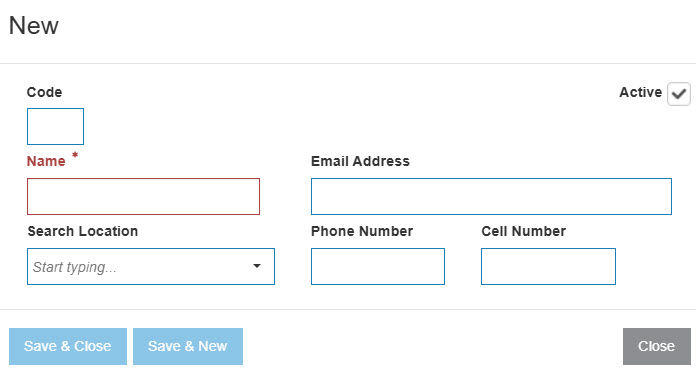
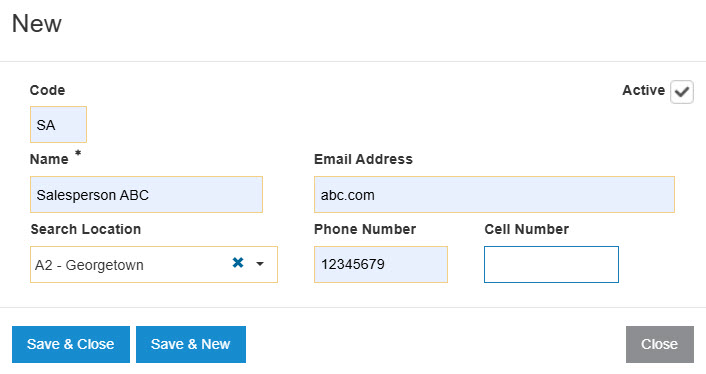
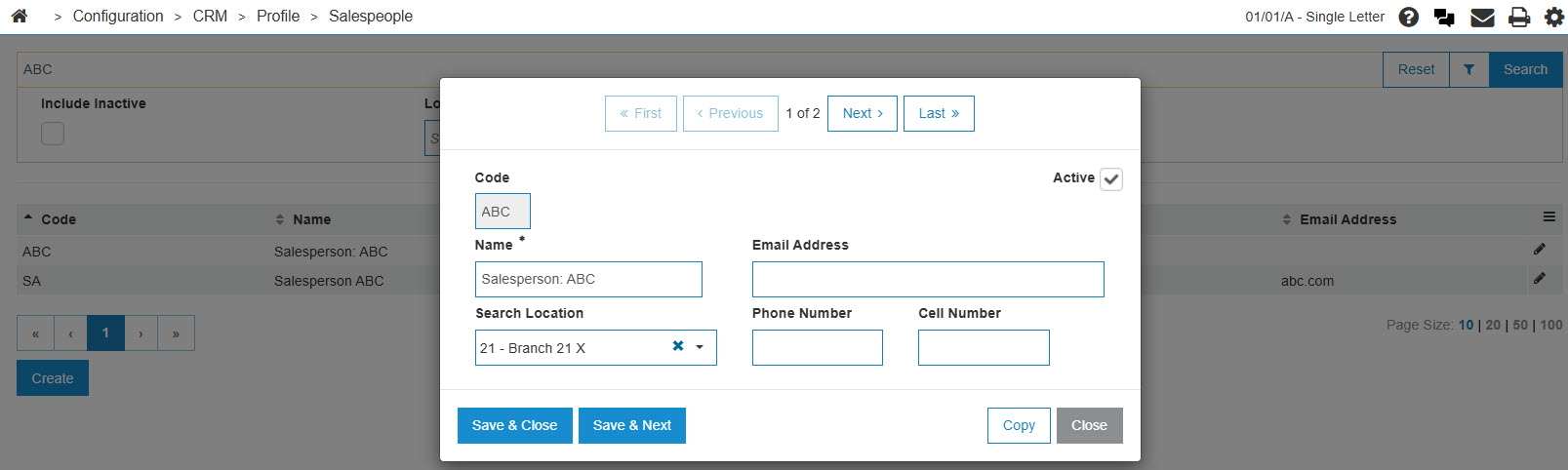
Fill in all fields on the Salespeople screen.
-
Click the Save button to save the new salesperson code and return to the Salespeople screen.
- or -
Click the Save & New button to save the new salesperson code.
The Salespeoplescreen will refresh allowing you to add another salesperson code without closing the screen.
 The
The 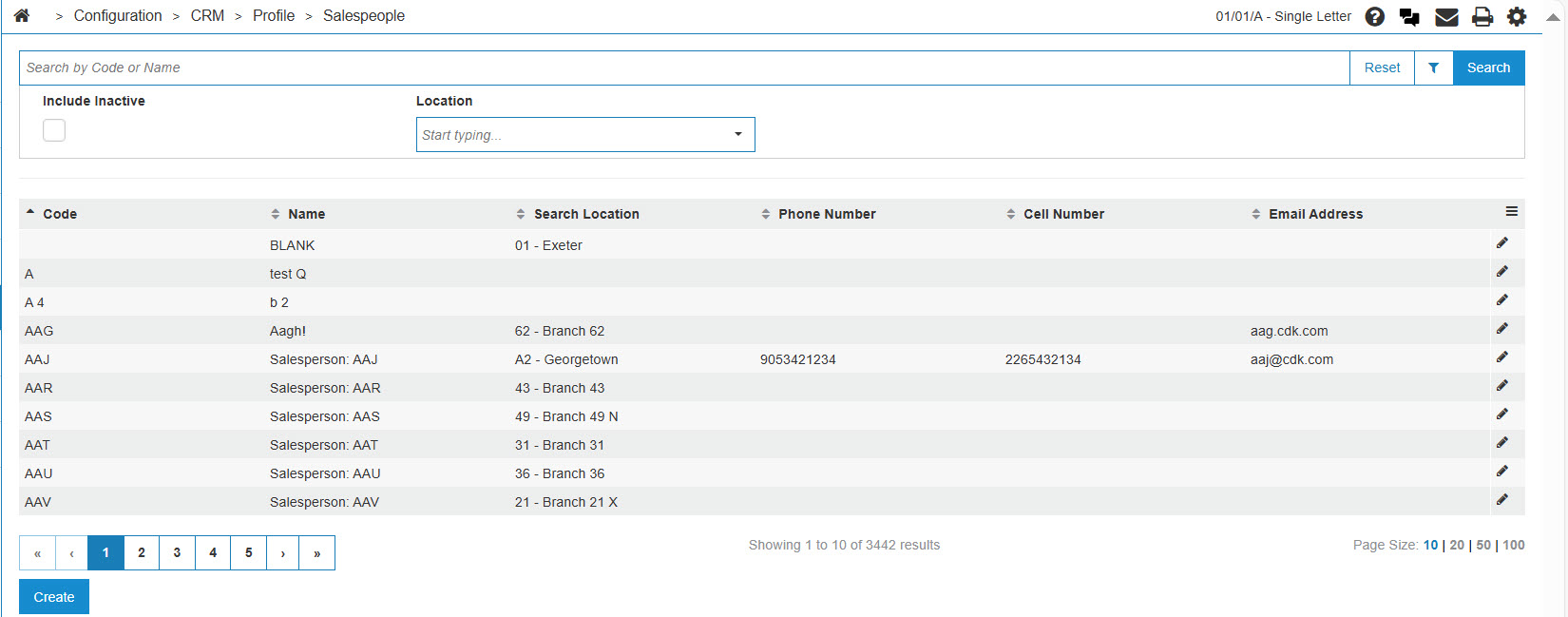
Deactivating a Salesperson Code
-
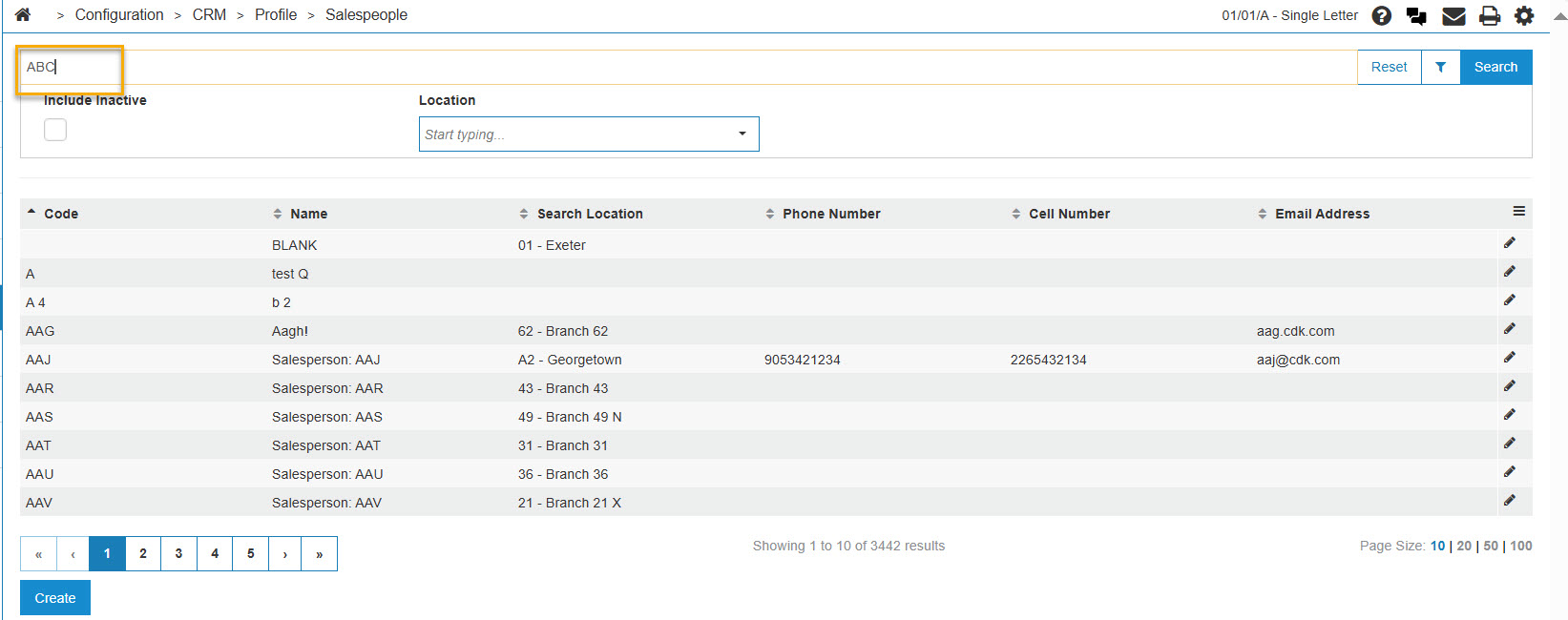
Navigate to the Salespeople screen, and in the Search box, enter the Salesperson Code or Name.
-
Click Code.
-
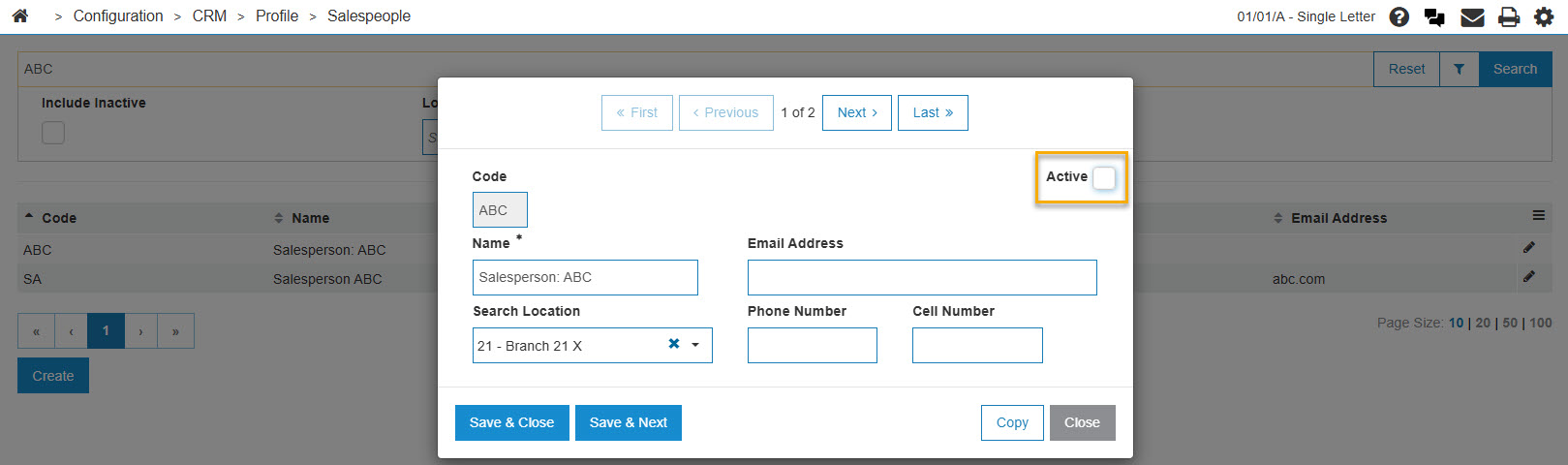
To deactivate the salesperson code, remove the checkmark from the Active checkbox.
-
Click the Save button to deactivate the salesperson code within the system.
Screen Description
The sorting options on the Salespeople screen are:
| Sort by | |
|---|---|
| Field | Description |
| Code | Sort the search results by code. |
| Name | Sort the search results by name. |
The search fields on the Salespeople screen are:
| Field | Description |
|---|---|
| Select Code | Search for salesperson codes by entering a salesperson's code. |
| Select Name | Search for salesperson codes by entering a salesperson's name. |
| Include Inactive | If selected, includes inactive salesperson codes within the search results. |
The fields on the Salespeople screen are:
| Field | Description |
|---|---|
| Code | The salesperson's code. |
| Name | The name of the salesperson. |
Click Close to return to the Salespeople screen.