
Deleting a Rental Reason Code
-
From any IntelliDealer screen, click on the Configuration tab.
The Configuration Quick Links screen will appear.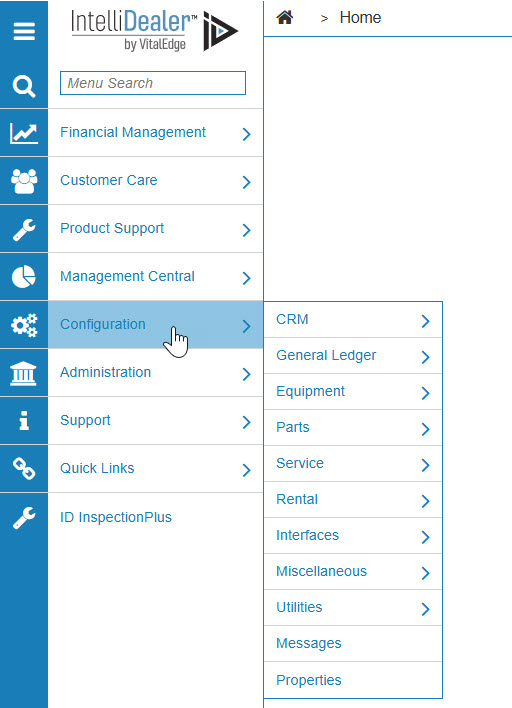
Configuration Quick Links screen
-
From the Rental list, click the Setup link and select Rental Reason Codes from the drop down list.
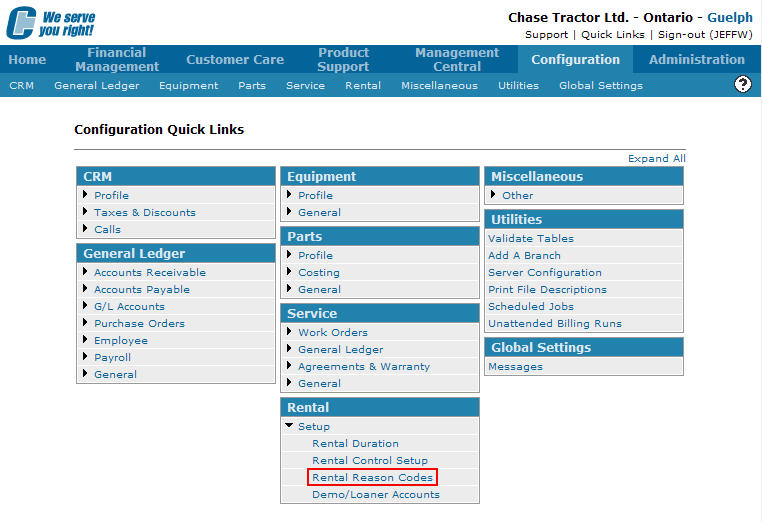
Configuration Quick Links screen
-
The Rental Reason Codes screen will appear.
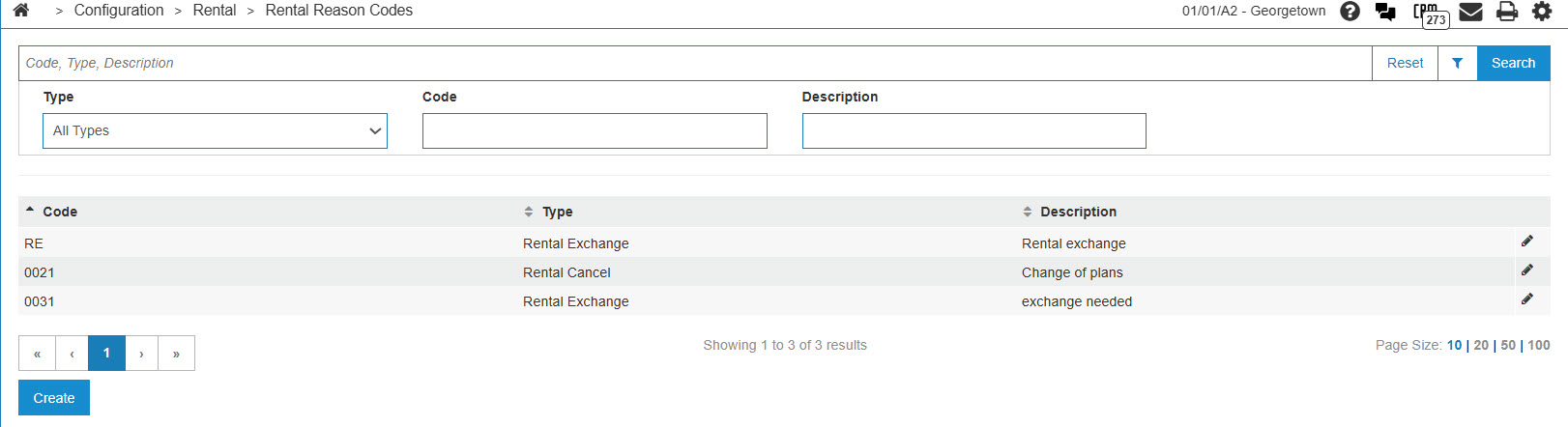
Rental Reason Codes screen
-
On the Rental Reason Codes screen, fill in the appropriate fields and click the Go >> link.
The Rental Reason Codes screen will refresh listing the generated search results.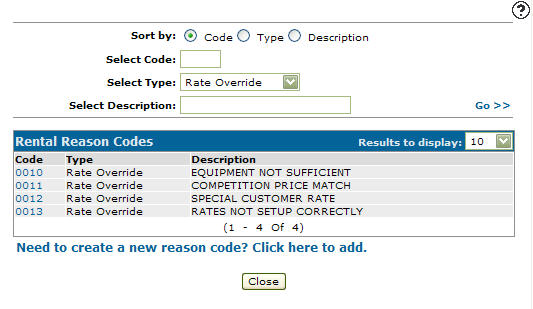
Rental Reason Codes screen
-
Click on a Code.
The Rental Reason Codes screen will appear.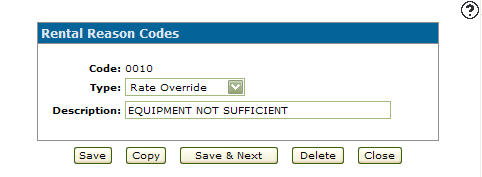
Rental Reason Codes screen
-
On the Rental Reason Codes screen, click on the Delete button.
The Confirmation screen will appear.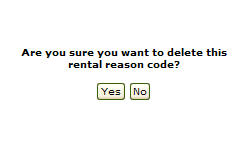
Confirmation screen
-
On the Confirmation screen, click the Yes button.
The Rental Reason Codes screen will appear with the selected rental reason code deleted from the list.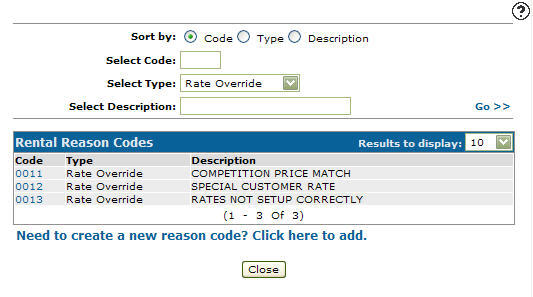
Rental Reason Codes screen