
Error 0570
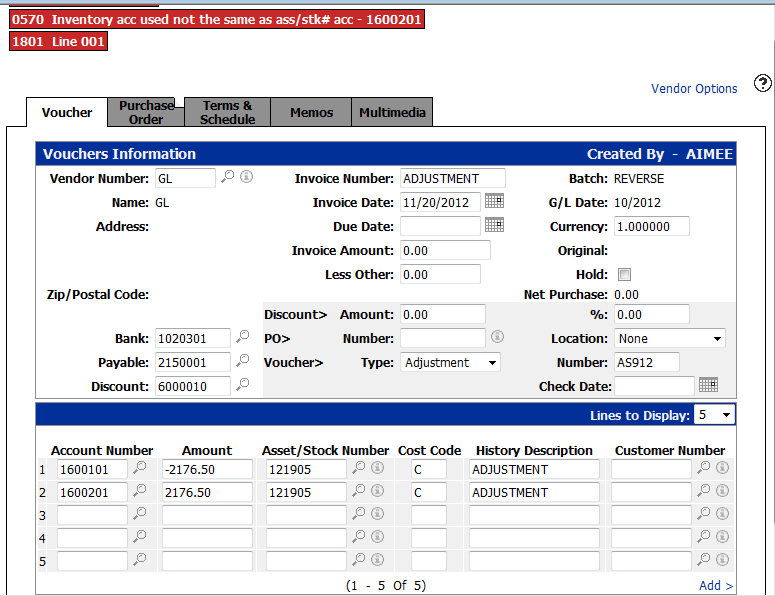
This document explains the available options when funds need to be moved to the correct inventory account, but the unit’s inventory account has already been changed to a new general ledger account number.
The Void function on the Vouchers Information tab will void all distribution lines on the selected voucher.
Resolution Steps
If the dealer needs the transaction to appear in the unit history, complete the following steps:
-
Change the inventory account on the unit back to the original (old) inventory account number.
-
Create a voucher that moves the funds:
-
Debit the old inventory account
- Credit a clearing account
-
-
Update the batch.
-
Change the inventory account on the unit to the new inventory account number.
-
Create a second voucher that moves the funds:
-
Debit the clearing account
-
Credit the new inventory account
-
-
Update the batch.
This method allows the stock number to be used on the voucher and ensures the transaction appears in the unit history.
Revision: 2026.03