
Reactivating an Inactive Salesperson Code
-
From any IntelliDealer screen, click the Configuration tab.
The Configuration Quick Links screen appears.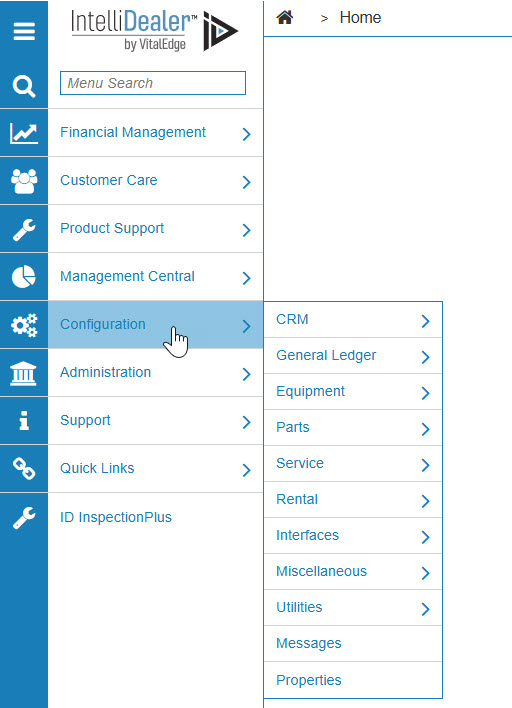
Configuration Quick Links screen
-
From the CRM list, click the Profile link and select Salespeople from the drop-down list.
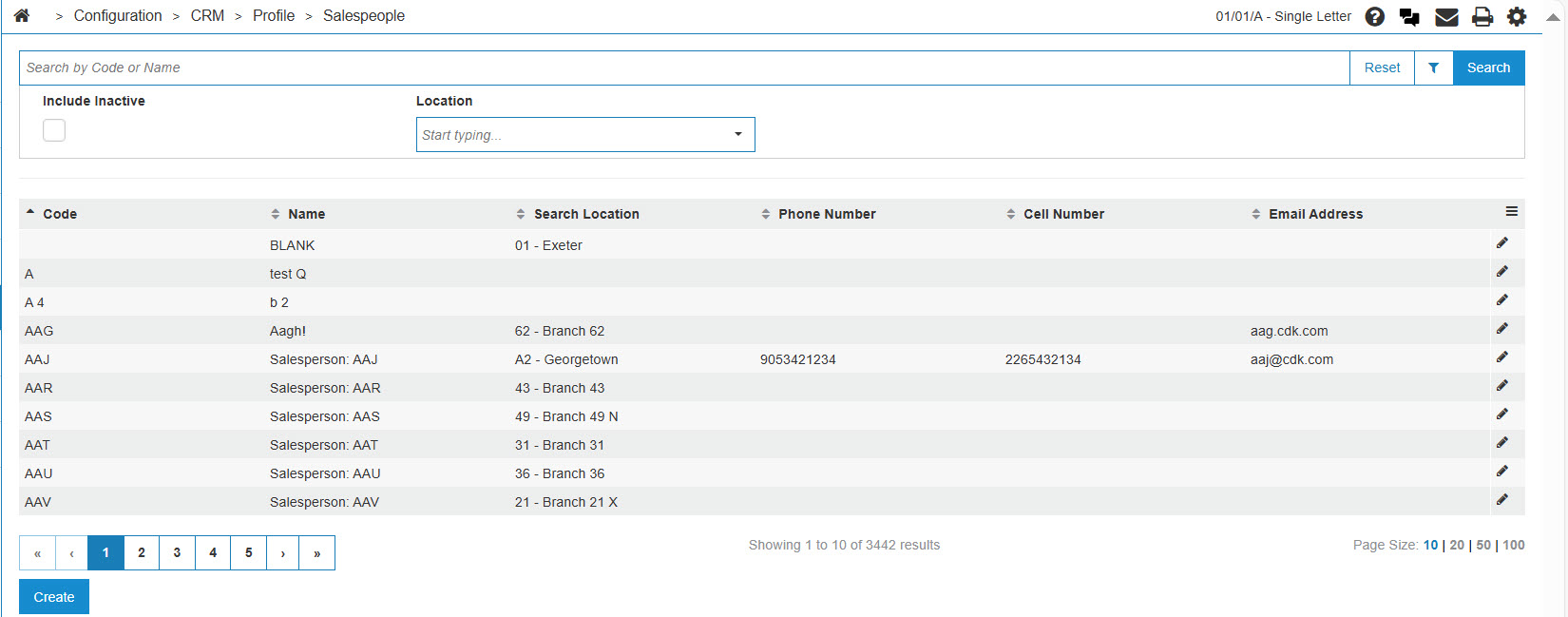
Configuration Quick Links screen
-
The Salespeople screen appears.
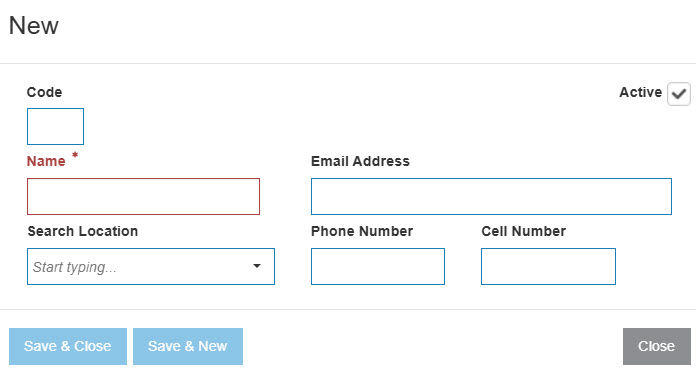
Salespeople screen
-
On the Salespeople screen, enter the inactive salesperson code in the Select Code field.
-
(OPTIONAL) Enter a salesperson name in the Select Name field.
-
Select the Include Inactive checkbox.
Note: You must select the Include Inactive checkbox when searching for inactive salesperson codes.
-
Click the Go >> link.
The Salespeople screen refreshes listing the generated search results.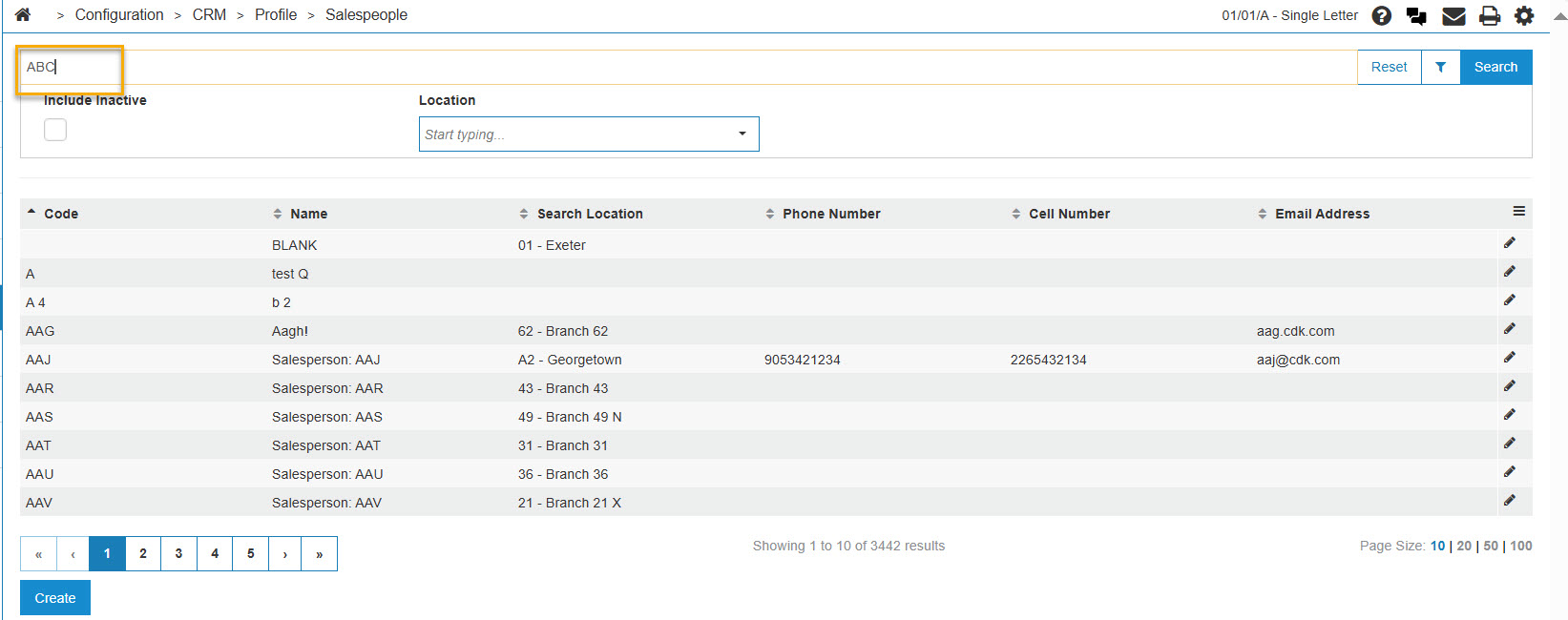
Salespeople screen
-
Click a Code.
The Salespeople screen appears.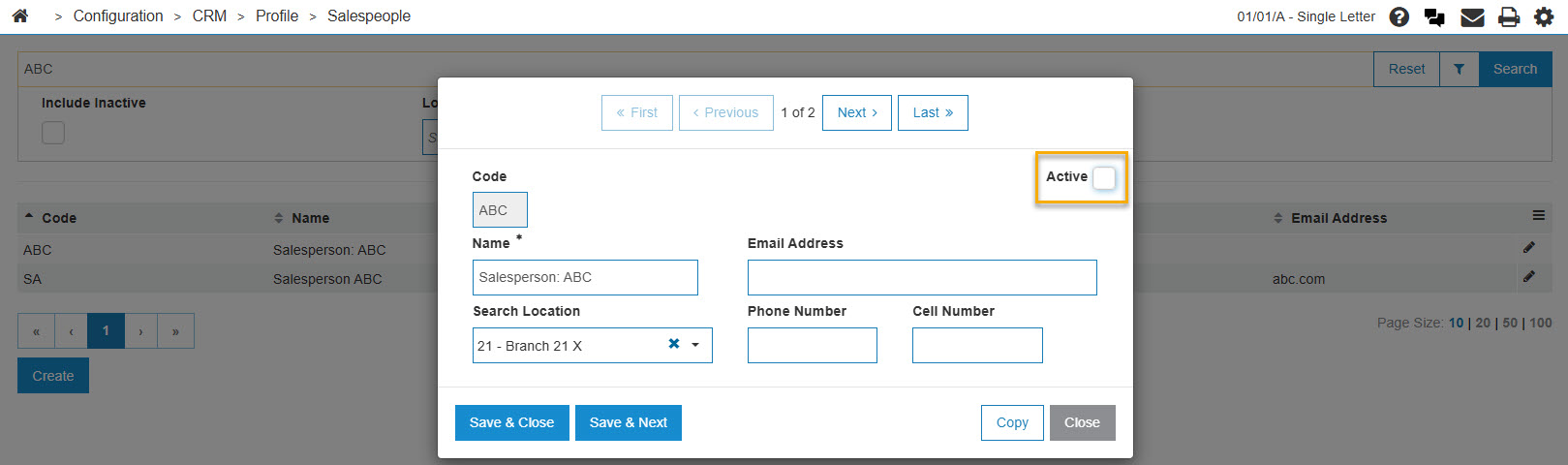
Salespeople screen
-
On the Salespeople screen, select the Active for System field by placing a checkmark in the checkbox.
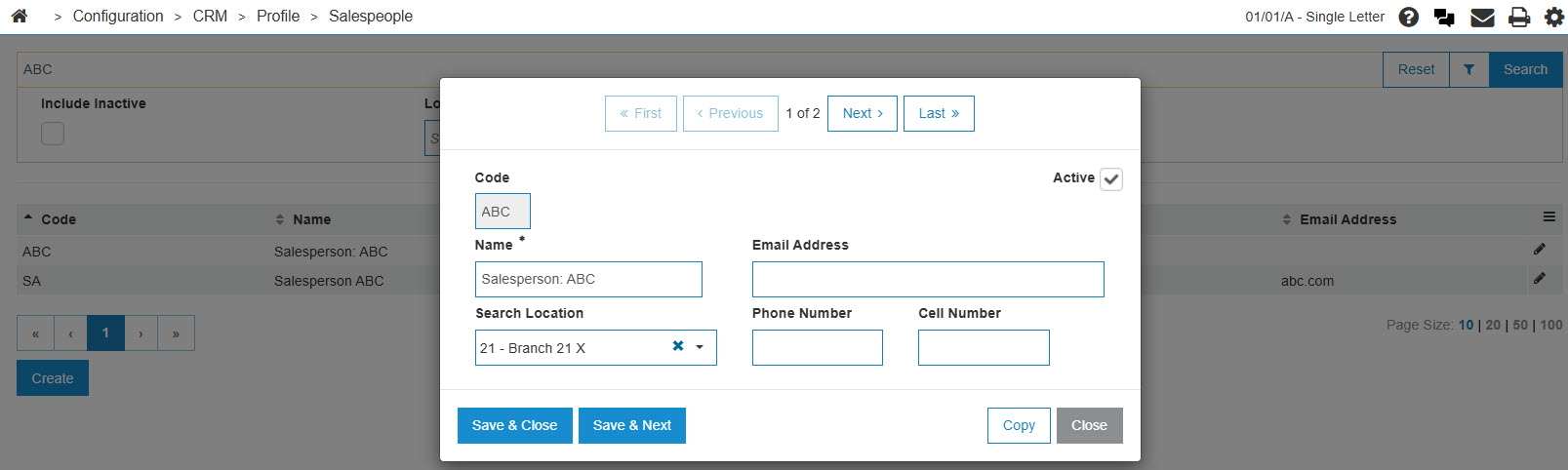
Salespeople screen
-
Click the Save button to reactivate the salesperson code.
The Salesperson screen appears listing the salesperson code as Active.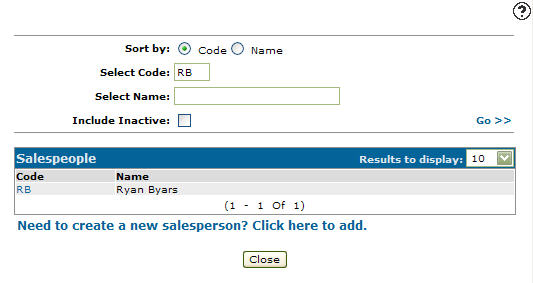
Salespeople screen