
Shipping Instructions
Use the Shipping Instructions screen to create, update, view, and delete shipping instructions.
To open the Shipping Instructions screen, navigate to Configuration > General Ledger > Purchase Orders > Shipping Instructions.
The fields on the Shipping Instructions screen are:
| Field | Description |
|---|---|
| Code | The unique identifier for the Shipping Instruction. |
| Description | A brief description for the Shipping Instruction. |
Click the Create button to create a new Shipping Instruction. The New window opens.
 The New Shipping Instruction window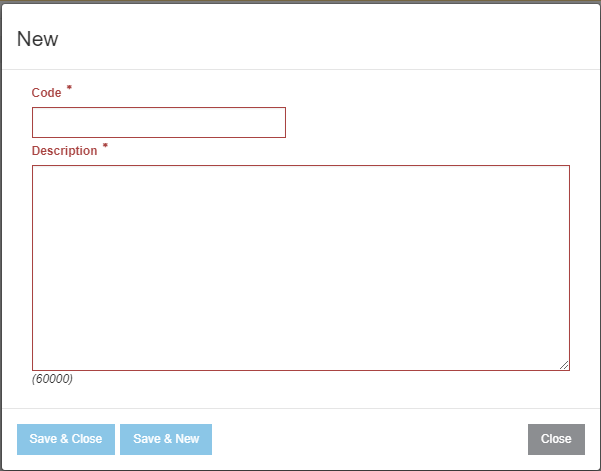
Use these buttons to complete your work:
- Save & Close — Saves all modifications and closes the window.
- Save & New — Saves all modifications and opens a new window for another Shipping Instruction to be created.