
Viewing G/L Details of an Invoice
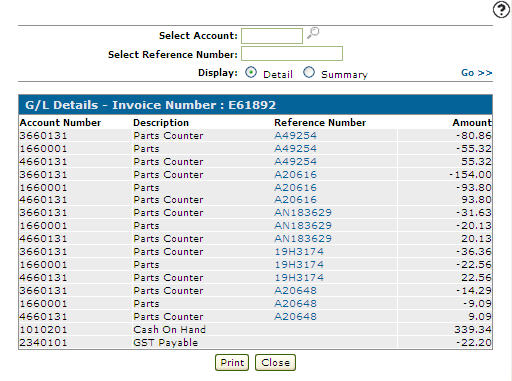
The G/L Details screen allows you to view general ledger details on the selected invoice.
-
Navigate to one of these locations:
-
Financial Management > Accounts Receivable > Invoice History
-
Product Support > Equipment > Invoice History
-
Product Support > Service > Invoice History
-
Product Support > Parts > Invoice History
-
Product Support > Rental > Invoice History
The Invoice History screen appears.
-
-
Enter the search criteria and click Search to locate the desired invoice.
-
Click on an Invoice Number.
The Invoice appears.
-
On the Invoice move the cursor over the Invoice Options link and select G/L Details from the pop-up list.
 Updated Invoice History screen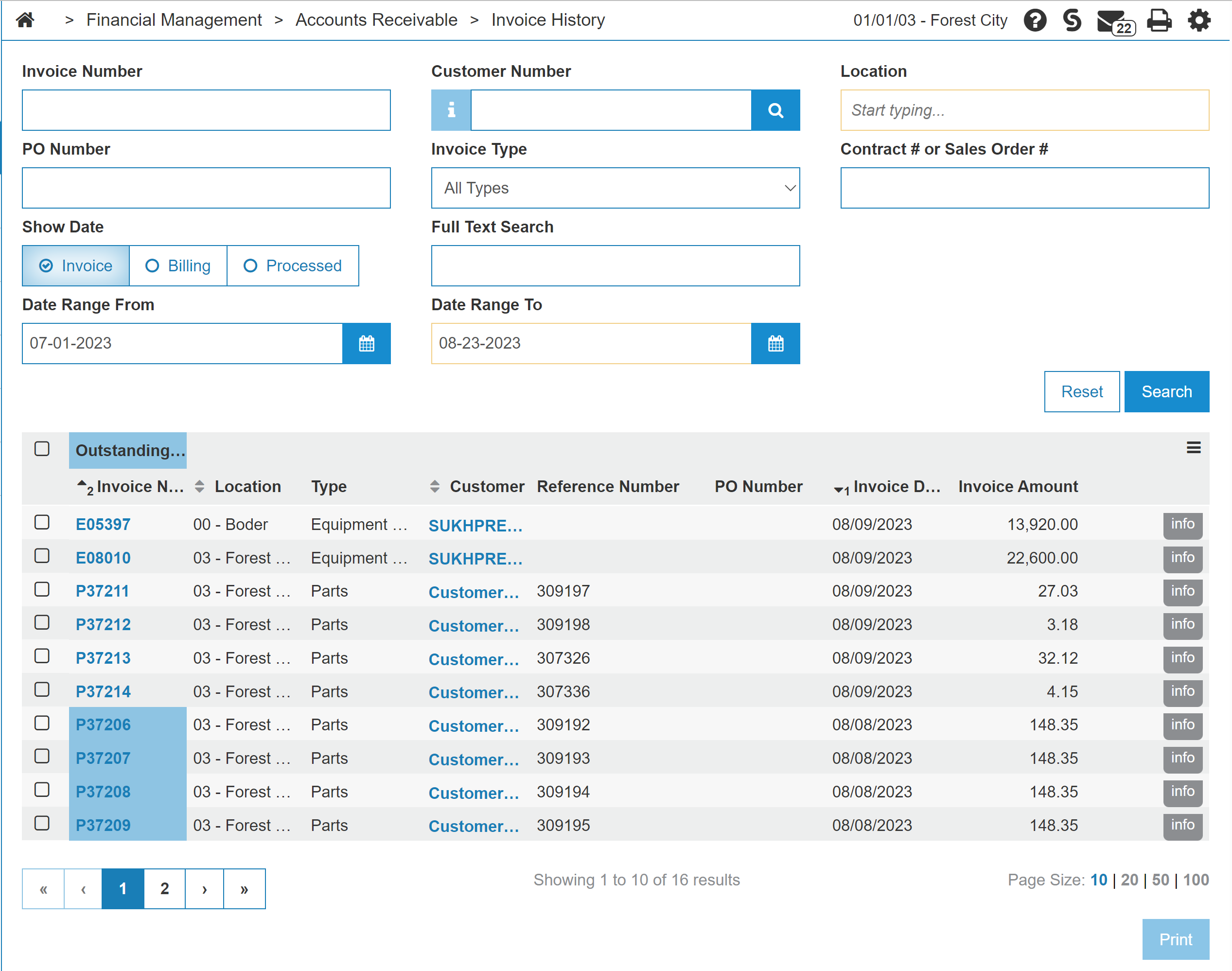
Security Switch: 600 Accounts Receivable - Access Invoice History
Revision: 2024.09