My Account - Profile
To open the My Account - Profile screen, click the Menu  icon from anywhere within the application and select My Account> Profile from the drop down list.
The Business Profile displays information configured at the dealer level:
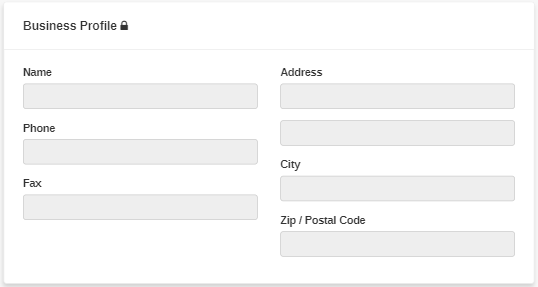
The My Account - Profile screen displays your business and personal contact information:
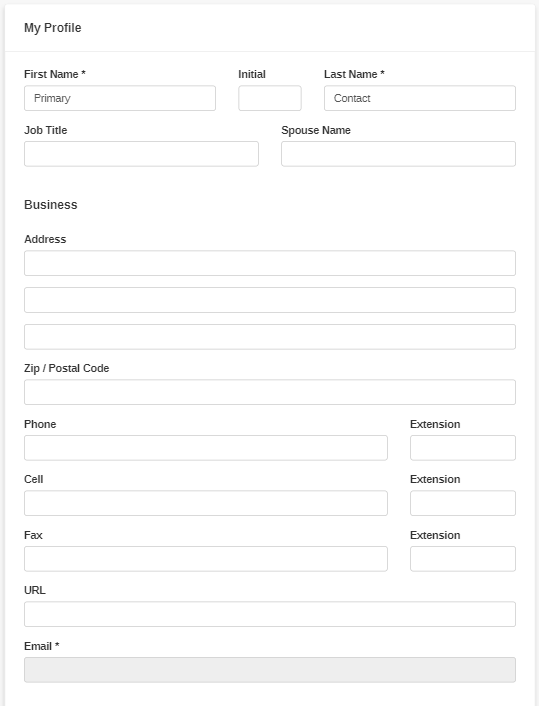
You can also perform these actions:
| Action | Steps |
|---|---|
| To edit your contact information |
Type the new information in the desired fields, then click Save. You cannot edit the Business Profile information displayed at the top of the screen. To edit these values, please contact the dealership. If a lock icon appears next to My Profile, you may not have permission to change your contact information. To edit the values in these fields, please contact the dealership. |
| To change your password |
Click the The requirements for a new password are:
|