
Printing the Aged Work in Process Information
-
You may print any Aged Work In Process data you view in these screens by clicking the IntelliDealer logo on the bottom left of the IntelliDealer Browser.
The Options menu will appear.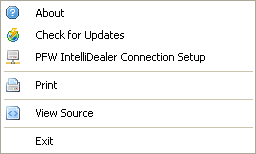
Options Menu
-
From the IntelliDealerOptions menu, select Print.
The Print dialog will appear.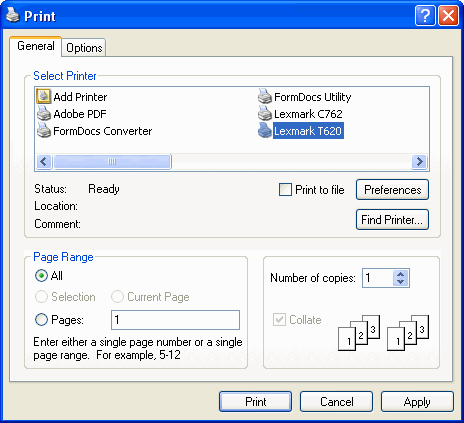
Print Dialog
-
Set your printing options and click the Print button to send an image of the IntelliDealer browser window’s content to your printer.