
Starting a Writer that has Ended
A Writer is the IntelliDealer process that sends spooled output from an output queue to a physical printer. When a Writer's Status is Ended (for example, after a printer error or a manual stop), no new output prints to that printer until the Writer is started again.
Use these steps to restart a Writer whose status is Ended so queued output can continue to print.
-
Move the cursor over the Printer Icon (
 ) and select Printer Output/PDF Viewer from the pop-up menu.
 -
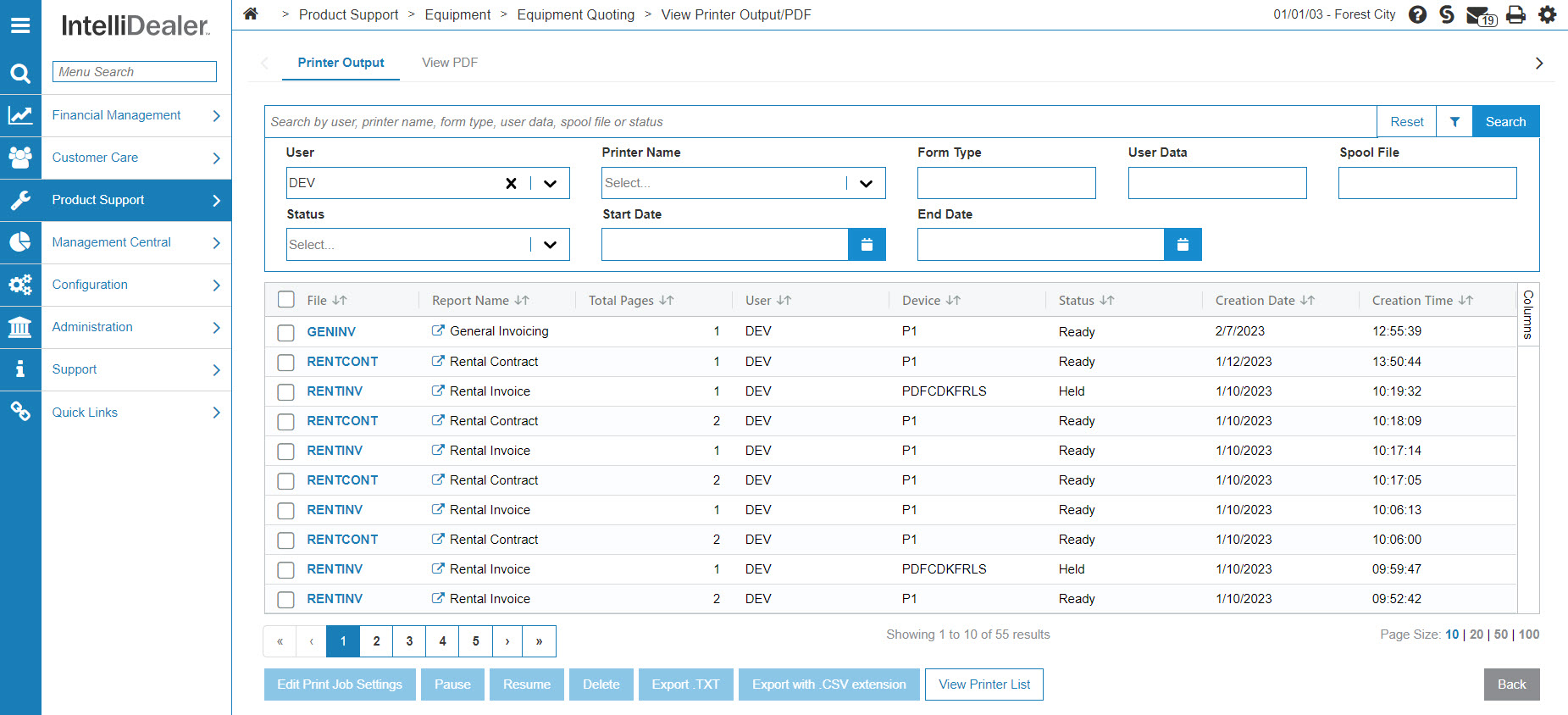
The Printer Output screen appears.
-
On the Printer Output screen, click the Click here to work with writers link.
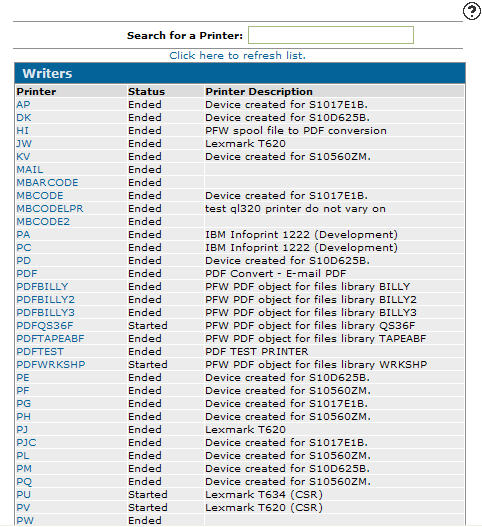
The Writers screen appears.-
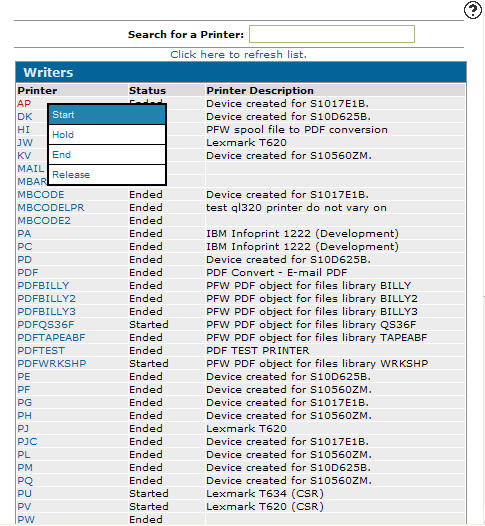
On the Writers screen, select a printer with the status Ended, move the cursor over the Printer name and select Start from the pop-up menu.
-
-
The selected printer's Status changes from Ended to Started.
 Printer Icon pop-up
See also: Writers, Printer Output, Releasing a Printer Output File.
Revision: 2026.06