
MyDealer Settings: Terms and Conditions
This screen allows you to define the Terms and Conditions as they appear on the checkout screens in MyDealer. You can configure one entry per location or an entry for ALL locations.
 Terms and conditions configuration screen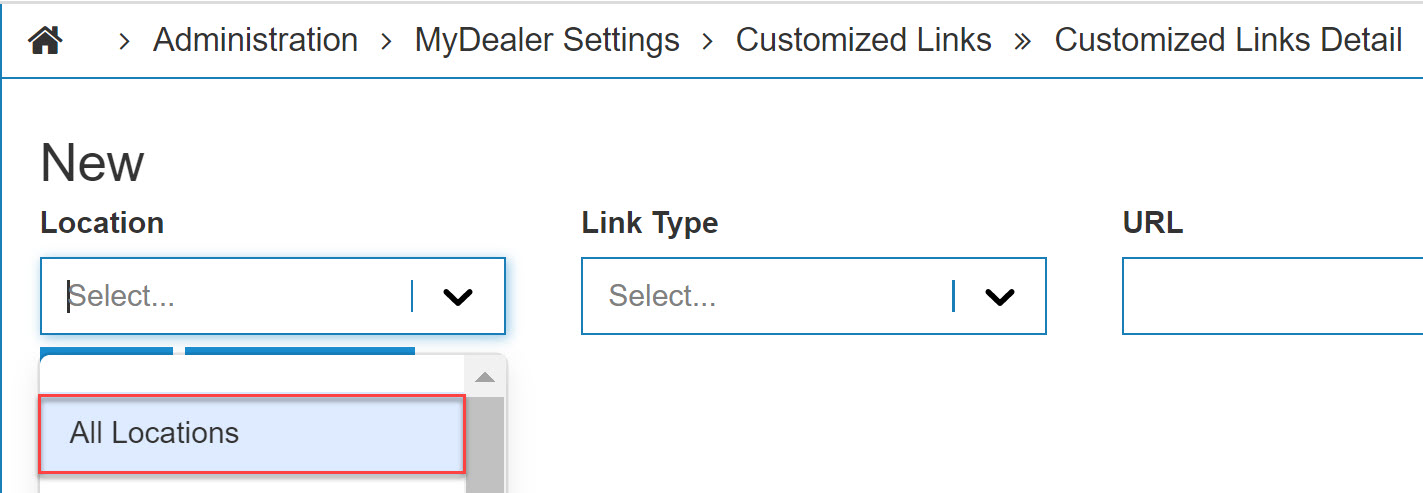
Note: If there is an entry for ALL locations AND for individual location—individual locations take priority.
A URL configured with a description shows beside the checkbox. The hyperlink indicates it links out to a specific Terms and Conditions page as defined by the user.
Warning: The URL provided is the Terms and Conditions screen linked to. If there is no URL provided no hyperlink appears.
You cannot click Submit Order until you have checked the Terms and Conditions box if it has been configured.
Revision: 2026.01