
Viewing Unit Analysis
-
From any IntelliDealer screen, click the Management Central tab.
-
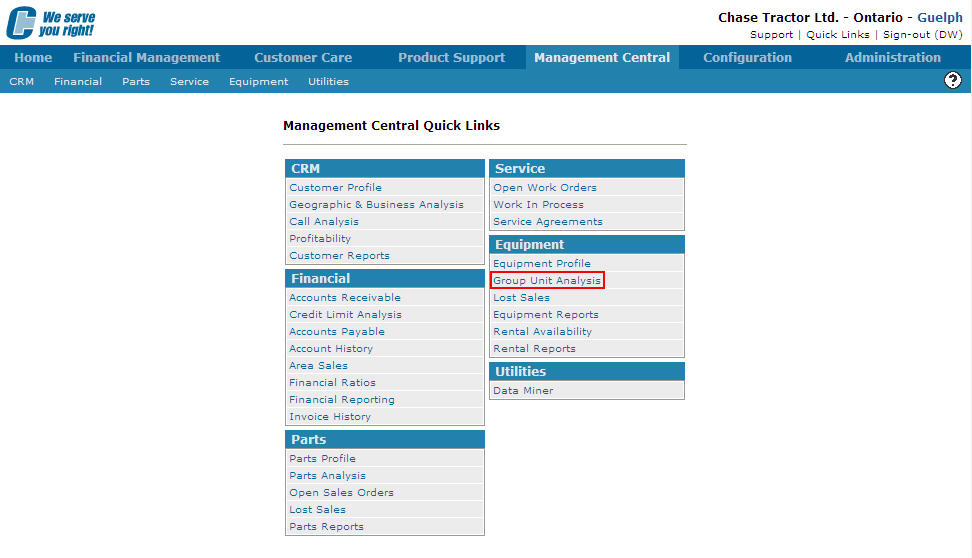
From the Parts list, click the Group Unit Analysis link.
-
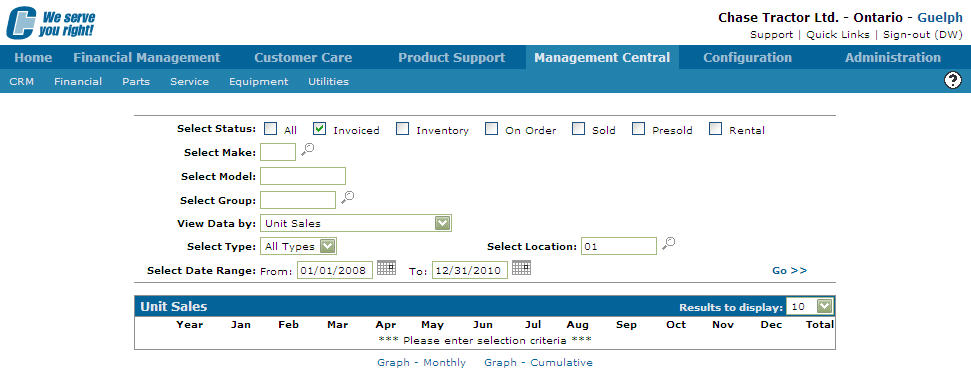
The Group Unit Analysis screen appears.
-
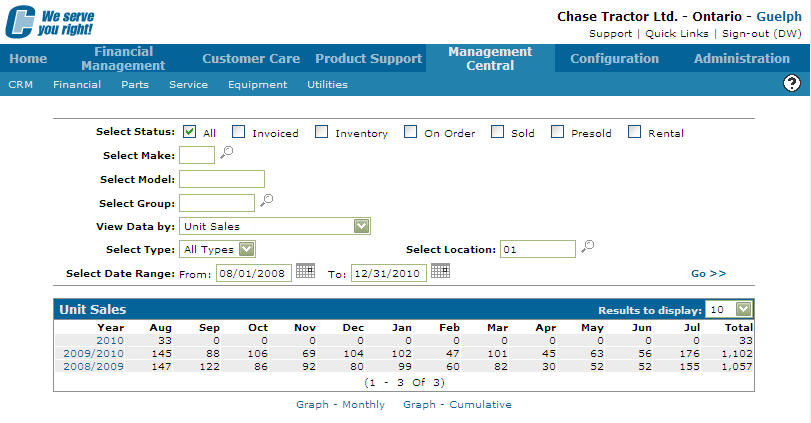
On the Group Unit Analysis screen, fill out the appropriate fields and click the Go >> link. The Group Unit Analysis screen refreshes displaying unit analysis information based on the criteria selected.
Note: The fields that are generated vary depending on the View Data By method selected.
-
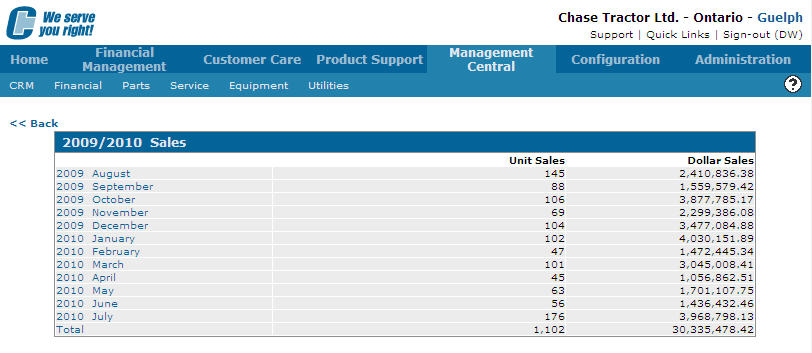
Depending on the View Data By method selected (Unit Sales or Dollar Sales), click the Year link to drill further into the selected year displaying a breakdown of sales by month.
-
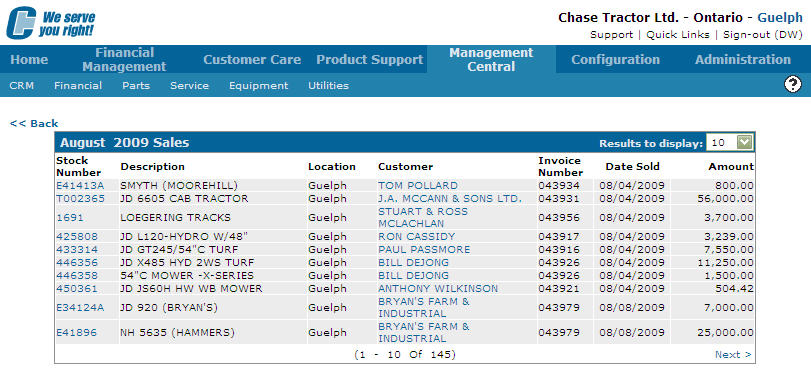
On the Sales screen, click a Month to drill down and view details by individual month.
 Management Central Quick Links screen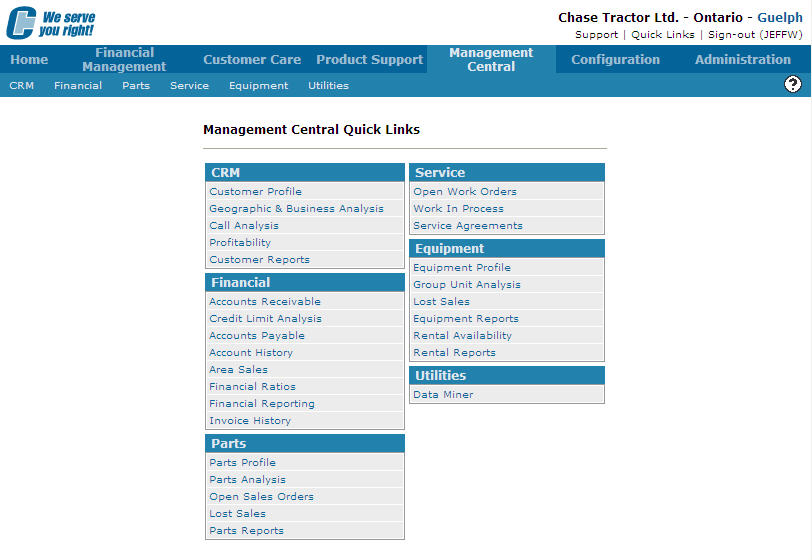
Revision: 2026.01