
Changing Printer Output
-
From any IntelliDealer screen, move the cursor over Quick Links and select Printer Output from the pop-up menu.
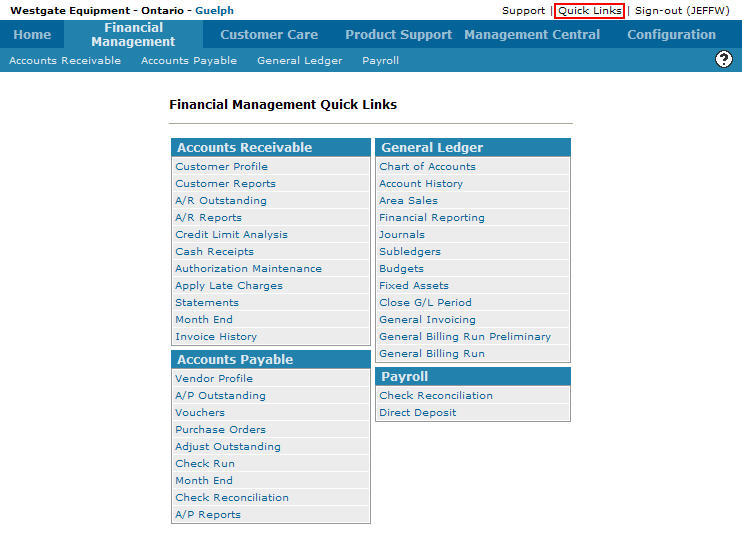
Financial Management Quick Links screen
-
The Printer Output screen will appear.
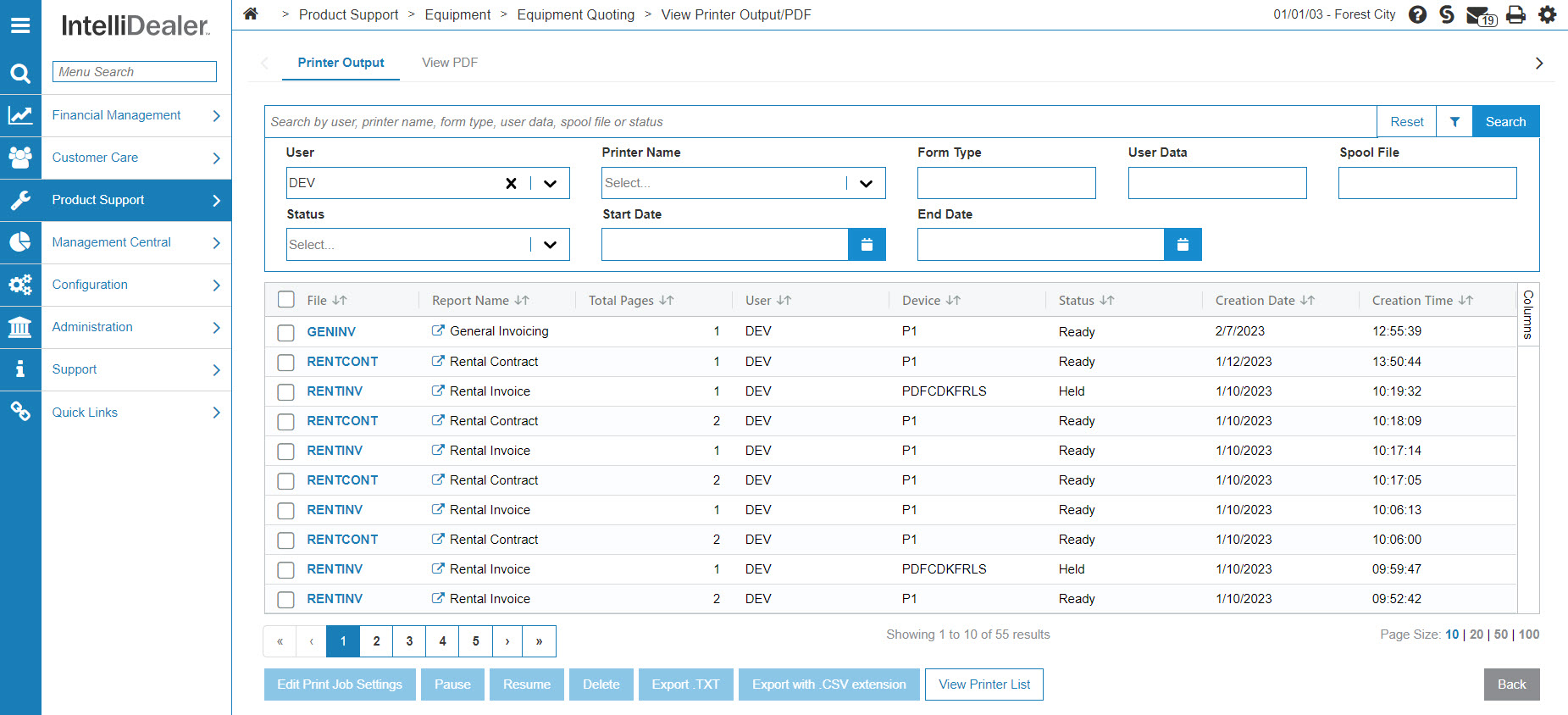
Printer Output screen
-
On the Printer Output screen, move the cursor over a File name and select Change from the pop-up menu.
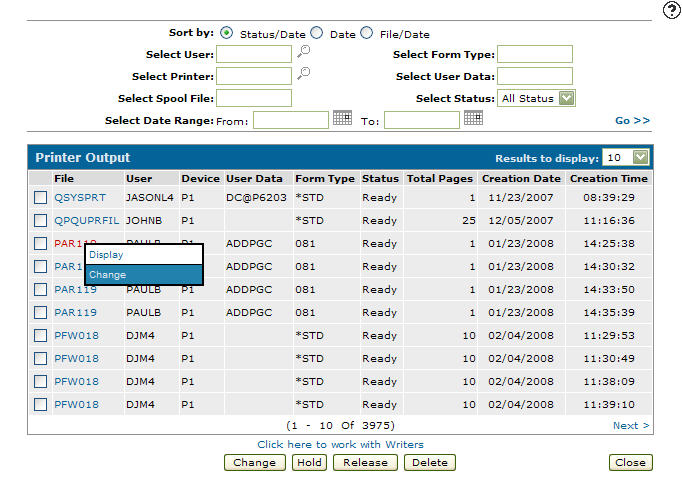
Printer Output screen
-
The Change Output Attributes screen will appear.
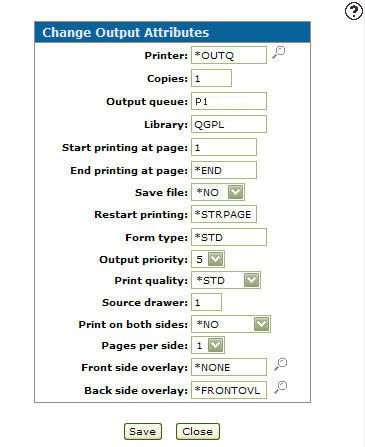
Change Output Attributes screen
-
On the Change Output Attributes screen, you may set or change any of the available printer attributes by altering the appropriate field as desired.
-
Click the Save button to save changes made.
- or -
Click the Close button to close the screen without saving changes.