
Copying a Data Miner Query
-
From any IntelliDealer screen, click on the Management Central tab.
The Management Central Quick Links screen will appear.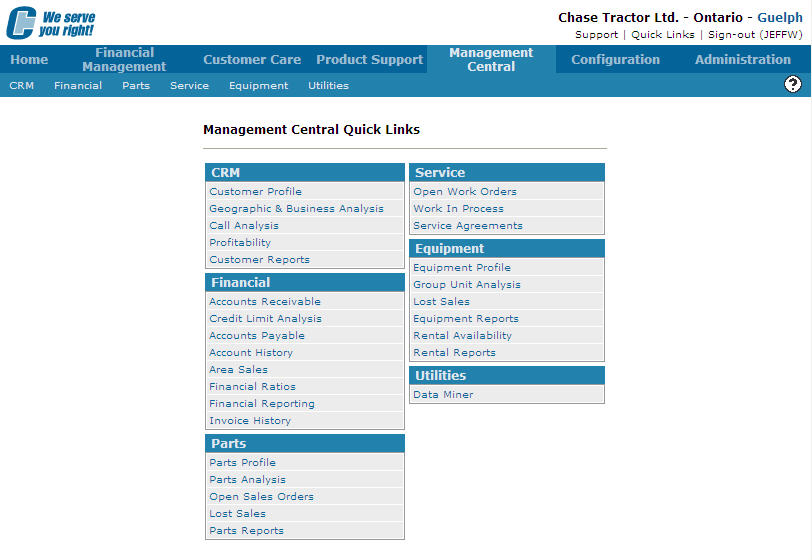
Management Central Quick Links screen
-
From the Utilities list, click on the Data Miner link.
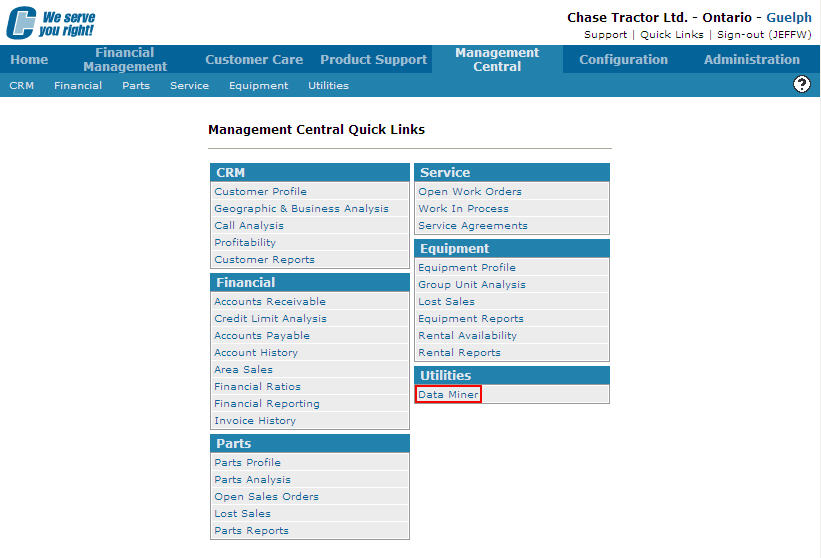
Management Central Quick Links screen
-
The Data Miner screen will appear.
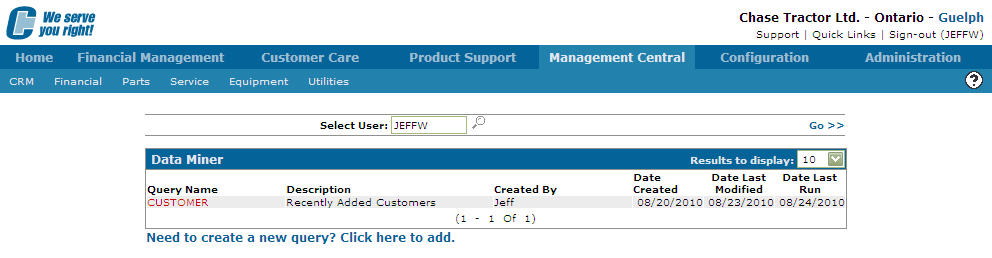
Data Miner screen
Note:
Enter an alternative user name if you wish to run a report that was created by another user. You can only run another user's report if your User ID or User Group is listed has been authorized on the Authorization tab. -
On the Data Miner screen, move the cursor over the Query Name.
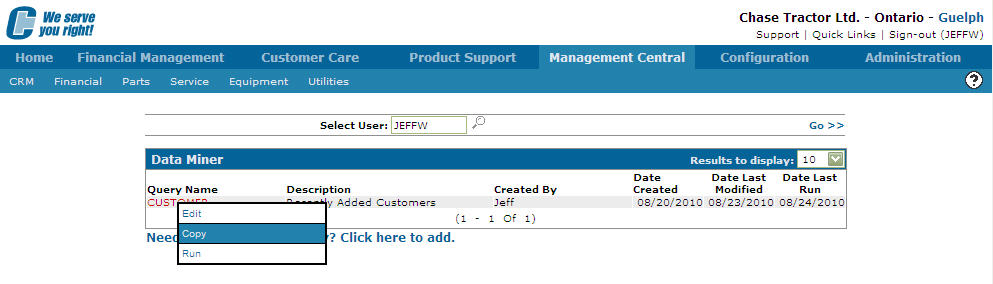
Data Miner screen
-
Select Copy from the pop-up list.
The Copy Query screen will appear.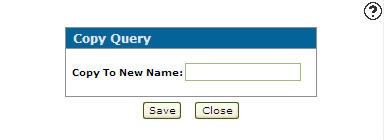
Copy Query screen
-
On the Copy Query screen, enter the name of the new query in the Copy to New Name field.
-
Click the Save button.
The Data Miner screen will appear listing the new copy.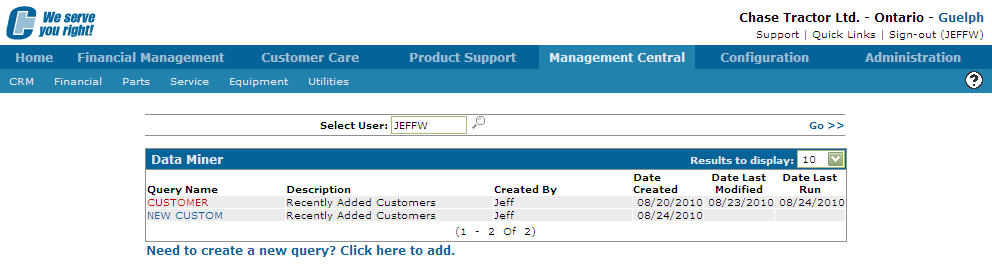
Data Miner screen