
Running a Data Miner Query
-
From any IntelliDealer screen, click on the Management Central tab.
The Management Central Quick Links screen will appear.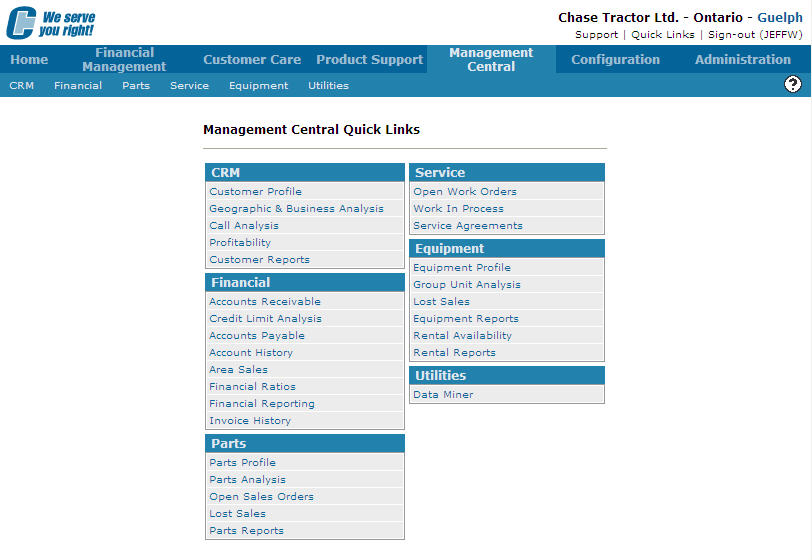
Management Central Quick Links screen
-
From the Utilities list, click on the Data Miner link.
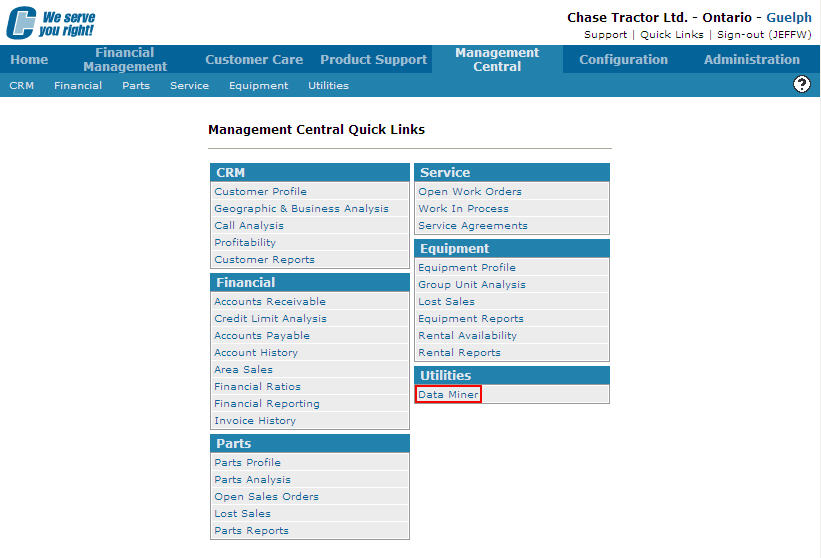
Management Central Quick Links screen
-
The Data Miner screen will appear.
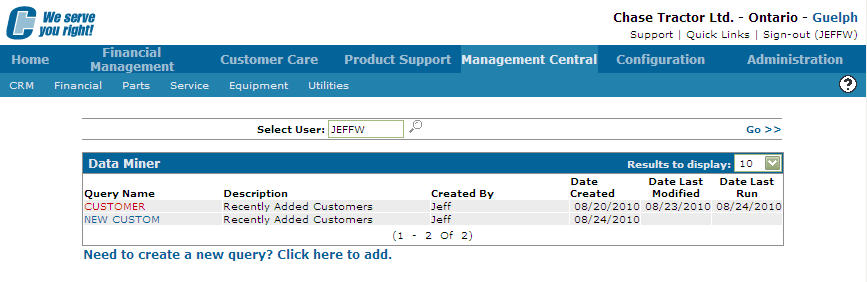
Data Miner screen
-
The Data Miner screen will appear listing the queries created by your user Id.
If you would like to run a query created by another user, enter the ID of the user who created the query in the Select User field and click the Go >> link. -
Move the cursor over the Query Name you wish to run and selected Run from the pop-up menu.
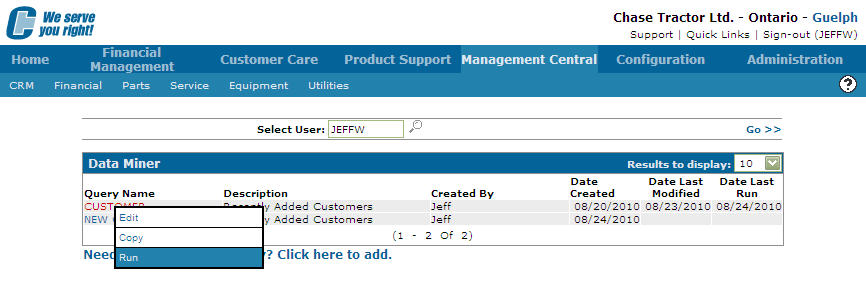
Data Miner
- Depending on the Output Type selected on the Query tab, the query will either:
Screen: The query will be displayed on a separate screen
PC File: The query is sent to a PC file
iSeries File: The query is sent to an iSeries file