
Performing a Rental Billing Run
-
Navigate to Product Support > Rental > Rental Billing Run.
The Rental Billing Run screen will appear.
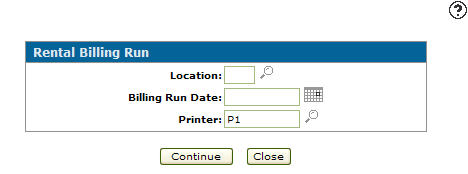
Rental Billing Run screen
-
On the Rental Billing Run screen, select your Location, choose a Billing Run Date, and select your Printer.
-
Click Continue to complete the billing run and send your results to the selected printer.