
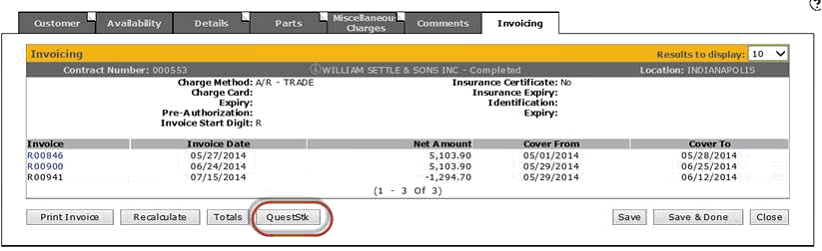
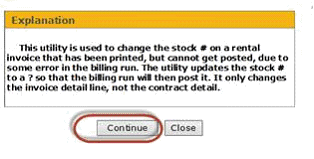
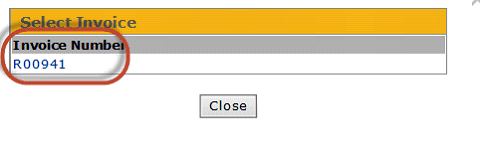
The QUESTSTK utility processing can now be accessed from within the rental counter system, to change an un-posted invoice's stock # to a ? so that it will get through a billing run that has hung up due to the stock # being invoiced status, or perhaps trying to credit more than has been debited to the unit. All you have to do now is go to the invoicing screen for the rental contract in question. After printing the credit invoice, the following QuestStk button will appear:
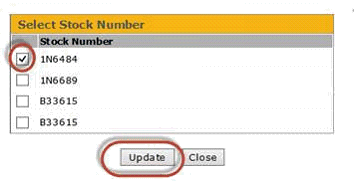
Note: Keep in mind that this way will not record the rental history for this invoice on the original stock numbers history, since you are changing the stock number to ?
For the legacy (green screen) version, put your cursor on the line with the invoice that has the problem, and press F22. The program will then bring up each stock item on the invoice for you to either update or skip.