
Trigger Check
Use the Trigger Check screen to view a list of trigger files and the interfaces using them. Database triggers are automatically executed in response to certain events on a particular table or view in a database and are used to maintain the integrity of the information on the database.
To view the Trigger Check screen, navigate to Administration > Settings > Trigger Check.
 The Trigger Check screen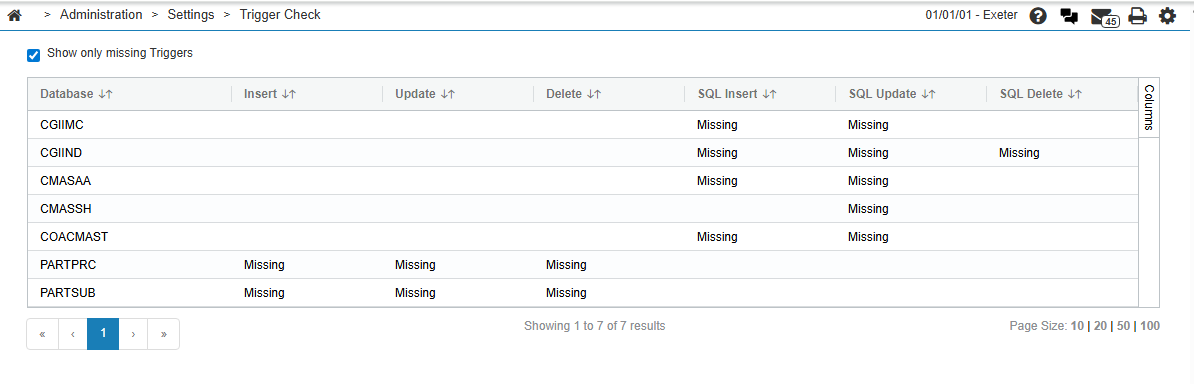
The fields in the Trigger Check table are:
| Field | Description |
|---|---|
| Database | The name of the database the trigger executes on. |
| Insert | The action the trigger takes to update the database. |
| Update | |
| Delete | |
| SQL Insert | |
| SQL Update | |
| SQL Delete |
Click the Show only missing Triggers checkbox to display only the triggers that are missing.
Revision: 2026.04