System
Use the System screen to configure branch-level settings, including text variables, image variables, and IntelliDealer theme options. These settings control how text, images, and interface elements appear throughout IntelliDealer.
To access the screen, navigate to Administration > Settings > System.
Fields on the System screen are:
| Field | Description |
|---|---|
| Location | The location you want to configure the settings for. |
| Text Variables |
Allows to configure system-level text variables such as email addresses, URLs, and other text fields used throughout IntelliDealer. Common examples include the Alert Master Email Address, Home Page AddressH, and WebMaster Email Address; however, additional text variables may also appear depending on your system version. Select a text variable from the dropdown, enter the desired value, then save your changes. |
| Image Variables | Allows you to configure the various Image Variables for your location. |
| Theme | Allows you to select from various color schemes for IntelliDealer's menu screens. |
Click Save to save changes made to the System screen.
Click Restore to set previewed color changes back to the previously saved state.
Image Variables
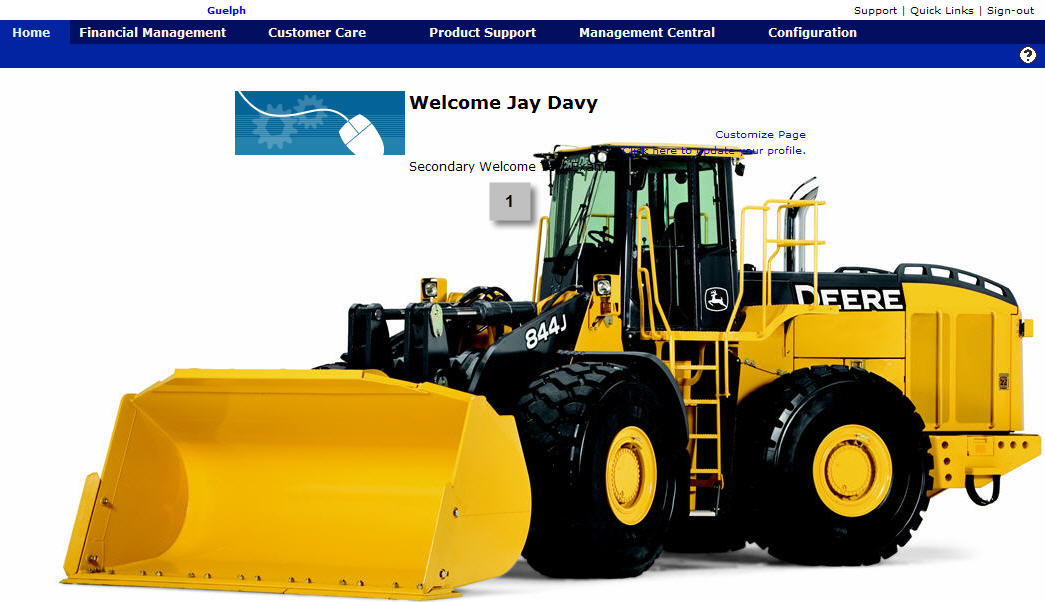
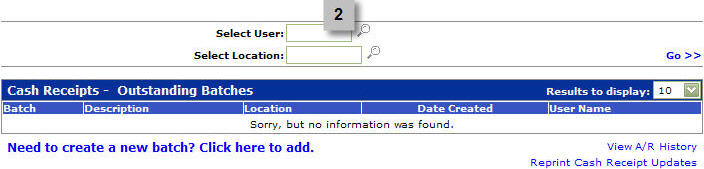
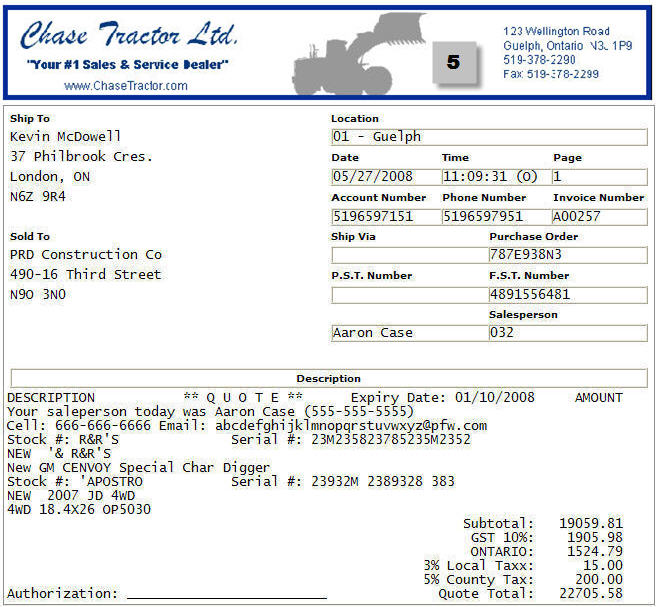
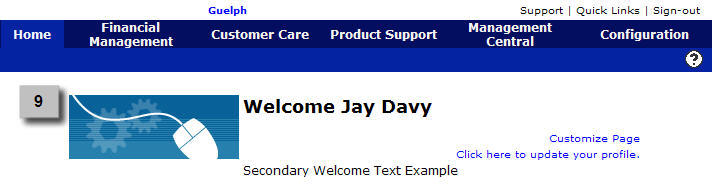
Examples of the image variable options are displayed in the following screen shots:
 Background Image