
Editing a Text Variable
-
Navigate to Administration > Settings > Text Variables.
The Text Variables tab will appear.
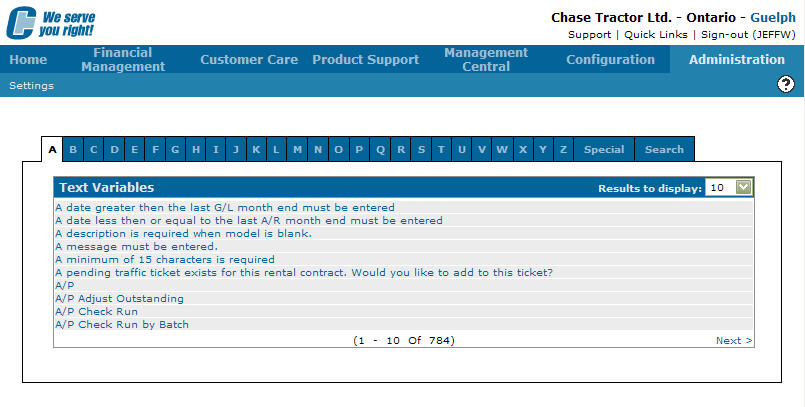
Text Variables tab
-
Click on the Search tab.
The Text Variables tab will refresh populating the screen will search fields.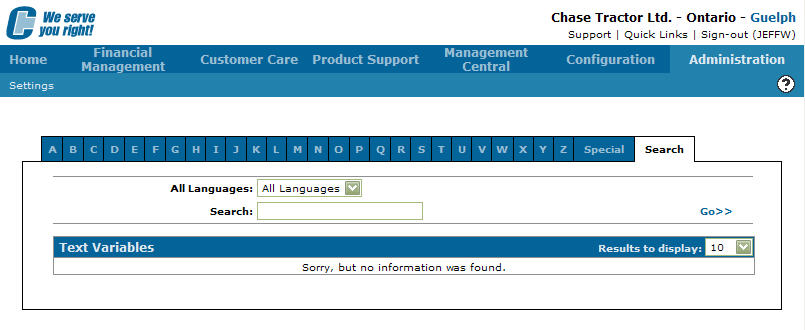
Text Variables tab
-
Select a language from the Select Language field drop down list.
-
Type in a Search word.
-
Click on the Go >> link to generate the language search results.
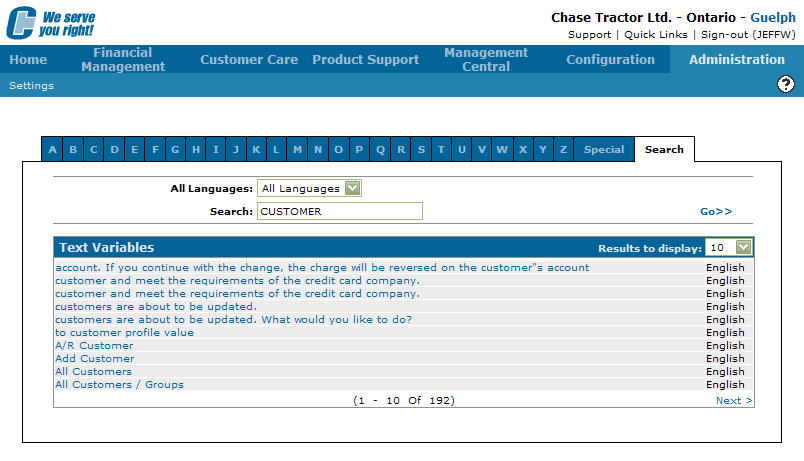
Text Variables tab
-
Click on a Text Phrase.
The Text Variables screen will appear.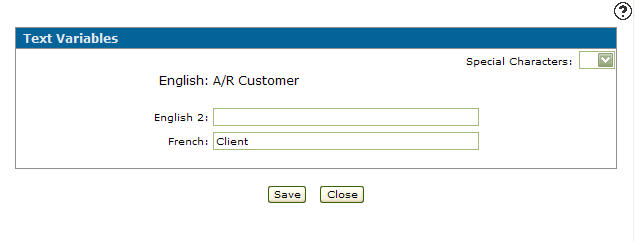
Text Variables screen
-
On the Text Variables screen, type in an alternate phrase in the Alternate English field.
-
(OPTIONAL) Type in a second alternate phrase in the English 2 field.
-
(OPTIONAL) Select Special Characters from the drop down list.
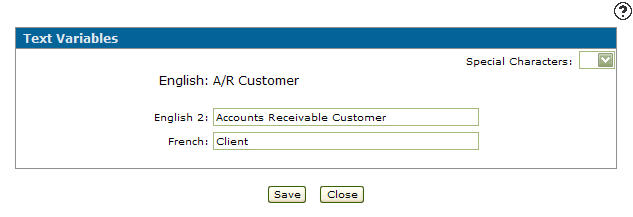
Text Variables screen
-
Click the Save button to save changes made to the Text Variables screen.