
Running an Open Rental Agreements Details Report
This is a report listing all open rental counter contracts. It shows details relating to invoices that have been, or are waiting to be, generated, and projects various totals depending on the duration(s) assigned. It is designed to be printed on wide format computer paper, in a condensed mode, so that 192 columns appear.
-
Navigate to Product Support > Rental > Rental Reports.
The Rental Reports screen will appear.
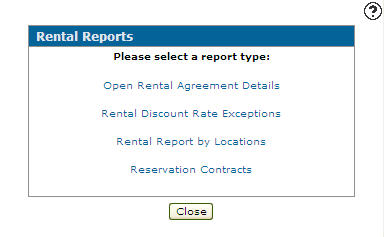
Rental Reports screen
-
On the Rental Reports screen, click on the Open Rental Agreements Details link.
The Report Options screen will appear.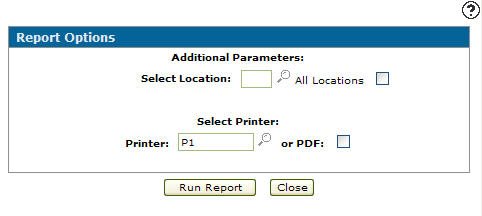
Report Options screen
-
On the Report Options screen, enter a branch location in the Select Location field to run the selected rental report for the branch location selected.
- or -
Click on the Search icon and select a branch location from the Location Selection screen.
- or -
Select the All Locations checkbox to run the selected rental report for all branch locations.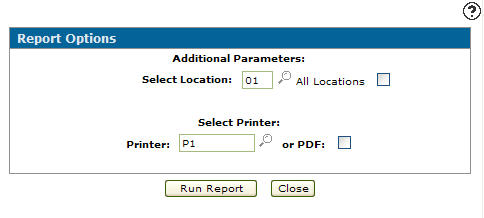
Report Options screen
-
Enter a Printer.
- or -
Click on the Search icon and select a printer from the Printer screen. -
Click on the Run Report button.
The Report Options screen will indicated that the open rental agreements daily report was successfully submitted (RHRPT01).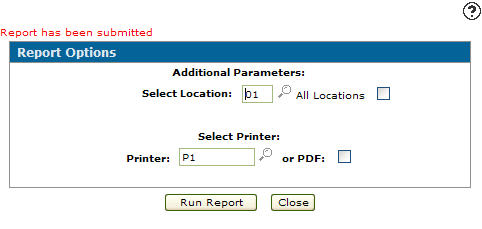
Report Options screen