
Entering Alternate File Text
-
Navigate to Administration > Settings > Field Names.
The Field Names tab will appear.
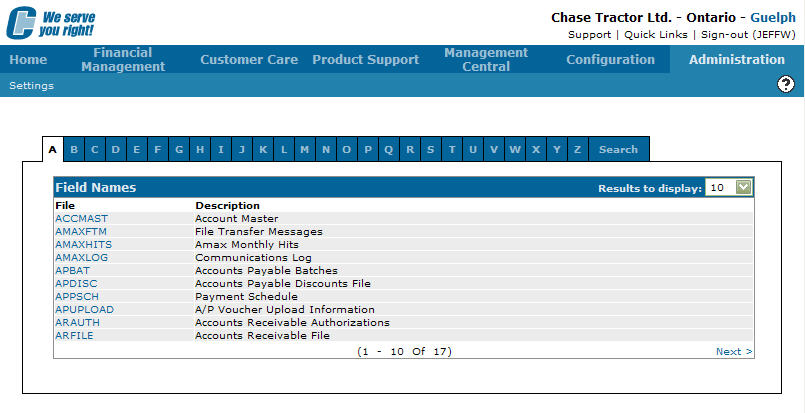
Field Names tab -
On the Field Names tab, click on the Search tab.
The Field Names tab will appear.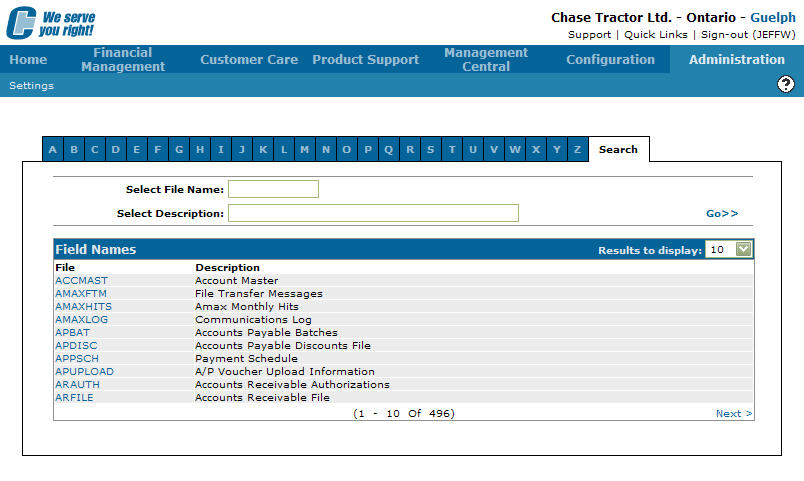
Field Names tab
-
On the Field Names tab, fill out the appropriate fields and click the Go >> link.
The Field Names tab will refresh listing the generated search results.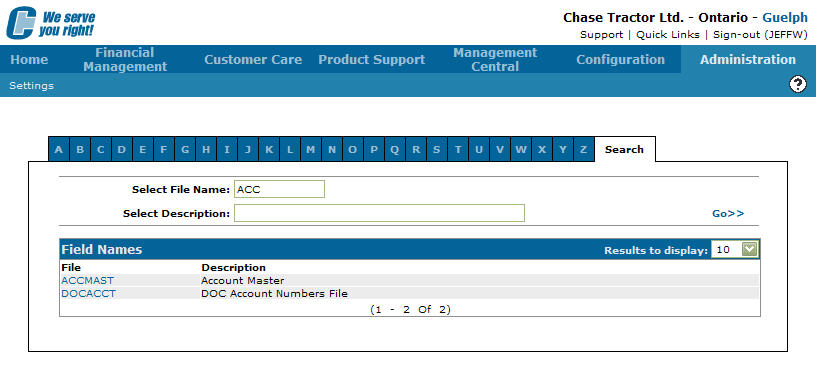
Field Names tab
-
On the IntelliDealer Administration - Language Search tab, click on a File name.
The Fields screen will appear.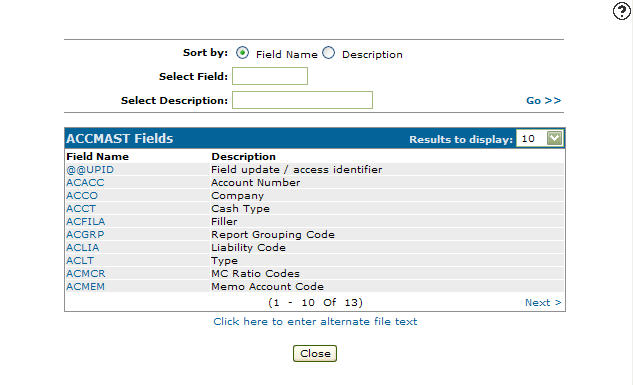
Fields screen
-
On the Fields screen, select the Click here to enter alternate file text link.
The IntelliDealer Administration - Fields screen will appear.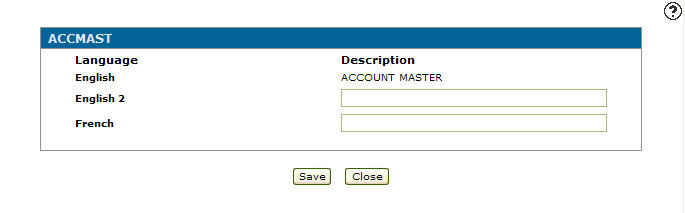
IntelliDealer Administration - Fields screen
-
On the IntelliDealer Administration - Fields screen, enter an alternative file description in the English 2 field or other dialect field available (e.g. Francais or Japanese).
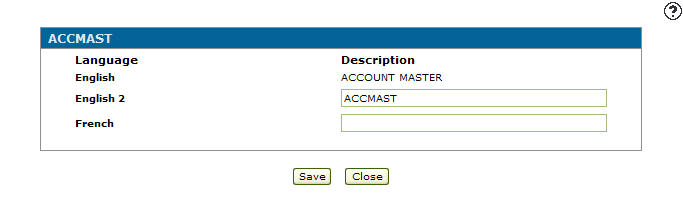
IntelliDealer Administration - Fields screen
-
Click the Save button to save your alternate file text changes.