
How to Set/Change System Text Variables
-
From anywhere within IntelliDealer, hover over the Administration link and select Settings > System from the drop-down list.
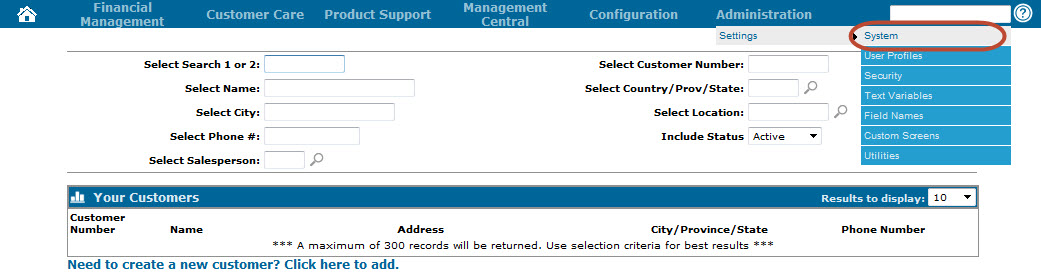
-
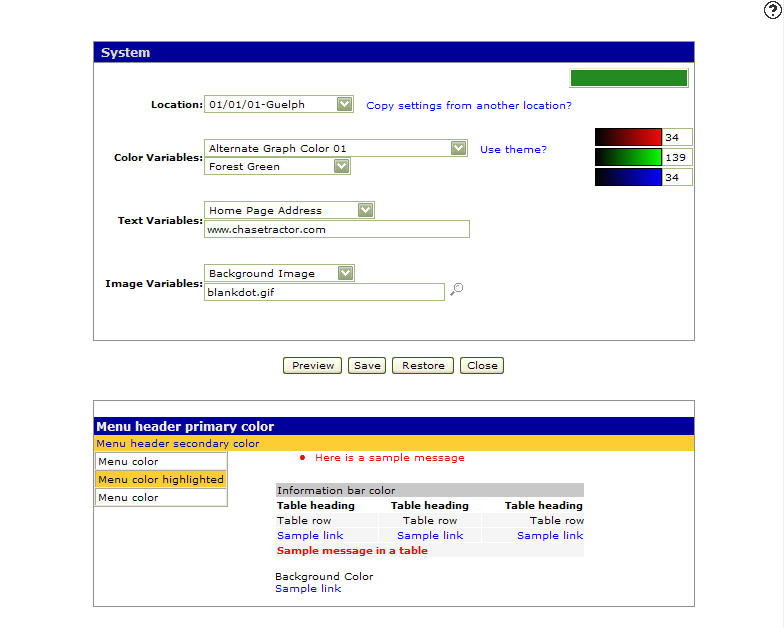
The System screen appears.
-
On the System screen, select the email address or web address you want to configure in the Text Variables field; either the Alert Master Email Address, Home Page Address, or WebMaster Email Address.
-
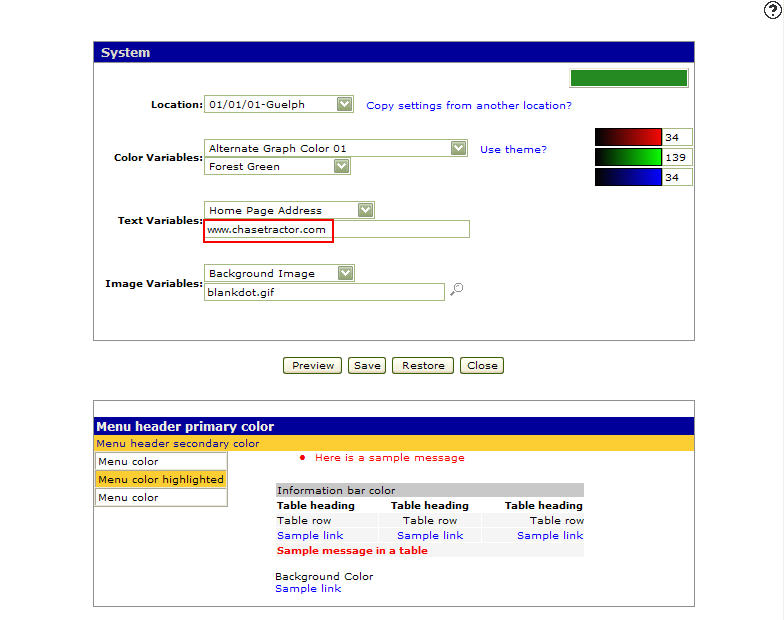
Type the desired email address or web address in the field provided.
-
Click Save to save the address.