
Viewing Held Contracts from the Supervisor Menu
-
Navigate to Product Support > Rental > Supervisor.
The Certificate of Insurance - Expiration tab will appear.
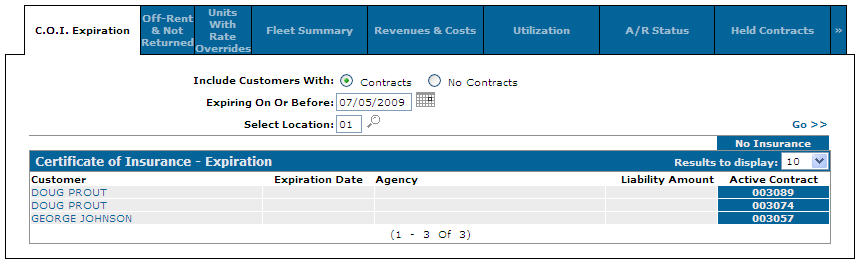
C.O.I. Expiration tab
-
Click the Held Contracts tab.
The Held Contracts tab will appear.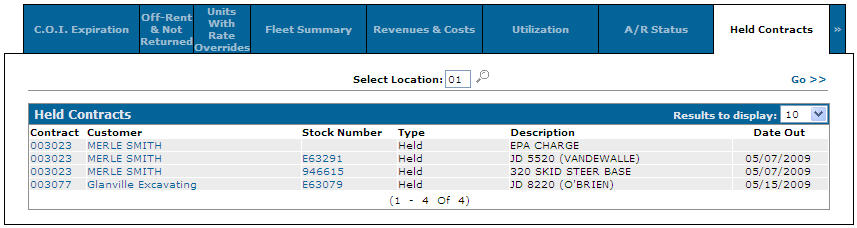
Held Contracts tab
-
On the Held Contracts tab, enter the location and click the Go>> link to begin a search.
Held Contracts tab