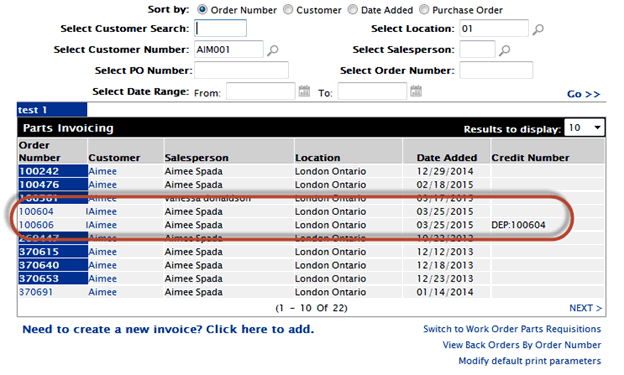
Description: How to take 2 (or more) types of payment for one invoice
Solution: Use deposit button (the deposit feature set up in configuration - parts - general - deposit)
Create invoice with one cash code
Example: Cash
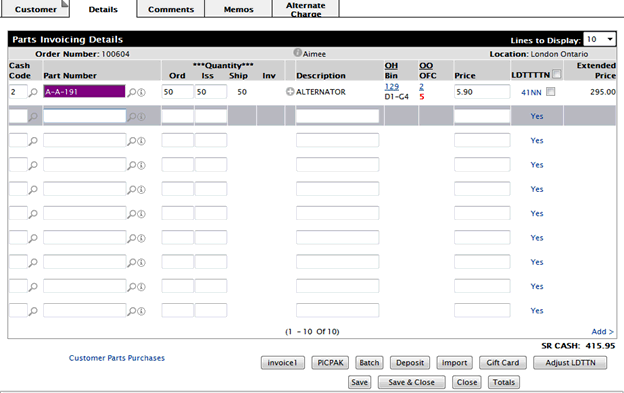
Select the Deposit button to put a partial amount to the other cash code.
Example: Paying 200$ on credit card.
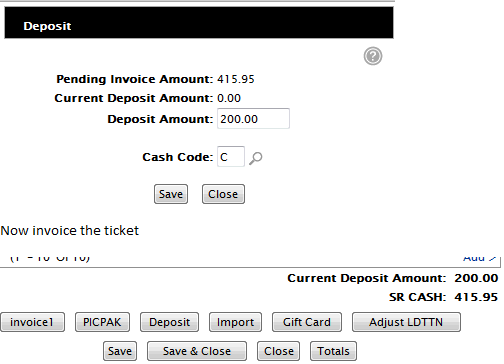
You will get 2 invoices - 1 for the deposit (credit card payment) and 1 for the remainder (cash payment)