
Claas: Parts Order Type Configuration
Use the Claas Parts Order Type Configuration screen to configure business rules that control how and when different types of parts orders can be placed with Claas through their Parts Inventory Manager (PIM) system. This allows dealers to set up automated ordering rules for different types of parts orders.
To access the Parts Order Type Configuration screen, navigate to Configuration > Interfaces > Claas > Parts Order Type Configuration.
The fields on the Parts Order Type Configuration screen are:
Click Create to open a new listing that can be configured to the above options.
 Parts Order Type Configuration Screen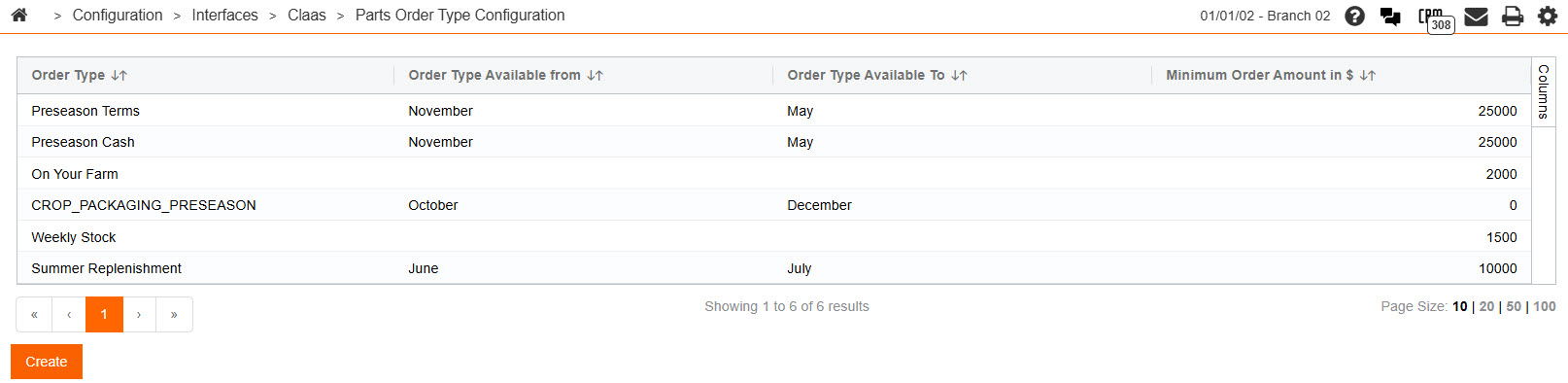
Security: 999 - Configuration
Revision: 2026.02