
VitalEngage Text Conversation History
Use the Conversation History screen to view all VitalEngage Text message conversations for a particular phone number.
To view the Conversation History, on the Alert Phone Number Configuration screen, hover the mouse over the desired number, and choose VitalEngage Text Conversation History from the menu.
Parts of the Conversation History screen
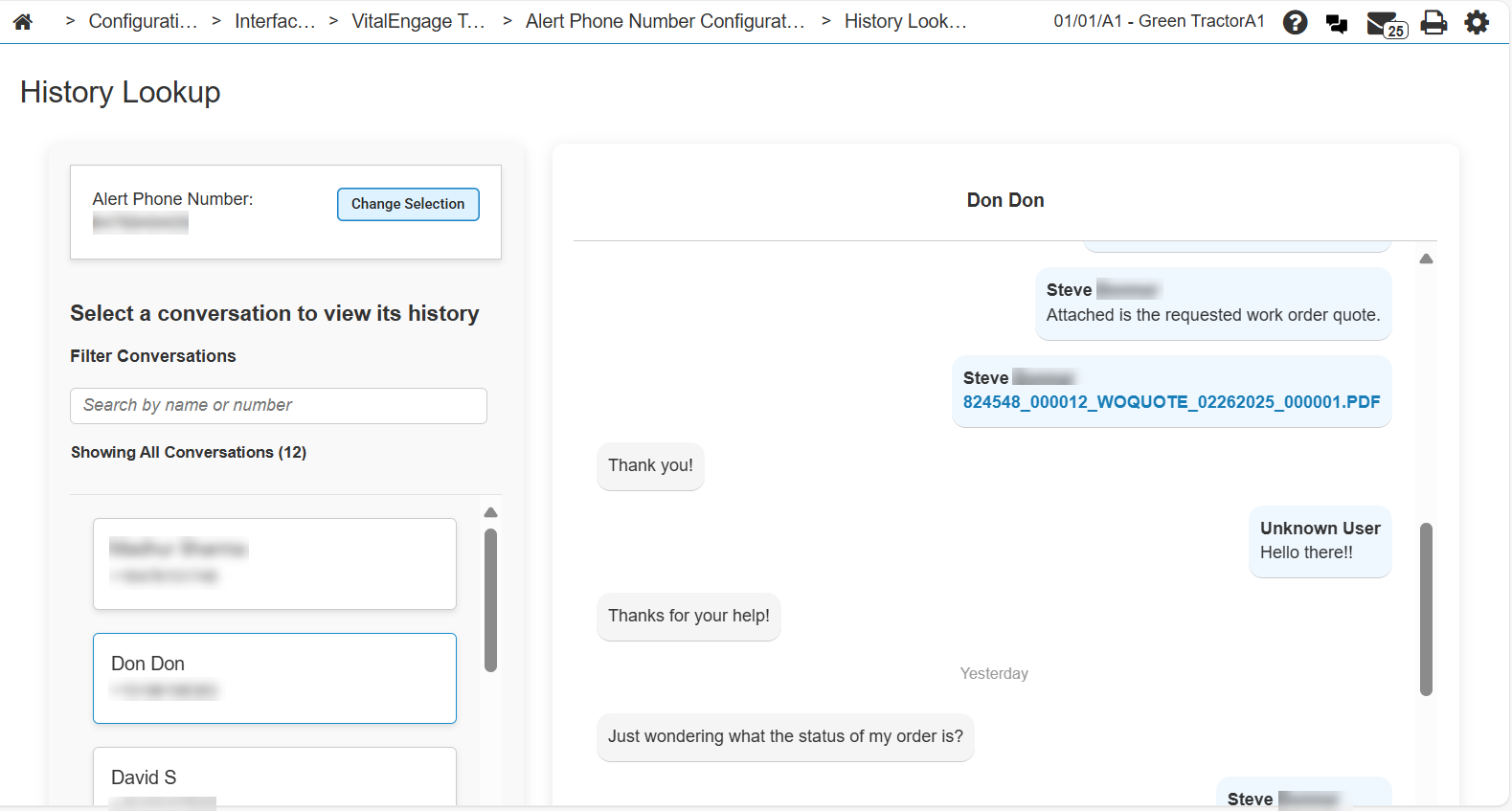
The parts of the screen are numbered above are:
-
Conversations for the selected alert phone number. Click a conversation to display the conversation history in the right-side panel.
-
Filter field for finding conversations.
-
Search field so you can search within the selected conversation.
-
Click Change Selection to choose a different number to view.
Feature: 6285
Security: 999 Configuration, 995 Users - View all VitalEngage Text Conversation History
Revision: 2026.01