
Deleting a Custom Screen
-
Navigate to Administration > Settings > Custom Screens.
The Custom Screen Fields tab will appear.
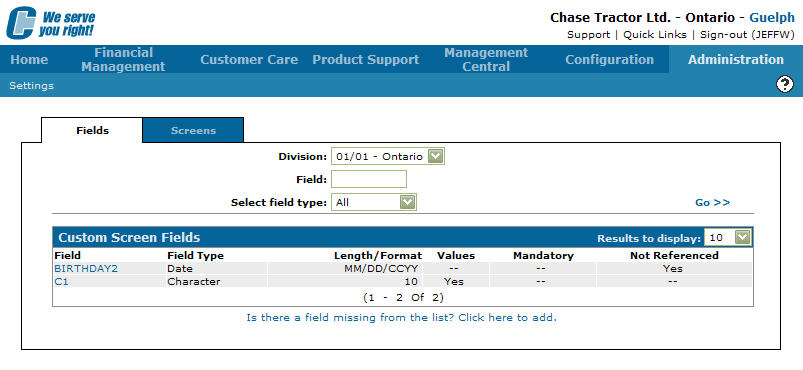
Custom Screen Fields tab
-
On the Custom Screen Fields tab, click on the Screens tab.
The Screen Selection tab will appear.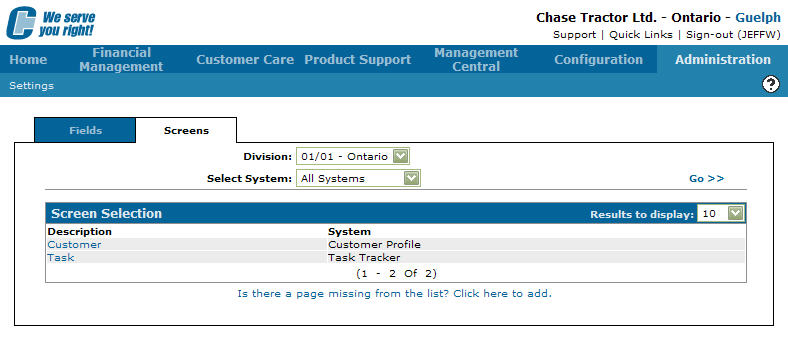
Screen Selection tab
-
On the Screen Selection tab, fill out the search fields and click the Go >> link.
The system will generate the search result. -
Click on a Description.
The Screen Edit/Preview screen will appear.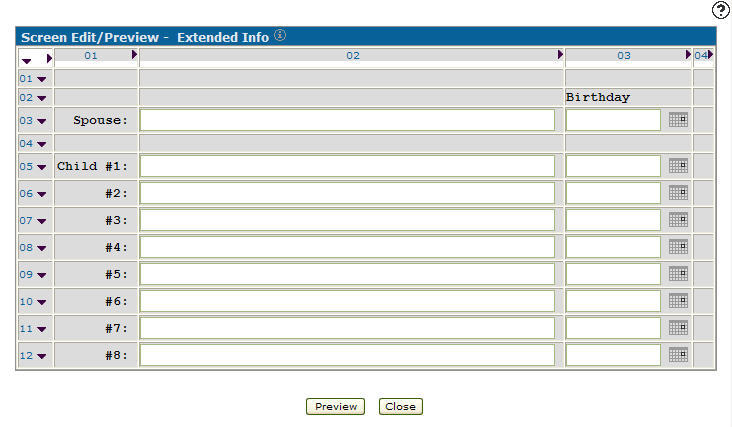
Screen Edit/Preview screen
-
On the Screen Edit/Preview screen, click on the Information
 icon.
icon.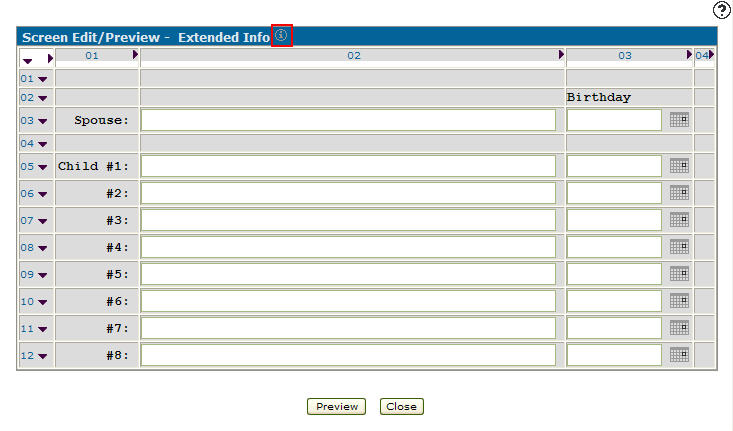
Screen Edit/Preview screen
-
The Page Details screen will appear.
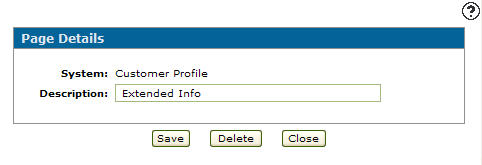
Page Details screen
-
On the Page Details screen, click on Delete button.
The Confirmation screen will appear.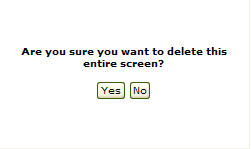
Confirmation screen
-
Click on the Yes button to delete the custom screen.