
Resetting User Overrides
This link will be used to reset parameters on all printer files back to your saved user overrides after clicking on the Click here to reset all files to IntelliDealer Defaults link.
-
From any where in IntelliDealer, navigate to Administration > Settings > Utilities.
The Utilities screen appears.
-
Click the Configure Printer Files link.
-
Click the Click here to apply overrides on all files link.
A Confirmation screen appears. -
Click Yes to reset parameters on all printer files back to your saved user overrides.
- or -
Click the No button to cancel the procedure.
 The
The 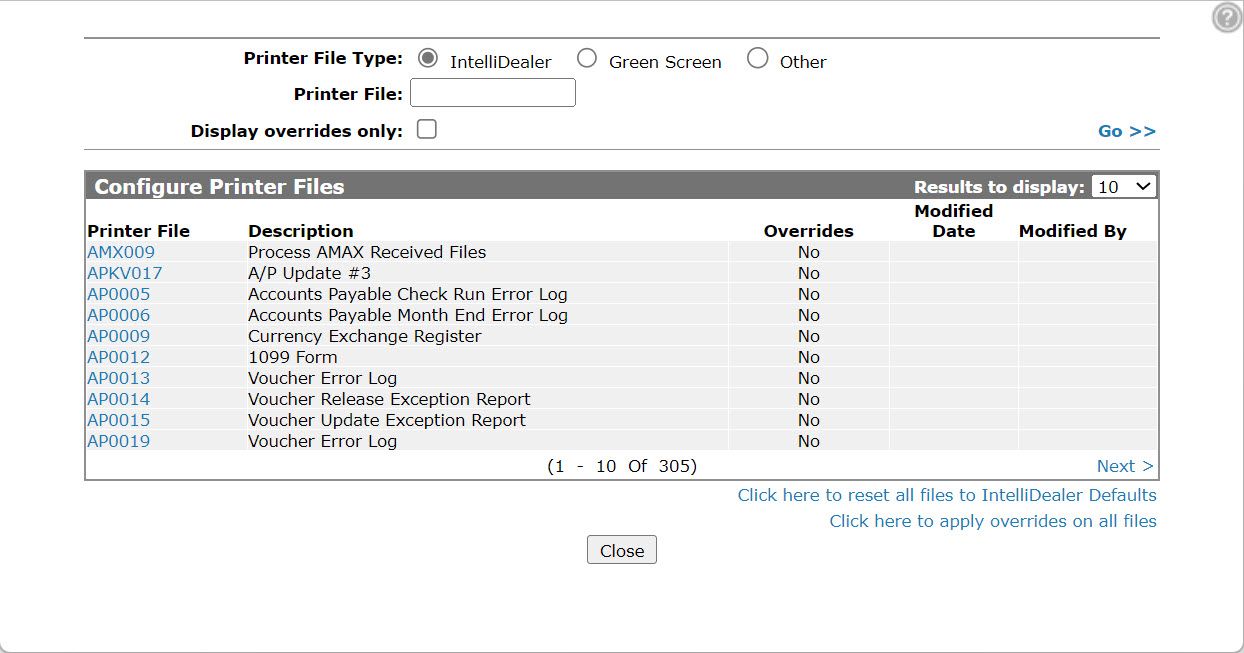
Revision: 2024.07