
Comments
Use the Comments screen to add additional comments about the new task or action. The comments appear on the Task/Action screen.
The Comments screen is accessed from the Task/Action screen by clicking the Click here to add Comment link, or by clicking a comment link to open it for editing.
 Example of an added comment on the Task/Action screen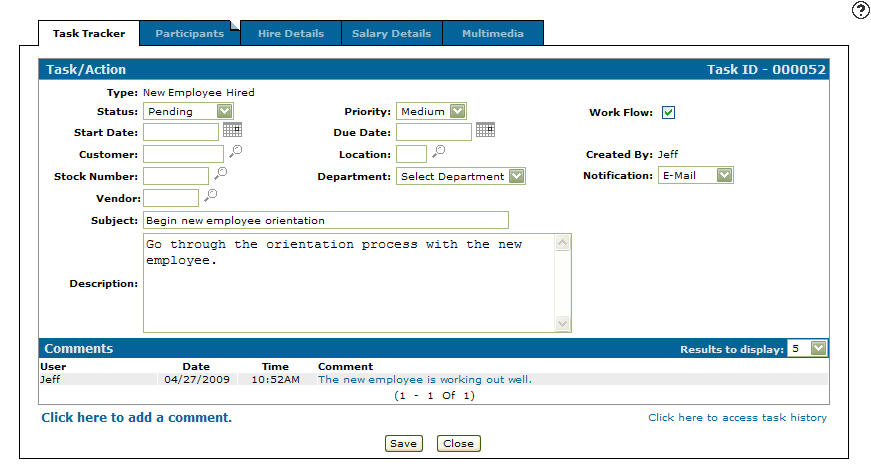
-
Click Save to save changes made on the Comments screen.
-
Click Close to close the Comments screen without saving changes and return to the Task/Action screen.
Security: 995 - User Security
Revision: 2026.01