
Configuration: Unattended Rental Billing Parameters
Use the Unattended Rental Billing Parameters screen to configure print settings for rental billing runs.
To open the Unattended Rental Billing Parameters screen, navigate to Configuration > Rental > Setup > Unattended Rental Billing Parameters.
 Unattended Rental Billing Parameters screen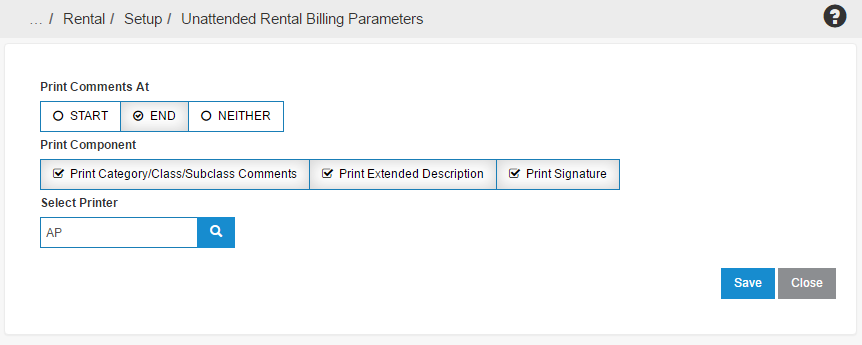
The Print Comments At option determines if comments appear at the Start or at the End of the billing run. Selecting Neither displays no comments on the billing run.
The Print Component option determines what is included in a printed billing run. The included options of Print Category/Class/Subclass Comments, Print Extended Description, and Print Signature can each be toggled to appear or to be excluded from the information printed in the billing run.
The Select Printer field determines where the billing run is printed. The  button opens a list of all available printing devices.
The Save button saves all configuration changes made.