
Labor Codes
Use the Labor Codes screen to edit, view, copy, or add labor codes for use throughout the system.
To open the Labor Codes screen, navigate to Configuration > Rental > Setup > Labor Codes.
The fields on the Labor Codes screen are:
| Field | Description |
|---|---|
| Code | The labor code's unique identifier. |
| Description | A brief description of the labor code. |
To create a new Labor Code, click Create.
 New Labor Code window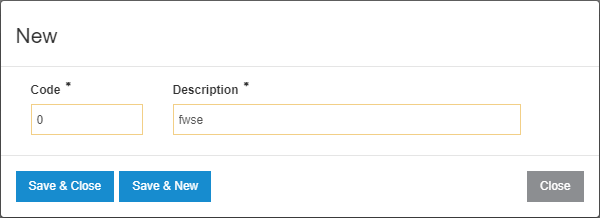
The buttons on the New Labor Code window are:
- Save & Close—saves the Labor Code and closes the window.
- Save & New—saves the Labor Code and opens a new window for another Labor Code entry.