
Rental Reason Codes
Use the Rental Reason Codes screen to search for, edit, and add rental reason codes used throughout the rental counter module.
To open the Rental Reason Codes screen, navigate to Configuration > Rental > Setup > Rental Reason Codes.
Topic in this section
Adding a Rental Reason Code
-
Navigate to Configuration > Rental > Setup > Rental Reason Codes.
-
Click the Need to create a new reason code? Click here to add link.
-
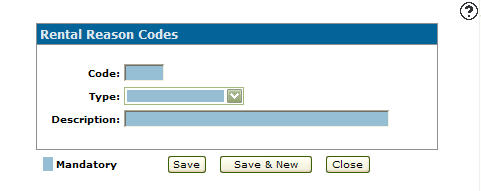
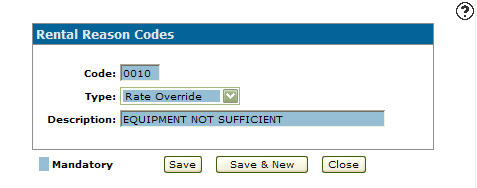
Enter a rental reason Code.
- Select a Type from the drop down list.
Rental Exchanged
Rental Cancel
Rental Credit
Rate Override
-
Enter a reason code Description.
-
Click the Save button to save the new rental reason code and return to the Rental Reason Codes screen.
- or -
Click the Save & New button to save the new rental reason code.
The Rental Reason Codes screen will refresh allowing you to add another rental reason code without closing the screen.
 The
The 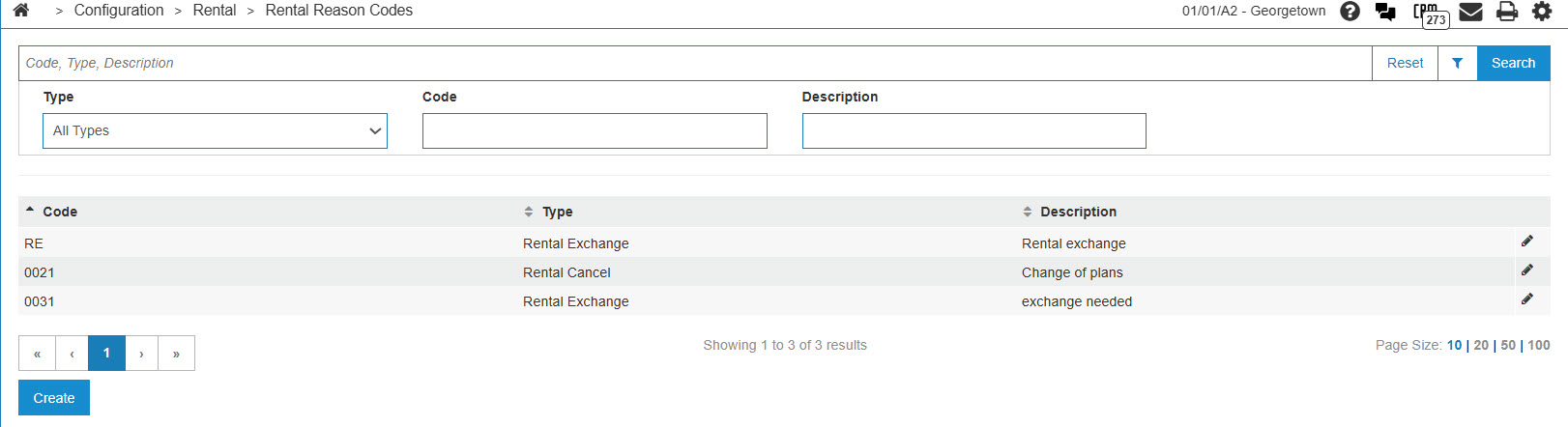
Deleting a Rental Reason Code
-
Navigate to Configuration > Rental > Setup > Rental Reason Codes.
-
Search for and open the desired Rental Reason Code.
-
Click Delete.
-
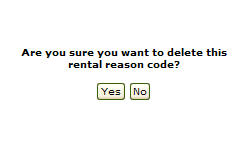
Click Yes.
The Rental Reason Codes screen appears with the selected rental reason code deleted from the list.
Screen Description
The fields on the Rental Reason Codes screen are:
| Field | Description |
|---|---|
| Code | The rental reason code. |
| Type | The type of rental reason (e.g., Rental Exchange, Rental Cancel, Rental Credit or Rate Override). |
| Description | A brief description of the rental reason code. |
To define a new Rental Reason Code, click Create.
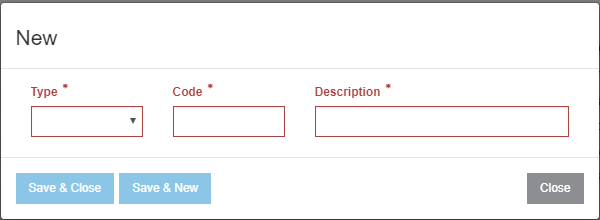
The buttons on the New Rental Reason Code window are:
- Save & Close—saves any newly entered Rental Reason Code and closes the window.
- Save & New—saves any newly entered Rental Reason Code and re-opens the creation window for a new reason code.
Security: 999 - Configuration
Revision: 2025.12