
Voice Connect
The Voice Connect interface integrates IntelliDealer with the Notify call log platform. Use this interface to configure who will receive call notifications.
The Voice Connect screen is accessed from Configuration > Interfaces > IntelliDealer > Voice Connect.
The fields displayed on the Voice Connect - Connections tab are:
| Field | Description |
|---|---|
| Company/Division/Location | Connections are listed by their business location. |
| Status | The current condition for the connection. |
| Call Pop System ID | The location's Call Pop identification number. |
Click Create to configure a new connection.
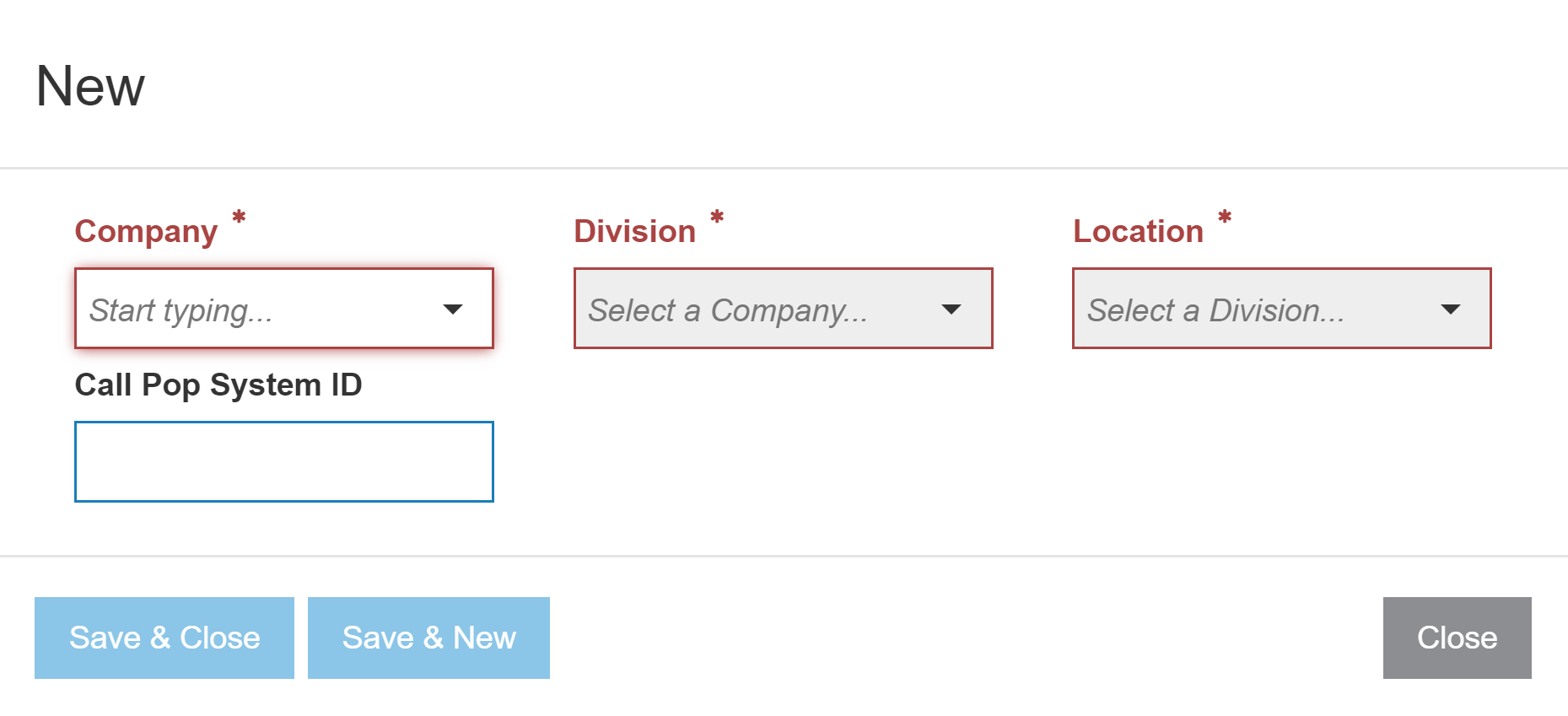
The fields on the New Connection creation screen are:
| Field | Description |
|---|---|
|
Company Division Location |
These fields appear as drop lists containing all available locations. |
| Call Pop System ID |
The location's Call Pop identification number. The number is dependent on your service provider:
|
Security: 999 - Configuration, Interfaces
Revision: 2024.05