
Voice Connect: Users
The Users tab is accessed from the Connections tab of the VOIP interface screen.
On the Users screen you can modify the configuration for specific users within a Company/Division/Location.
Clicking on a user opens a window where you can select a configured device ID.
 Modify user configuration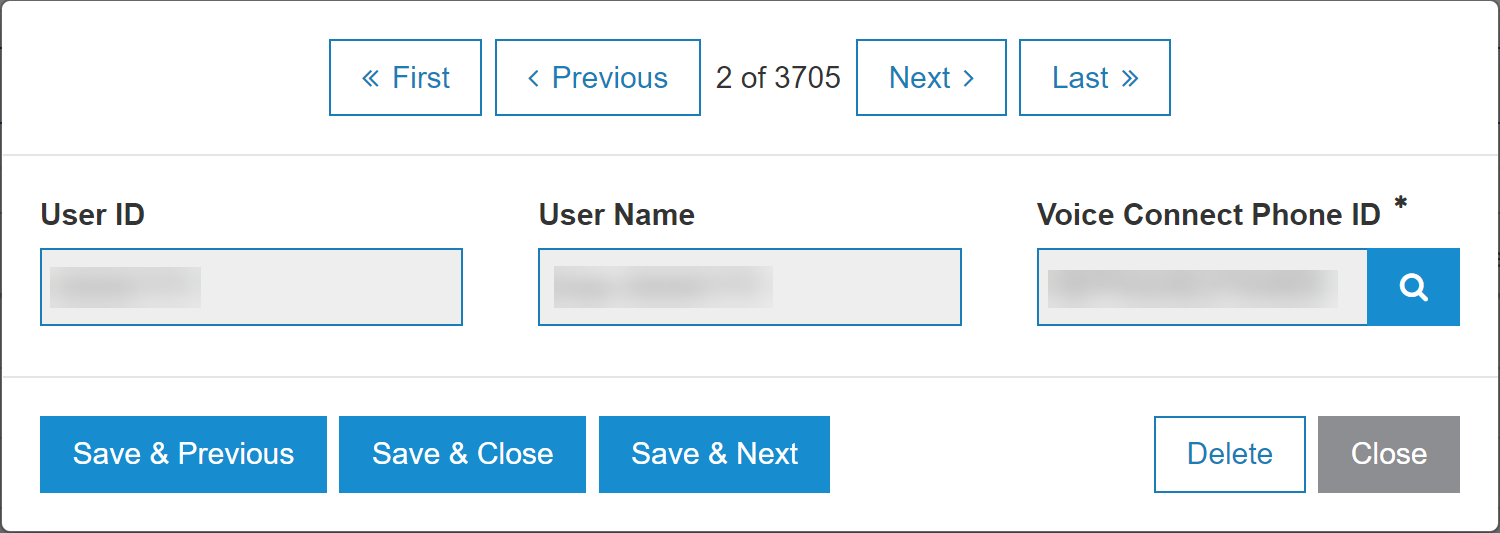
The fields on the Users screen are:
| Field | Description |
|---|---|
| User ID | The ID associated to the user. |
| User Name | The name associated to the user. |
| Voice Connect Phone ID |
A unique signifier used by the Voice Connect. |
Security: 999 - Configuration, Interfaces
Revision: 2024.05