
Copying Case Parameters From One Location to Another
-
From any IntelliDealer screen, click on the Configuration tab.
The Configuration Quick Links screen will appear.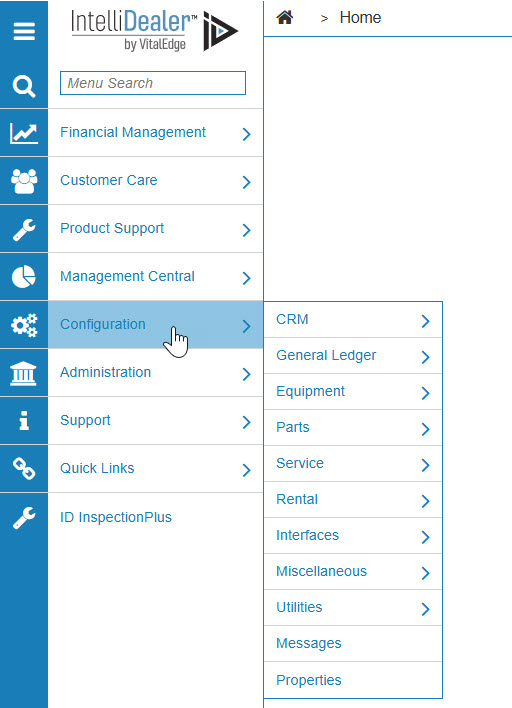
Configuration Quick Links screen
-
From the Parts list, click the General link and select Case from the drop down list.
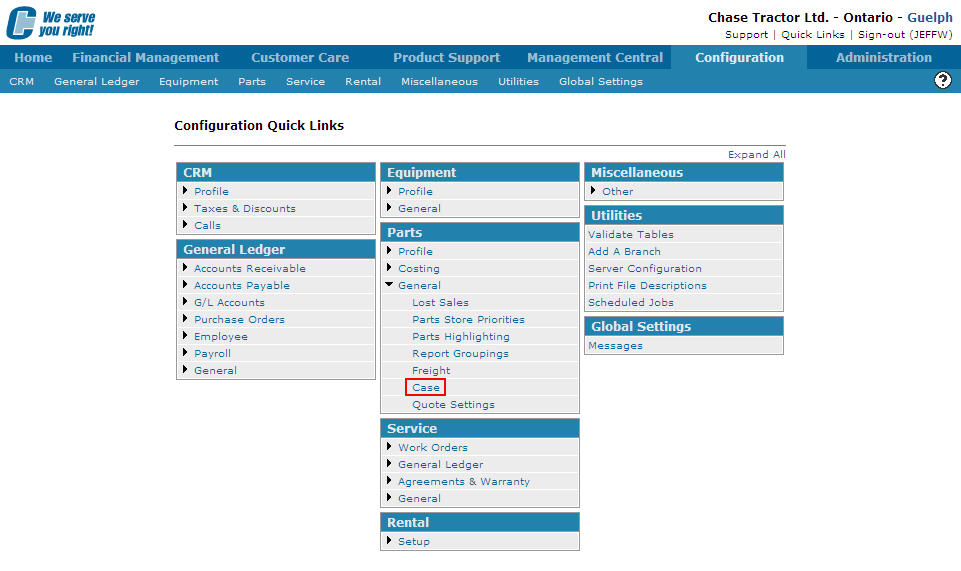
Configuration Quick Links screen
-
The Case screen will appear.
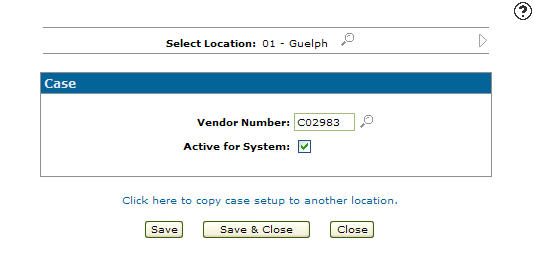
Case screen
-
On the Case screen, select the location you wish to copy by using the Previous
 and Next
  icons.
- or -
Click on the Search icon and select a location from the Location Selection screen.
Location Selection screen
-
The Case screen will refresh indicating the selected location.
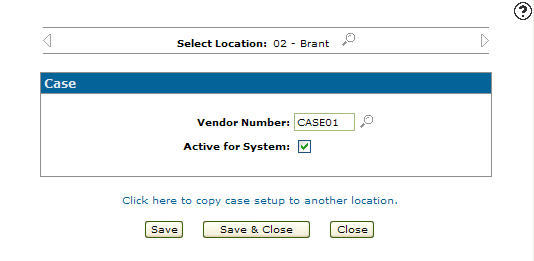
Case screen
-
On the Case screen, select the Click here to copy case setup to another location link.
The Location Selection screen will appear.
Location Selection screen
-
The case parameters will be copied to the location you select.
Once the Location is selected the Case screen will appear.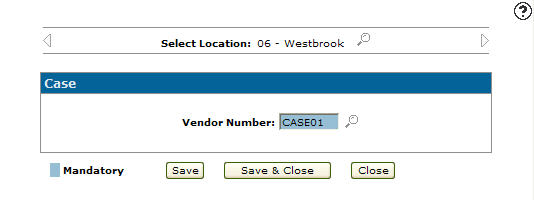
Case screen
-
Once you have fill out all the desired fields click on the Save button to set up the case parameters for the selected location.