
Rental Control Setup
-
From any IntelliDealer screen, click on the Configuration tab.
The Configuration Quick Linksscreen appears.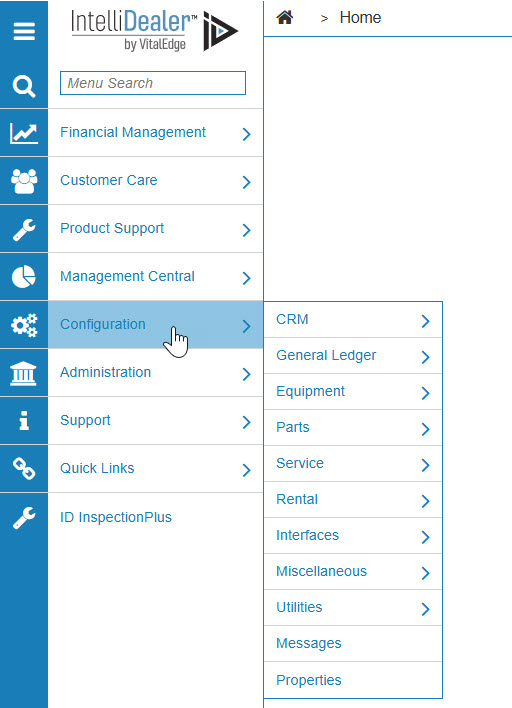
-
From the Rental list, click the Setup link and select Rental Control Setup from the drop down list.
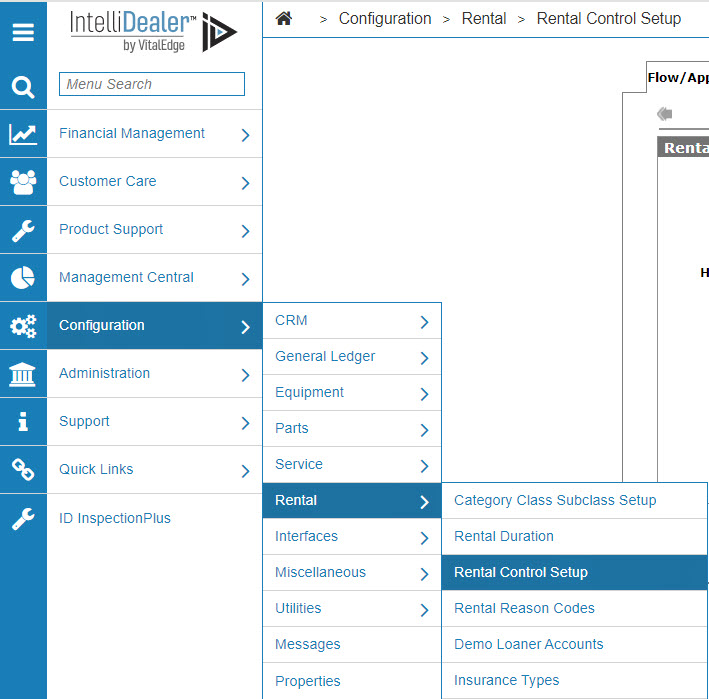
-
The Flow/Appearance tab will appear.
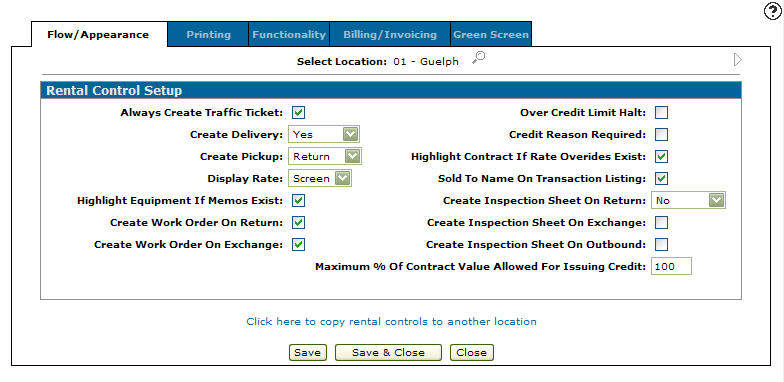
Flow/Appearance tab
-
On the Flow/Appearance tab, select a Location by clicking on the Search
 icon next to the Select Location field.
The Location Selection screen will appear.
Location Selection screen
-
On the Location Selection screen, click on a Location.
The Flow/Appearance tab will appear with the selected location in the Select Location field.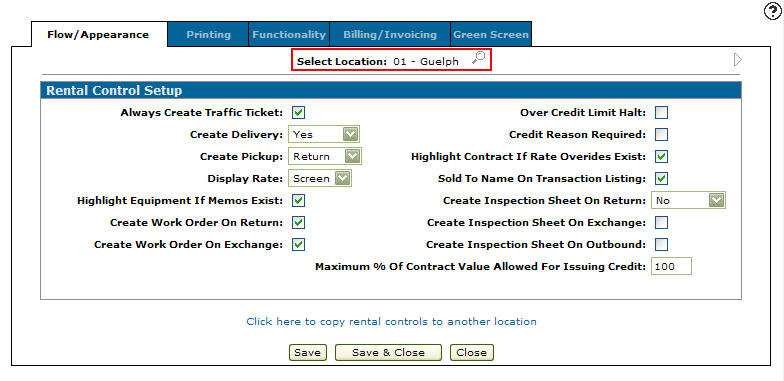
Flow/Appearance tab
-
By applying the functions that appear on the Flow/Appearance, Printing, Functionality, and Billing/Invoicing tabs you are able to create a customized rental system.