
Copying a Custom Financial Report
You may want to copy a customized Financial report so that you can generate the same report for different profit centers.
-
From anywhere within IntelliDealer, navigate to Financial Management > General Ledger > Financial Reporting.
-
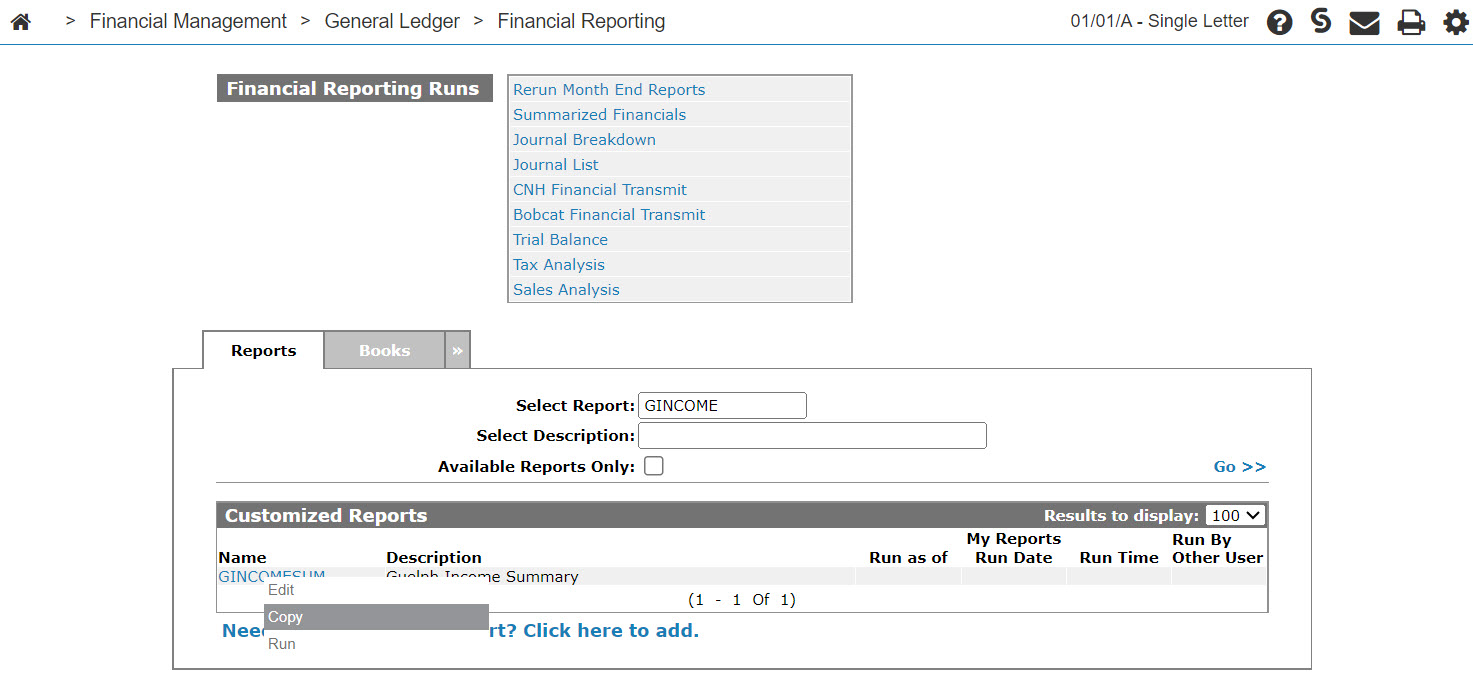
Search for the report to copy by entering your search criteria in the appropriate fields, then click Go >>.
-
Move the cursor over the desired report Name and select Copy from the pop-up menu.
-
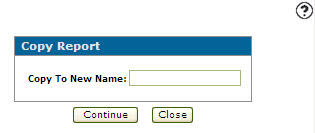
Enter a name for the copy of the report in the Copy to New Name field, then click Continue.
The new Customized Financial Report is created.
-
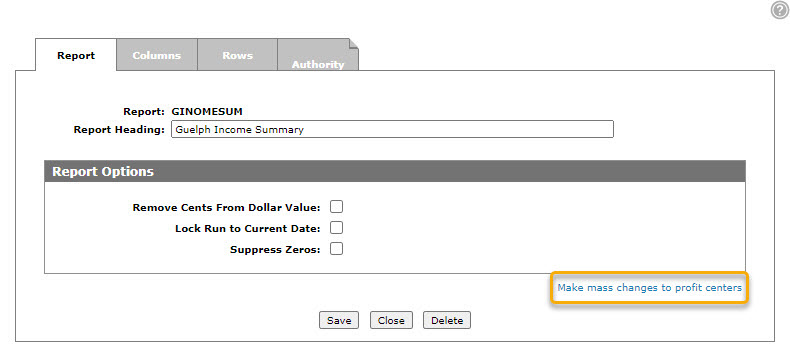
You can alter the profit centers on the copied custom financial report by selecting the Make mass changes to profit centers link on the Report tab.
 The
The 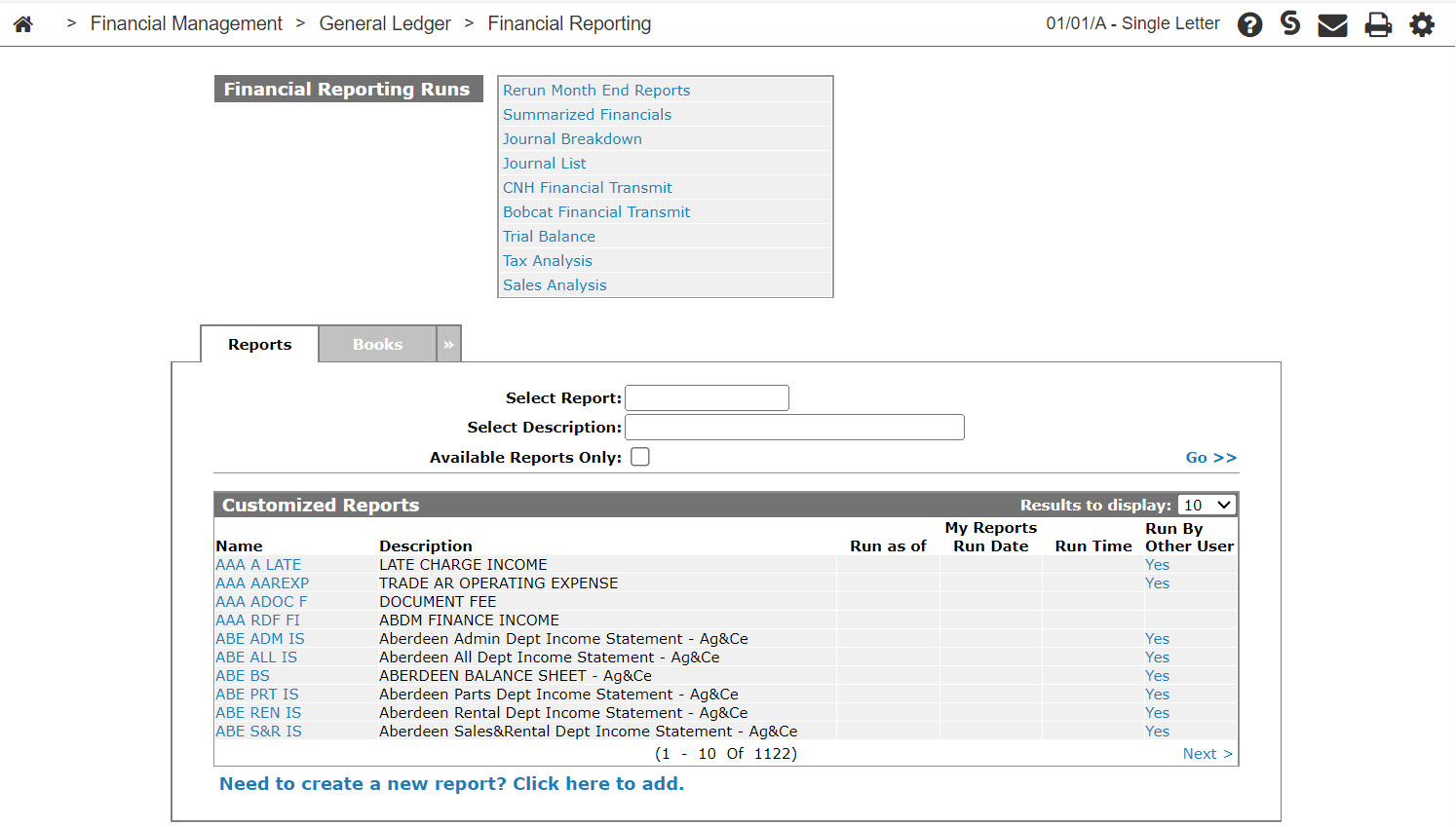
Security: 602 -Financial Management - General Ledger
Revision: 2024.08