
Importing a Job Code File
-
Navigate to Product Support > Service > Job Codes.
-
Click the Import Job Codes link.
-
Thoroughly read through the disclaimer, then click the Accept button, indicating that you agree with the above statement, absolving VitalEdge of any responsibility involved with job codes imports.
-
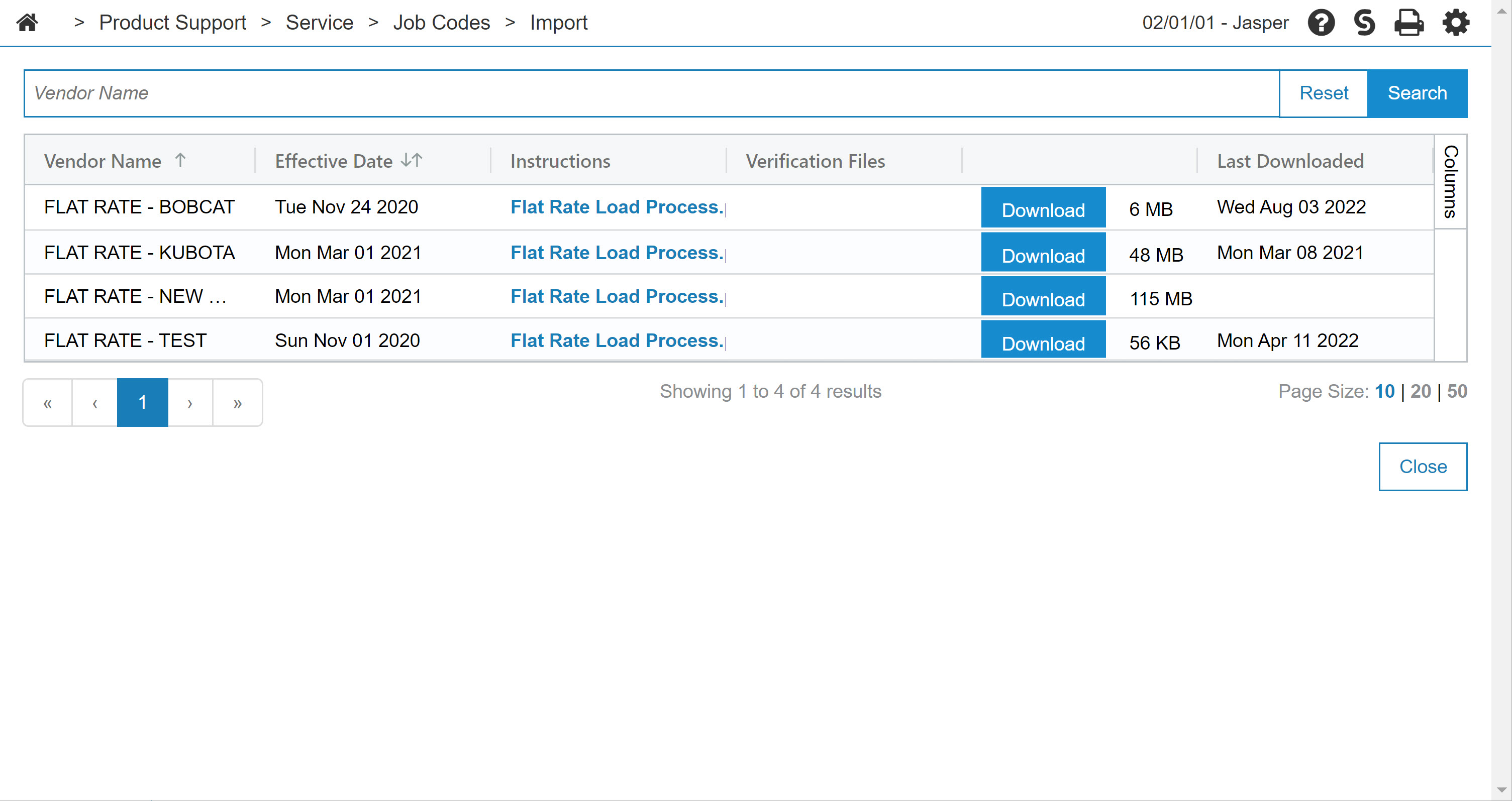
Click the Download button to download the corresponding job code file.
A system message is sent notifying the user when the job code file has been successfully downloaded to the server. Once the download is complete, you can apply the job code file by following the instructions on the Job Code Download page.
-
Click Close to exit the Job Code Download screen.
 The Attention screen appears.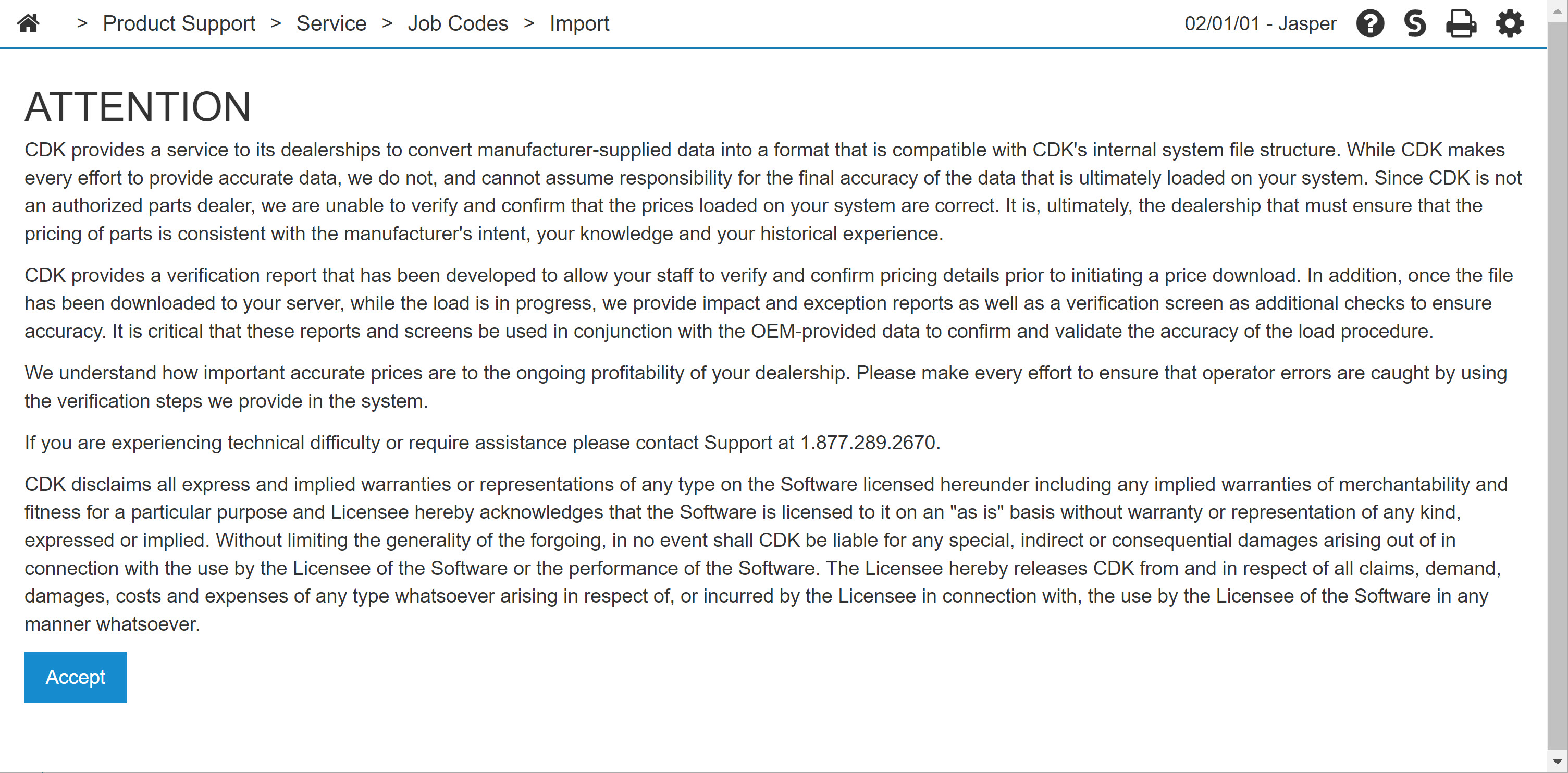
Security: 815 - Service Job Codes
Revision: 2026.01