
Consignment: New
Use the Consignment screen to set up a new consignment.
Consignment refers to inventory that is not at one of a dealer's locations. For example, the parts may be in storage or on a field truck. Consignment allows a parts requisition to a work order to relieve the consignment inventory, in place of relieving a location's parts inventory.
To open the Consignment screen, click the Need to create a new consignment? Click here to add link on the Consignment screen.
Topics in this section are:
Setting Up a New Consignment
Prerequisites: You must have created an internal Customer that includes these settings:
-
Statement Message should be unchecked.
-
A/R Statement should be unchecked.
-
Late Charge should be set to No.
-
Navigate to Product Support > Parts > Consignment.
-
Click the Need to add a new consignment? Click here to add link.
-
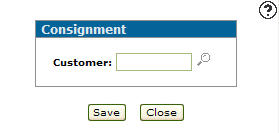
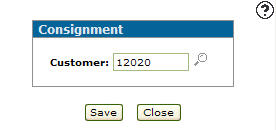
Enter a Customer number - or - click the Search
 icon to search for and select a customer.
 -
Click Save.
-
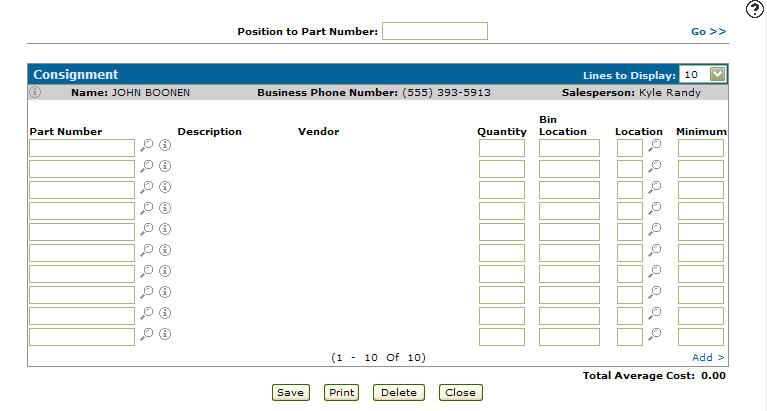
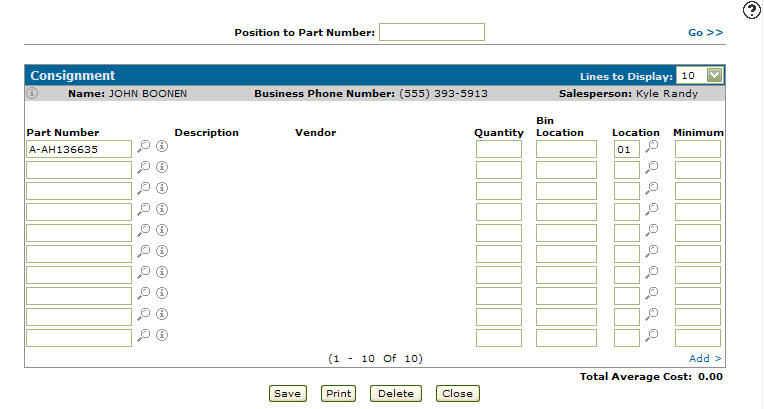
Enter a Position to Part Number.
Note: The Position to Part Number field allows you to page through the list of parts and select a specific part number.
-
Click the Go>> link to generate the search results.
-
Enter a Part Number - or - click the Search
icon to search for and select a part. -
Enter a Location number - or - click the Search
icon to search for and select a location from the list. -
Enter a Quantity, a Bin Location number and a Minimum on hand quantity.
-
Click Save.
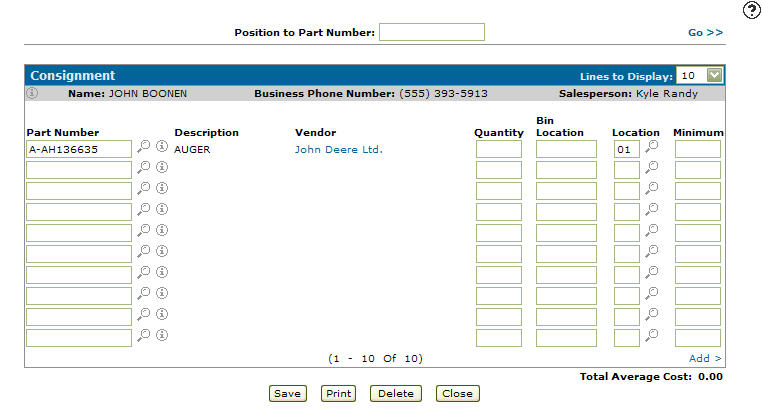
The system automatically generates the Description and Vendor fields.
The Total Average Cost is displayed at the bottom of the search.
-
To add another part to the list complete steps 7 through 10.
-
Complete your work in these ways:
To Do This Reserve the selected parts and change the parts Reserve quantity on the Parts Profile. Click the Save button. Print the selected consignment. Click the Print button. Delete the selected consignment. Click the Delete button. Close the consignment screen without saving. Click the Close button.
 The
The 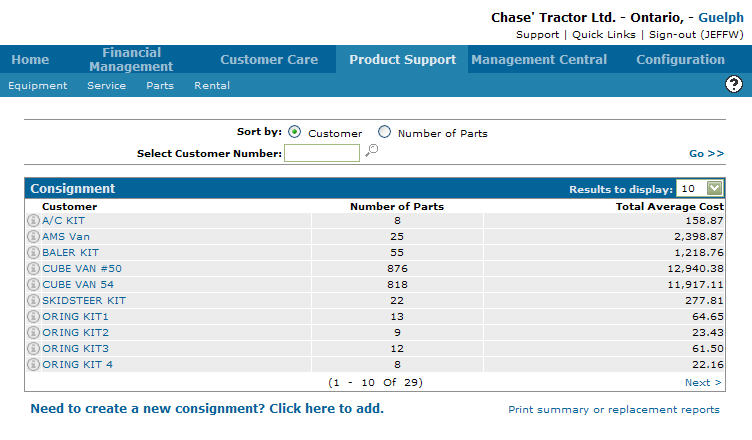
Screen Description
The field on the Consignment screen is:
| Field | Description |
|---|---|
| Customer | The number of the customer placing equipment on consignment. |
Buttons on the Consignment screen are:
| Button | Description |
|---|---|
| Save | Saves changes made to the Consignment screen and opens the Consignment screen. |
| Close | Closes the Consignment screen without saving changes and returns to the Consignment screen. |
Revision: 2026.07