
Stihl Parts Order Download
Use the Stihl Parts Order Download interface to configure parts order download settings and download parts orders. Canadian dealers download orders as an XML file from the Parts Order screen. United States dealers configure Stihl vendors on the Vendors tab and download orders as CSV files from the Vendor Parts Order and Consolidated Parts Order screens.
To open the Stihl Parts Order Download screen, navigate to Configuration > Interfaces > Other > Stihl Parts Order Download.
Note: This screen is available when feature 6235 - Stihl Parts Order Download (Canada) and/or feature 6438 - Stihl Parts Order Download (USA) is licensed.
Topics in this section include:
Configuration Tabs
Tabs on the Stihl Parts Order Download screen depend on licensed features:
-
Bill-To Number and Ship Via Methods — feature 6235 (Canada)
-
Vendors — feature 6438 (USA)
When both features are licensed, all three tabs appear and Bill-To Number is the default tab. When only feature 6438 is licensed, only the Vendors tab appears.
 Stihl Parts Order Download screen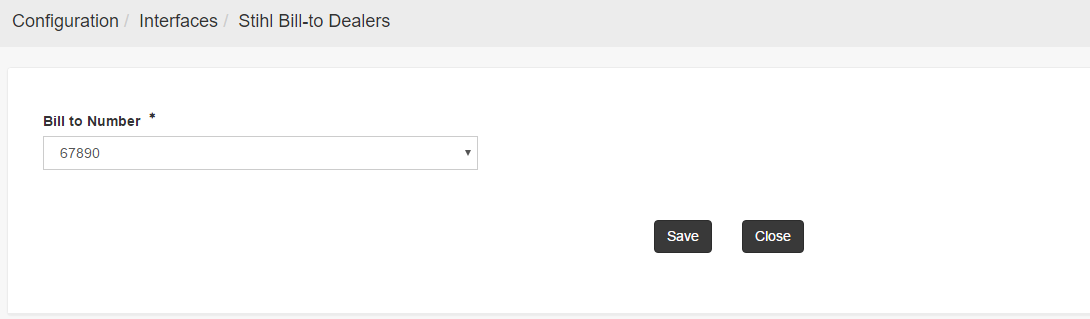
Bill-To Number
Note: The Bill-To Number tab is available when feature 6235 is licensed.
The Bill-To Number defaults to the last previous entry if one is not provided. Click Save to store the selected bill-to number.
Ship Via Methods
Note: The Ship Via Methods tab is available when feature 6235 is licensed.
Use the Ship Via Methods tab to maintain shipment methods available when downloading Stihl parts orders. The grid lists each configured shipment method. Click Create to add a shipment method, enter values in the grid, and click Save on the row to store your changes. Click Delete on a row to remove a shipment method.
The fields on the Ship Via Methods tab are:
| Field | Description |
|---|---|
| Shipment Method Code | The code that identifies the shipment method. |
| Shipment Method Description | The description displayed for the shipment method when downloading a parts order. |
Vendors
Note: The Vendors tab is available when feature 6438 is licensed.
Use the Vendors tab to assign the Stihl manufacturer code to United States vendors that are eligible for Stihl parts order CSV export. The tab displays vendors that are active, located in the United States, and have Stihl set as the manufacturer code.
If no vendors appear, click Select Vendor to open a vendor selection window, search for a vendor, and double-click the vendor to assign the Stihl manufacturer code. After the assignment is saved, the vendor appears on the main grid when it meets the United States, Stihl, and active criteria. Use the Vendor Profile screen to verify the manufacturer code on a vendor record.
On the main grid and in the Select Vendor window, the Country field is fixed to US and cannot be changed.
The filter fields on the Vendors tab are:
| Field | Description |
|---|---|
| Search | Search by vendor sequence number. |
| Vendor Number | Search by vendor number. |
| Name | Search by vendor name. |
| Address | Search by vendor address. |
| Country | Fixed to US. This field is disabled. |
| Postal Code | Search by postal code. |
| Status | Filter vendors by status. The default is Active. |
| Manufacturer | Fixed to Stihl. This field is disabled. |
Click Search to apply the filter criteria. Click Reset to clear the filters.
The vendor grid columns are:
| Field | Description |
|---|---|
| Vendor Number | The vendor number as configured on the Vendor Profile screen. |
| Name | The name of the vendor. |
| Address | The vendor's address. |
| Phone Number | The vendor's phone number. |
Download Parts Orders (Canada)
Note: The XML download workflow described in this section applies to Canadian Stihl dealers with feature 6235 licensed.
To download a parts order, follow these steps:
-
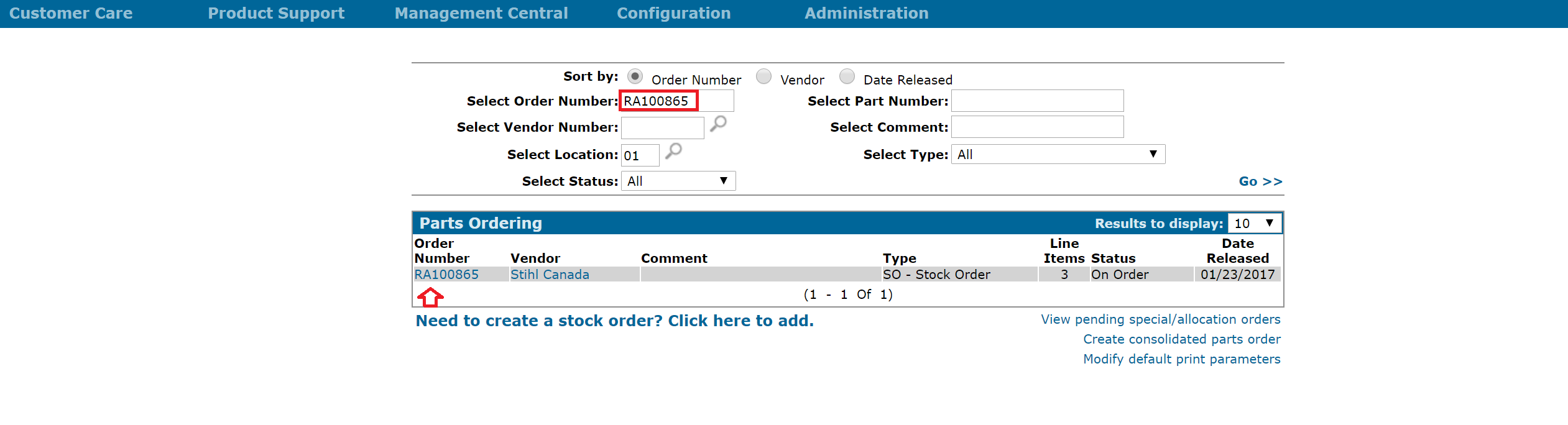
After the Bill-To Number is saved on the configuration screen, navigate to Product Support > Parts > Parts Ordering and search for the order from the Parts Ordering screen.
-
Click the Order Number in the Results table.
A Parts Order pop-up window opens.
-
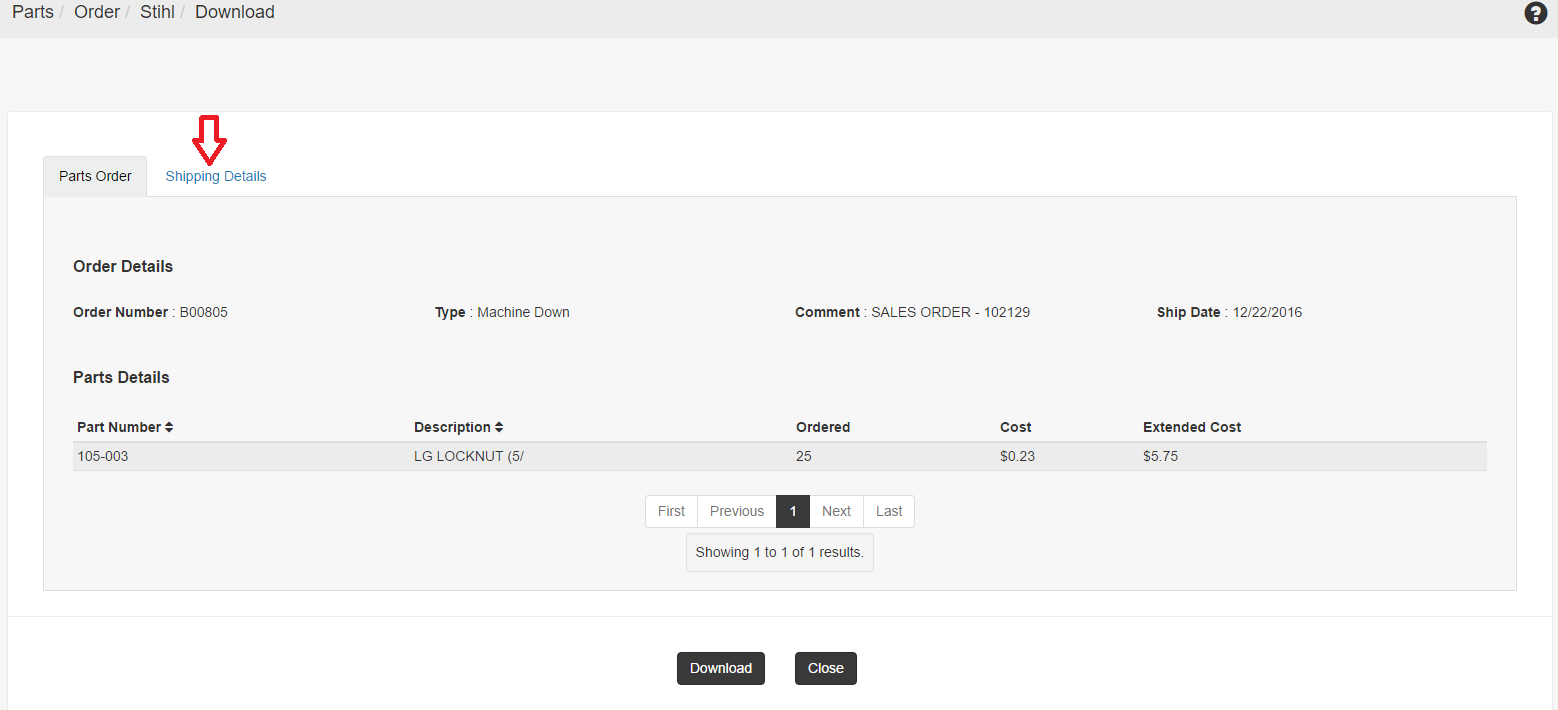
Click Download.
The Stihl interface opens a new window.
-
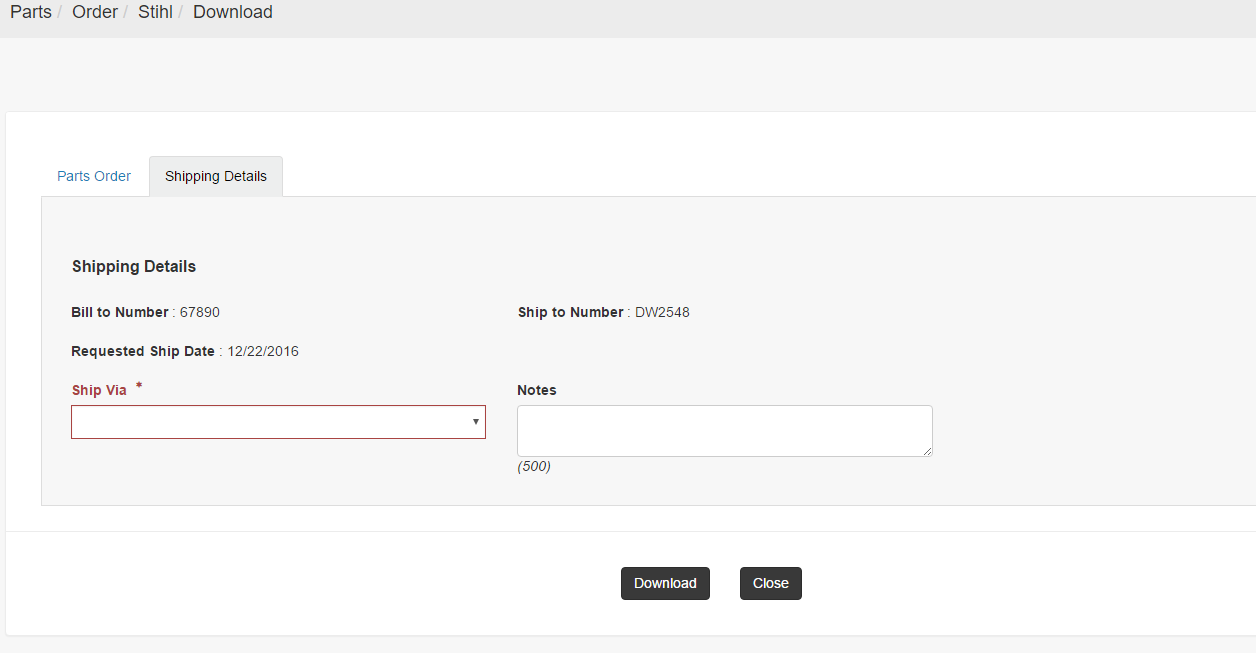
Click the Shipping Details tab near the top left of the screen.
The Ship Via drop-down list is a required field and is highlighted in red.
-
Select the Ship Via method and enter any additional comments, then click Download.
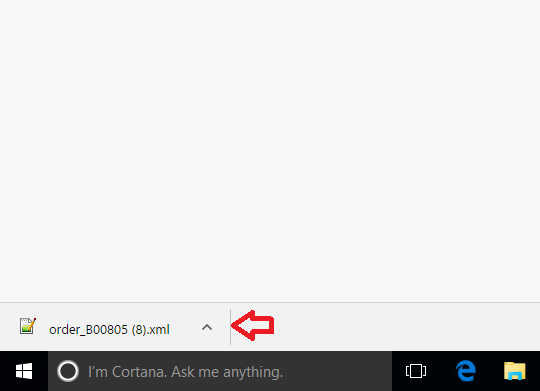
IntelliDealer downloads the order details as order_<order number>.xml.
Download Parts Orders (USA)
Note: This workflow applies to United States Stihl dealers with feature 6438 licensed. Configure eligible vendors on the Vendors tab before downloading orders.
The Download button exports parts order details as a CSV file. It does not transmit the order electronically to Stihl. The Download button is available on these screens when the order vendor is a configured Stihl USA vendor:
To download a parts order as CSV:
-
Navigate to Product Support > Parts > Parts Ordering.
The Parts Ordering screen appears.
-
Open the order:
-
For a location-level order, click the Order Number, then click Vendor Parts Order on the Parts Order screen.
-
For a consolidated order, open the Consolidated Parts Order screen.
-
-
Click Download.
The Stihl USA parts order download window opens with order and part details.
-
Review the order information, then download the CSV file.
Feature: 6235 - Stihl Parts Order Download, 6438 - Stihl Parts Order Download (USA)
Security: 821 - Access Stihl Parts Order Download
Revision: 2026.09