
Financial Books: Email List
You can use the Email List tab to set up an email distribution list, indicating which users will receive the financial book by email.
The Email List tab can be accessed from the Financial Books tab by either selecting the Need to create a new book? Click here to add link or by clicking on a Name.
 Email List tab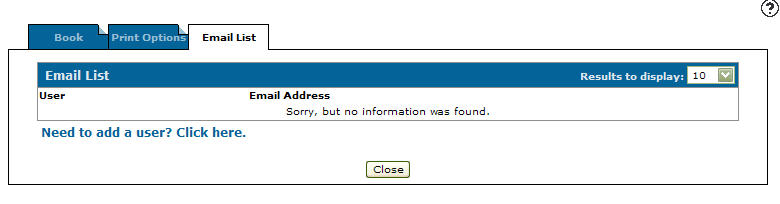
The fields on the Email List tab are:
| Field | Description |
|---|---|
| User | The user's name or other (for non-users). |
| Email Address | The email address. |

|
Allows you to remove a user/email address from the email distribution list. |
Select the Need to add a user? Click here link to added a user to the email distribution list.
Click Close to complete your work on the Email List tab.
Security: 602 -Financial Management - General Ledger
Revision: 2024.08