
Perform Hours Percentage Increase
Use the Perform Hours Percentage Increase screen to increase job code hours by a percentage of the existing job code hours or the supplier job code hours.
To open the Perform Hours Percentage Increase screen, click the Perform Hours Percentage Increase link on the Job Codes screen.
Topics in this section are:
Increasing Job Code Hours by Percentage
-
Navigate to Product Support > Service > Job Codes.
-
Click the Perform Hours Percentage Increase link.
-
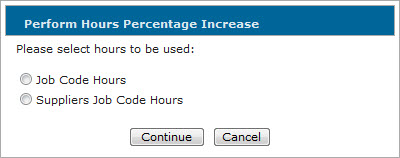
Select whether to increase job code hours using a percentage of the existing Job Code Hours or the Supplier Job Code Hours , then click Continue.
-
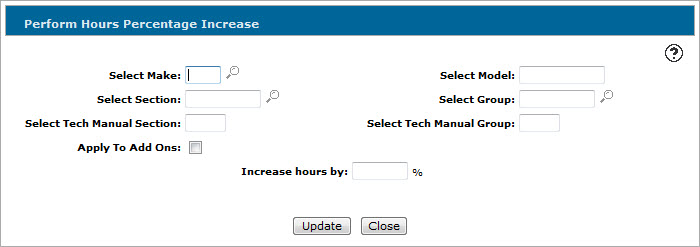
On the Perform Hours Percentage Increase screen, enter the criteria for the job code(s) you want to increase the hours for using any of the available fields. See Screen Description.
-
In the Increase hours by field, enter the percentage you want to increase the job code hours by.
Based on what you selected for Step 2 in the Perform Hours Percentage Increase window, the new job code hours are calculated by multiplying the existing job code hours or supplier job code hours by the percentage entered in this field.
-
Click Update.
-
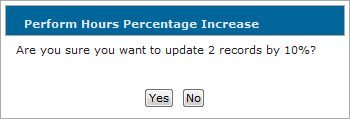
Click Yes to update the hours.
The Job Codes screen appears displaying a message that the job code hours increase job was submitted. IntelliDealer sends a message when the system has completed the update.
-
(OPTIONAL) If you selected to update the hours using the Supplier Job Code Hours but none exist for the selected job codes, you are prompted to increase the hours using the existing job code hours instead. Click Yes to update the hours using existing job code hours in lieu of the supplier job code hours.
 The
The 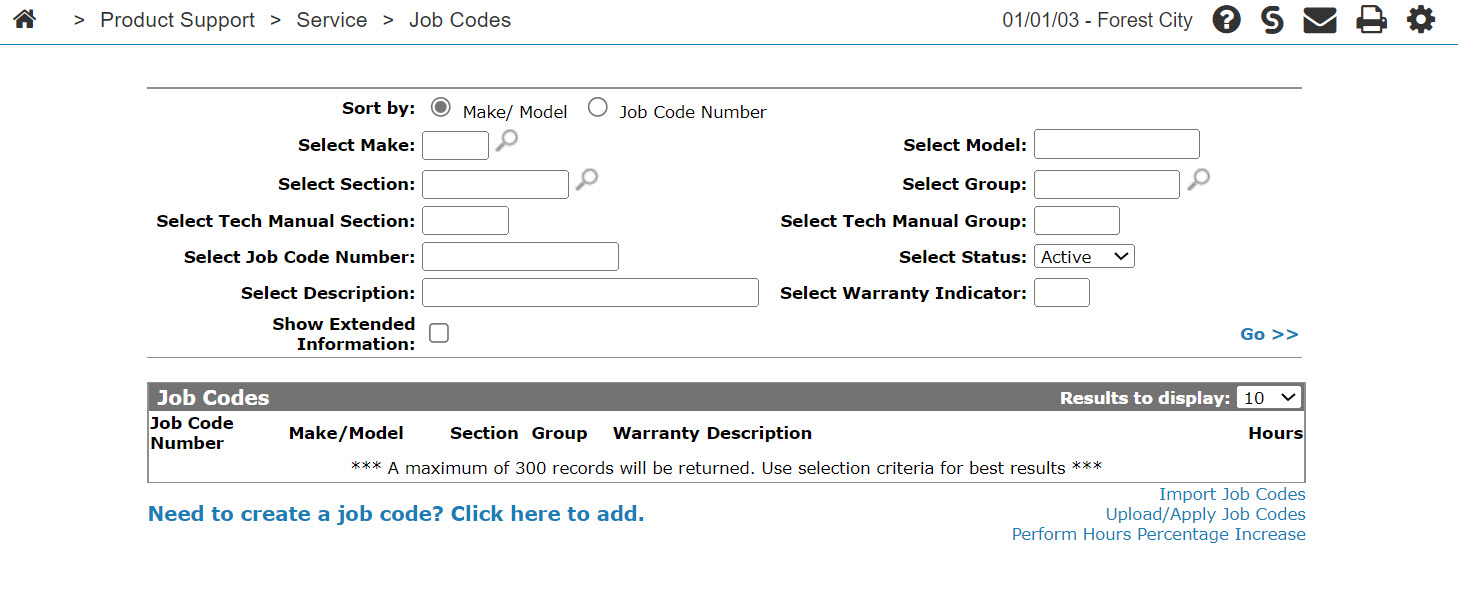
Screen Description
Fields on the Perform Hours Percentage Increase screen are:
| Field | Description |
|---|---|
| Select Make | The equipment manufacturer that the selected job code applies to. |
| Select Section | The job code manual section number. |
| Select Tech Manual Section | The area in the technical manual where a detailed description of the segment procedure can be obtained. |
| Apply To Add Ons | Indicates whether the selected job code applies to add on parts. |
| Select Model | The model number that the selected job code applies to. |
| Select Group | The job manual group number. |
| Select Tech Manual Group | The group in the technical manual where a detailed description of the segment procedure can be obtained. |
| Increase hours by | The percentage you want to increase the selected job code hours by. |
Click Update to increase the hours of all the job codes that fit the selected criteria.
Click Close to close the Perform Hours Percentage Increase screen without updating any job codes.
Security: 815 - Service Job Codes
Revision: 2025.12